
Gemini AI’s Android App Gets a Bold Redesign: Gemini UI 2.0


Subscribe for Updates
Following the Gemini iOS app, Google has rolled out a striking visual overhaul for the Gemini AI Android app, featuring a cinematic black home screen, a redesigned navigation drawer, an upgraded home screen widget, and a dramatic Live mode interface. Here’s everything that’s changed.
Google Refreshes Gemini’s Android App with a Premium New Look
Google appears to be rolling out a significant visual redesign of the Gemini AI app on Android – and fresh screenshots reveal an interface that is cleaner, more immersive, and far more intentional in its design language than what came before. The update touches nearly every surface of the app, from the home screen to the sidebar navigation and even the Gemini overlay on homescreen.
The rollout appears staged, reaching select users first before a broader public release – a standard practice for Google when testing major interface changes.
The New Home Screen
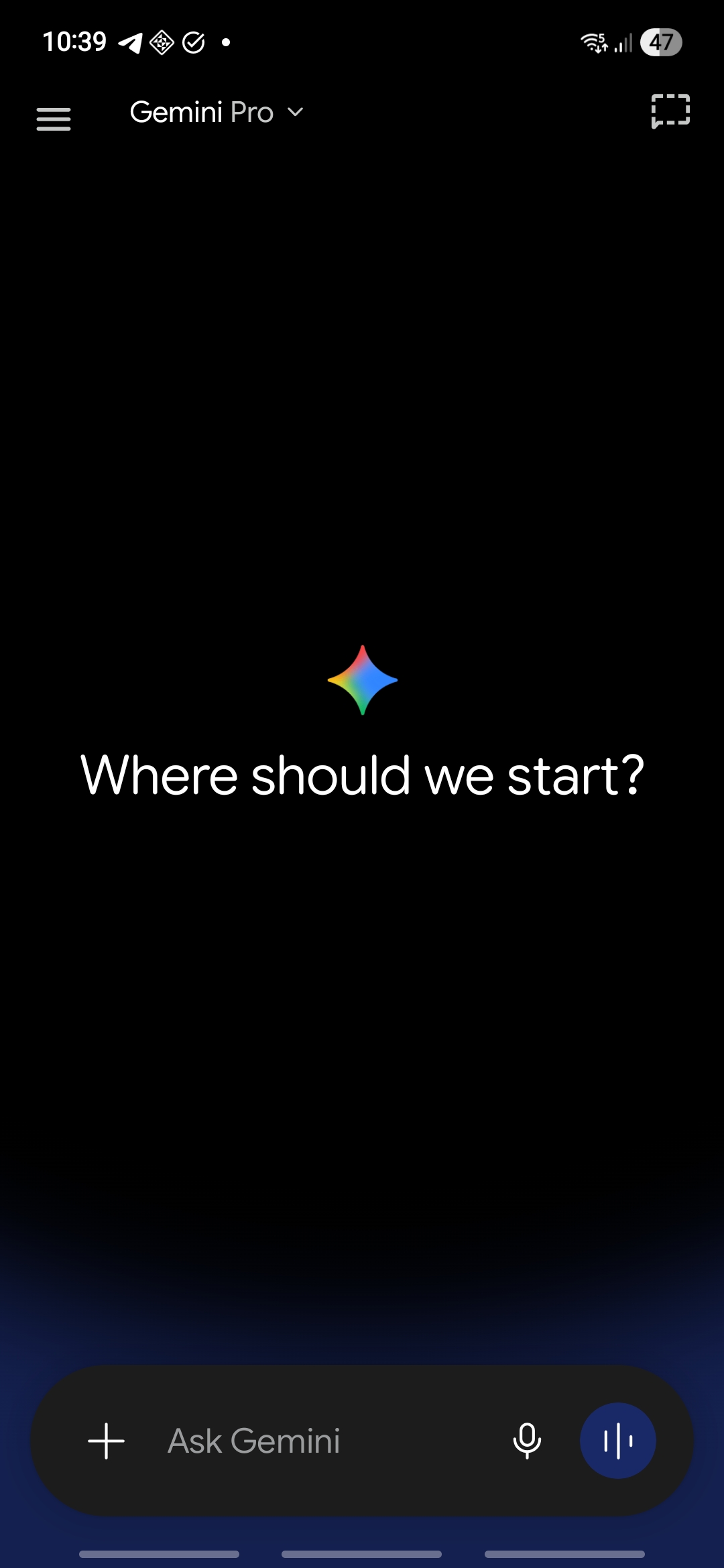
The most immediately striking change is the completely reimagined home screen. What users now see upon opening the app is:
- A pure black background spanning the entire screen, creating a premium, distraction-free canvas
- A subtle deep blue gradient glow bleeding in from the very bottom of the screen, adding a sense of depth and warmth without breaking the minimal aesthetic
- A redesigned “Ask Gemini” input bar anchored at the bottom, styled as a dark rounded pill with a “+” button on the left for attachments, a microphone icon for voice input, and a distinct blue waveform button on the right for audio interaction
- In the top navigation bar, the model selector (“Gemini Pro”) sits cleanly with a dropdown chevron, while a screen-capture/canvas shortcut icon sits in the top right
The Redesigned Navigation Drawer
Tapping the hamburger menu opens a completely refreshed slide-out navigation drawer, with some Material 3 Expressive design. The new drawer features:
- A prominent “New chat” button at the very top, displayed as a bold filled pill.
- Clean icon-accompanied options for Search chat and Library, making conversation history far more accessible
- A library of all your images.
- A dedicated Notebooks section with options to create a new notebook or access existing ones, reflecting Google’s push to make Gemini a long-term knowledge companion
- A recent conversations list below, showing truncated titles of past chats for quick resumption of ongoing work
- At the very bottom, a user profile card displaying the account name and subscription tier (PRO), making plan status immediately visible.
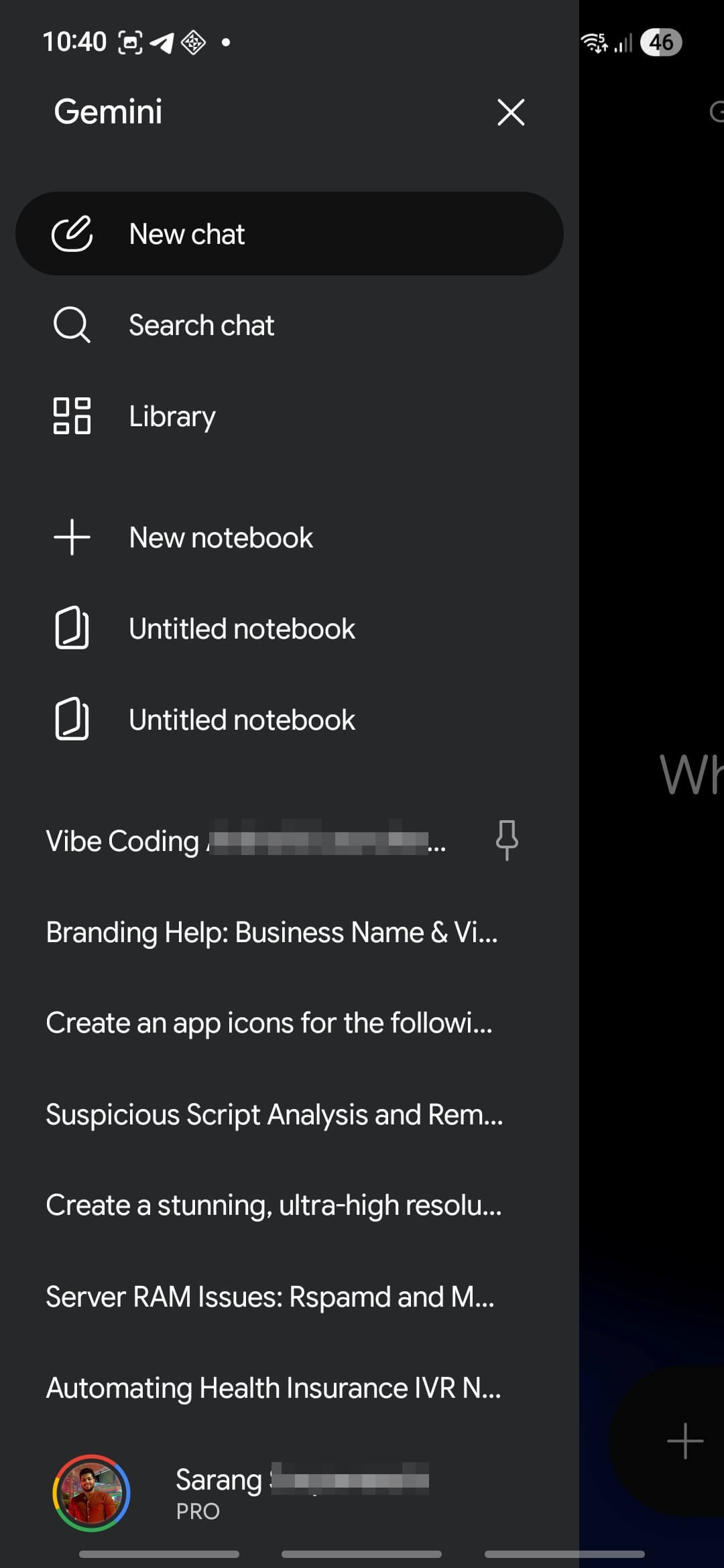
The drawer uses a dark charcoal background that complements the main app’s black theme, maintaining visual consistency throughout. Typography is clean and well-spaced, avoiding the cramped feel of older sidebar designs.
Gemini Overlay
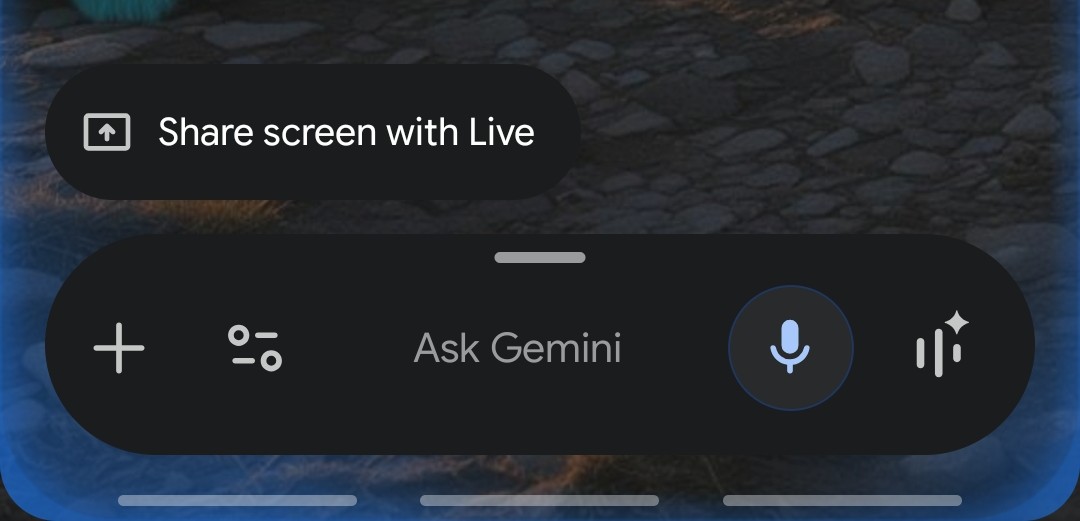
One of the most compelling additions visible in the new design is a significantly upgraded Gemini widget for the Android home screen. The redesigned widget includes:
- A wide, dark pill-shaped bar anchored at the bottom of the screen, housing the full “Ask Gemini” prompt field alongside a microphone icon, a Lens/camera icon, a contacts/people shortcut, and a sparkle/AI mode button — making Gemini accessible without even opening the app
- This marks a substantial upgrade over previous widget iterations, turning the home screen into a genuine AI-first launchpad
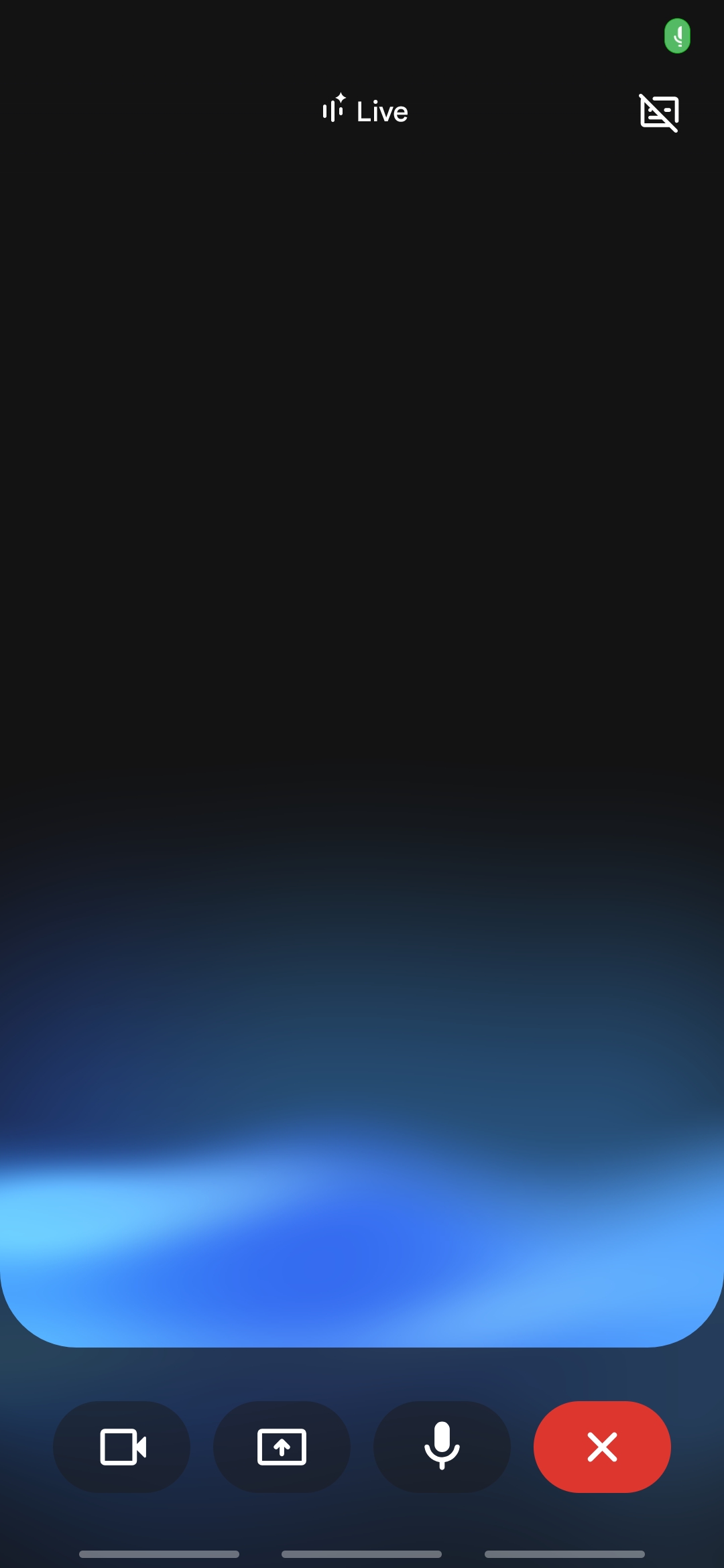
The Gemini Live Interface
The Gemini live interface remains the same:
- A deep black-to-blue gradient background, with a luminous, softly glowing blue light bloom rising from the lower portion of the screen
- The word “Live” is displayed at the top center alongside an animated waveform icon
- A minimal bottom control bar with four rounded dark buttons: video camera, screen share, microphone, and a red close/end button
How the Android Redesign Compares to iOS
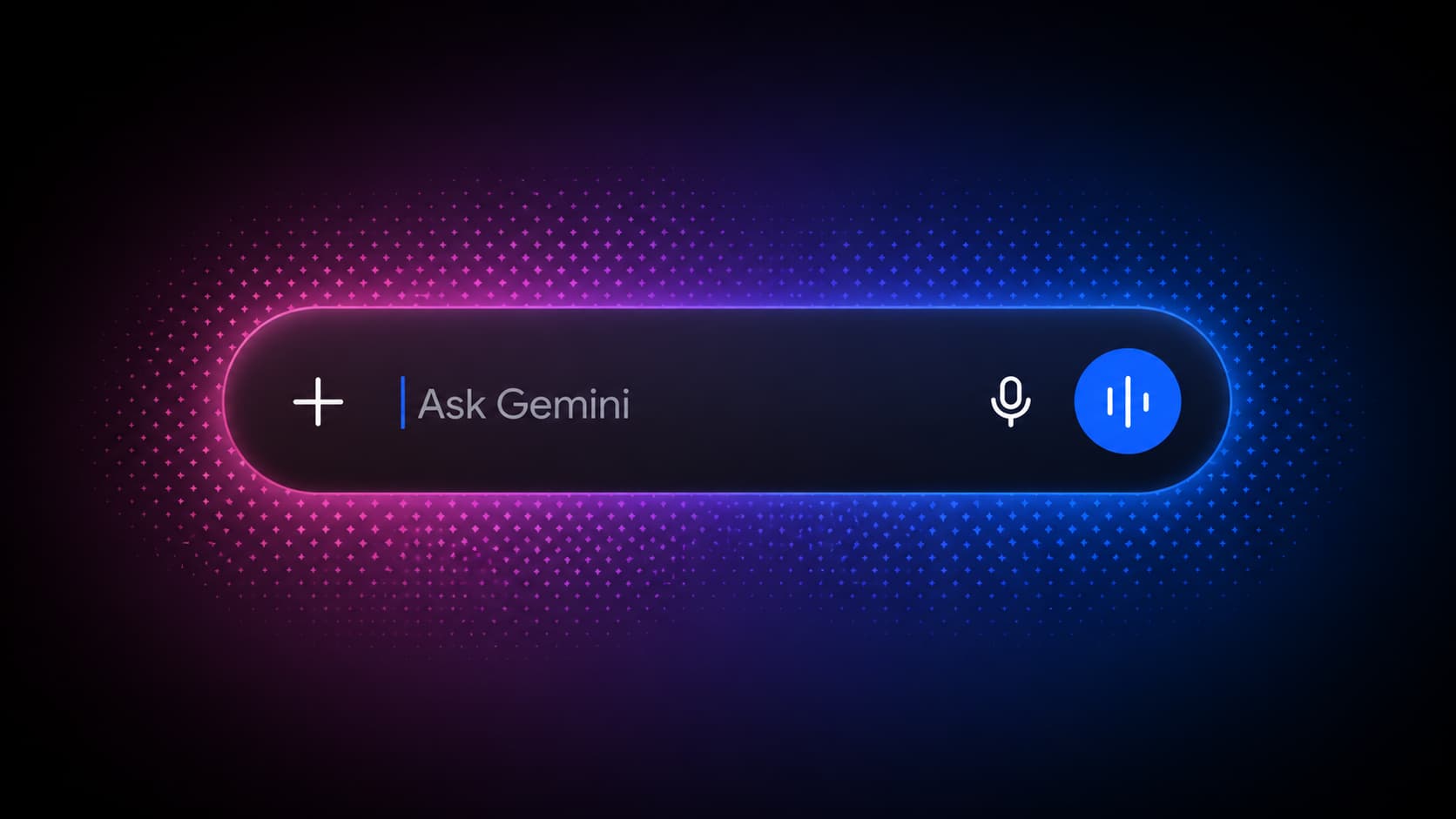
While the recently spotted Gemini iOS redesign leaned heavily into Apple’s Liquid Glass system UI, with translucent frosted panels and refractive effects, the Android version takes a different but equally deliberate approach:
| Feature | iOS Design | Android Design |
|---|---|---|
| Home screen background | Deep black + magenta/violet particle field | Pure black + subtle blue gradient |
| Input bar style | Frosted glass pill | Dark opaque pill |
| Design language | iOS 26 Liquid Glass | Material 3 / Android-native |
| Navigation | Top bar + bottom sheet features | Hamburger drawer |


The Gemini Android version forgoes the animated particle effects of the iOS build in favor of cleaner, flatter depth.
Meet Expressive Launcher — A Fresh Way to Android
The wait is over. Expressive Launcher has graduated from beta and is now stable and available to everyone on the Google Play Store. Download it today and experience a fresh way to customize your Android home screen.

Get started
