
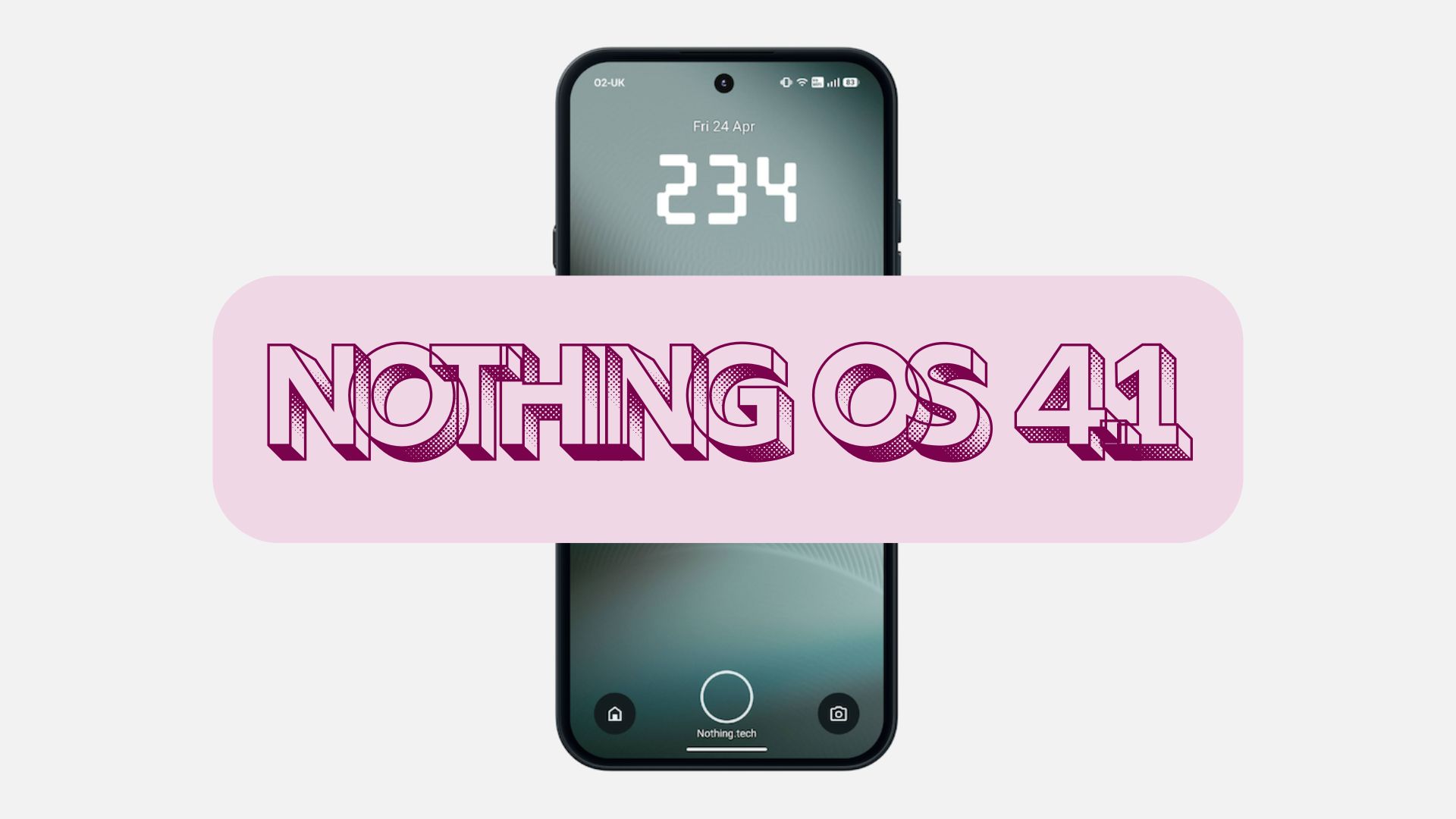
Stable Nothing OS 4.1 Update Released based on Android 16

Subscribe for Updates
Nothing has officially begun rolling out Nothing OS 4.1 to the Phone (3), and it’s packed with thoughtful improvements that push the platform’s signature blend of utility and design even further. From AI-powered voice tools to community-designed clock faces, this update reflects Nothing’s commitment to building an OS that feels genuinely different from the Android crowd. Here’s a deep dive into everything Nothing OS 4.1 brings to the table.
Nothing OS 4 featured a refreshed visual experience that feels more consistent, leading to updated status bar icons, refreshed first-party app icons, deeper Extra Dark Mode coverage, and smoother animations. It also features multitasking and daily flow, improvements including refined Pop-up View with Dual Windows, 2×2 Quick Settings tiles, and more widget sizes. The community’s strong interest in at-a-glance information led to the introduction of Live Updates to the lock screen and Glyph Interface.
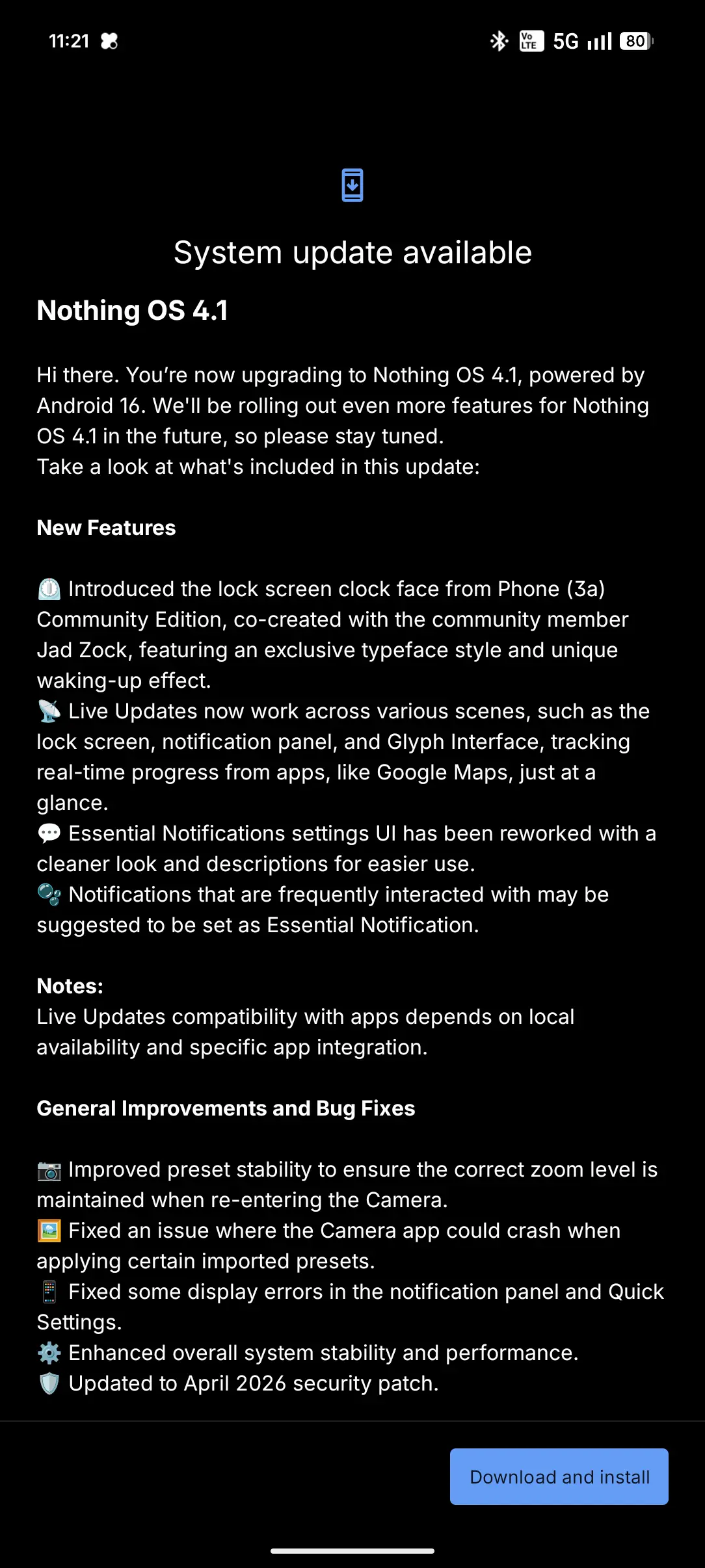
Here’s Everything New in Nothing OS 4.1
Nothing has officially begun rolling out Nothing OS 4.1 to the Phone (3), and it’s packed with thoughtful improvements that push the platform’s signature blend of utility and design even further. From AI-powered voice tools to community-designed clock faces, this update reflects Nothing’s commitment to building an OS that feels genuinely different from the Android crowd. Here’s a deep dive into everything Nothing OS 4.1 brings to the table.
Essential Voice: The AI Feature That Actually Makes Sense
What Is Essential Voice?
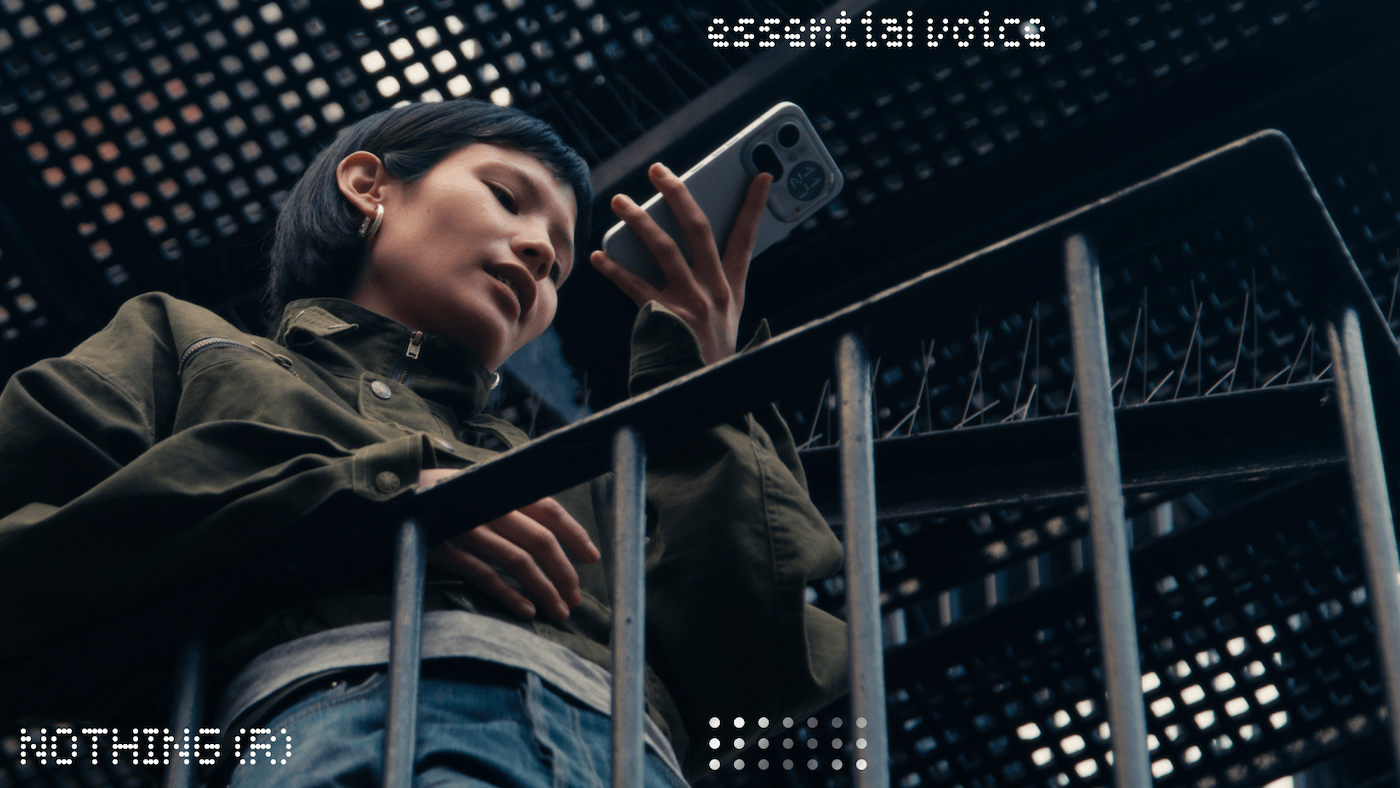
One of the headline features of Nothing OS 4.1 is Essential Voice — a new addition to the “Essential” suite of smart tools that Nothing has been steadily building out. Essential Voice is designed to do two key things:
- Clean up your voice notes — automatically tidying up recordings so they’re cleaner, more coherent, and easier to reference later
- Live language translation — translating languages in real time, right in the moment you need it
Why It Matters
Nothing’s Essential category has always aimed to surface genuinely useful AI features without turning your phone into a cluttered mess of half-baked gimmicks. Essential Voice continues that philosophy. Rather than bolting on a flashy but forgettable AI experience, Nothing has focused on two practical, everyday scenarios: capturing ideas clearly and breaking language barriers on the go.
For frequent travelers, multilingual households, or anyone who relies on voice memos for work or creativity, Essential Voice could be a meaningful upgrade to daily workflows. The live translation feature in particular positions Nothing OS 4.1 as a serious contender among AI-forward mobile operating systems.
A New Lock Screen Clock — Designed by the Community
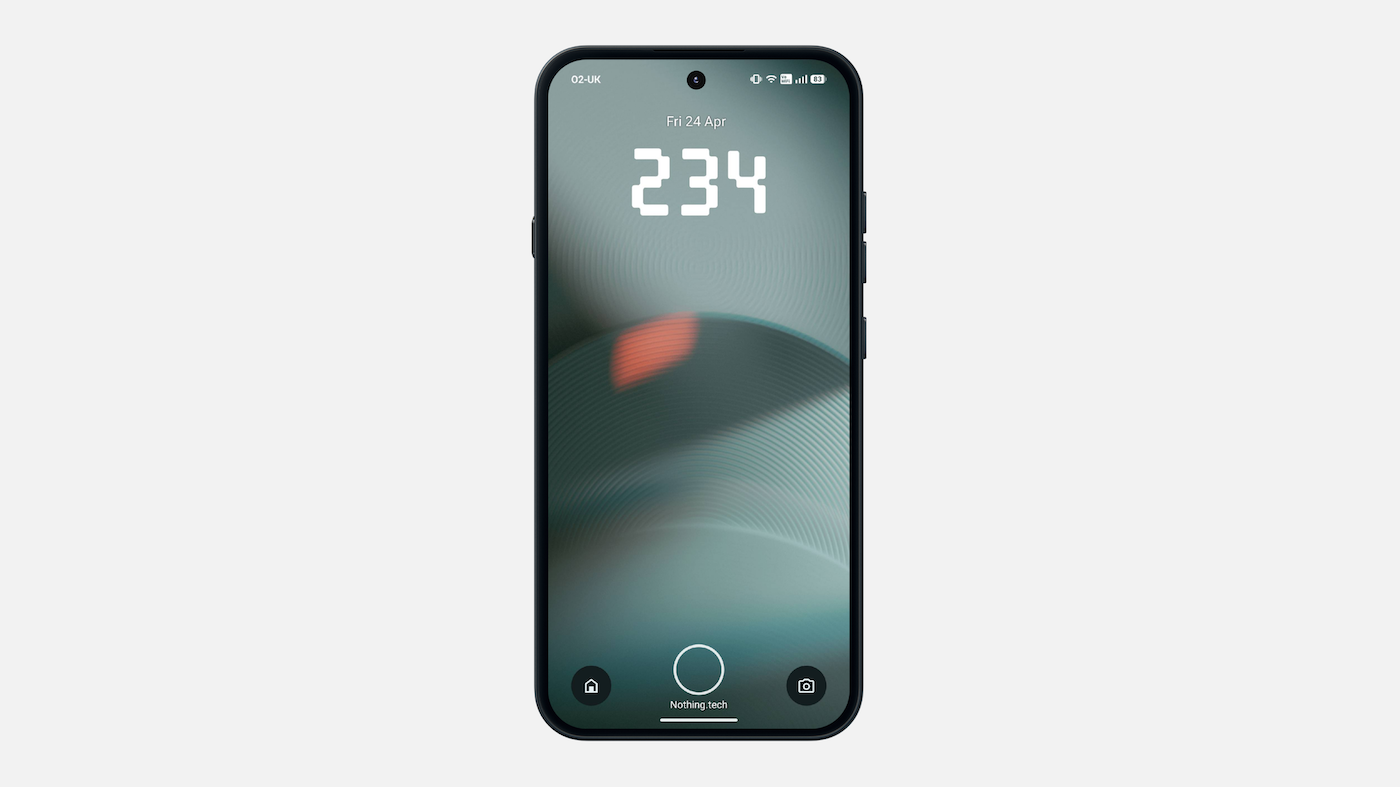
Perhaps the most charming detail in this update is where the new lock screen clock comes from. Nothing has introduced a clock face for Phone (2) and onwards — the same one found in the Phone (3a) Community Edition — and community member @jadzok, a member of the Nothing Community forum, designed it.
Improved Live Update Integration
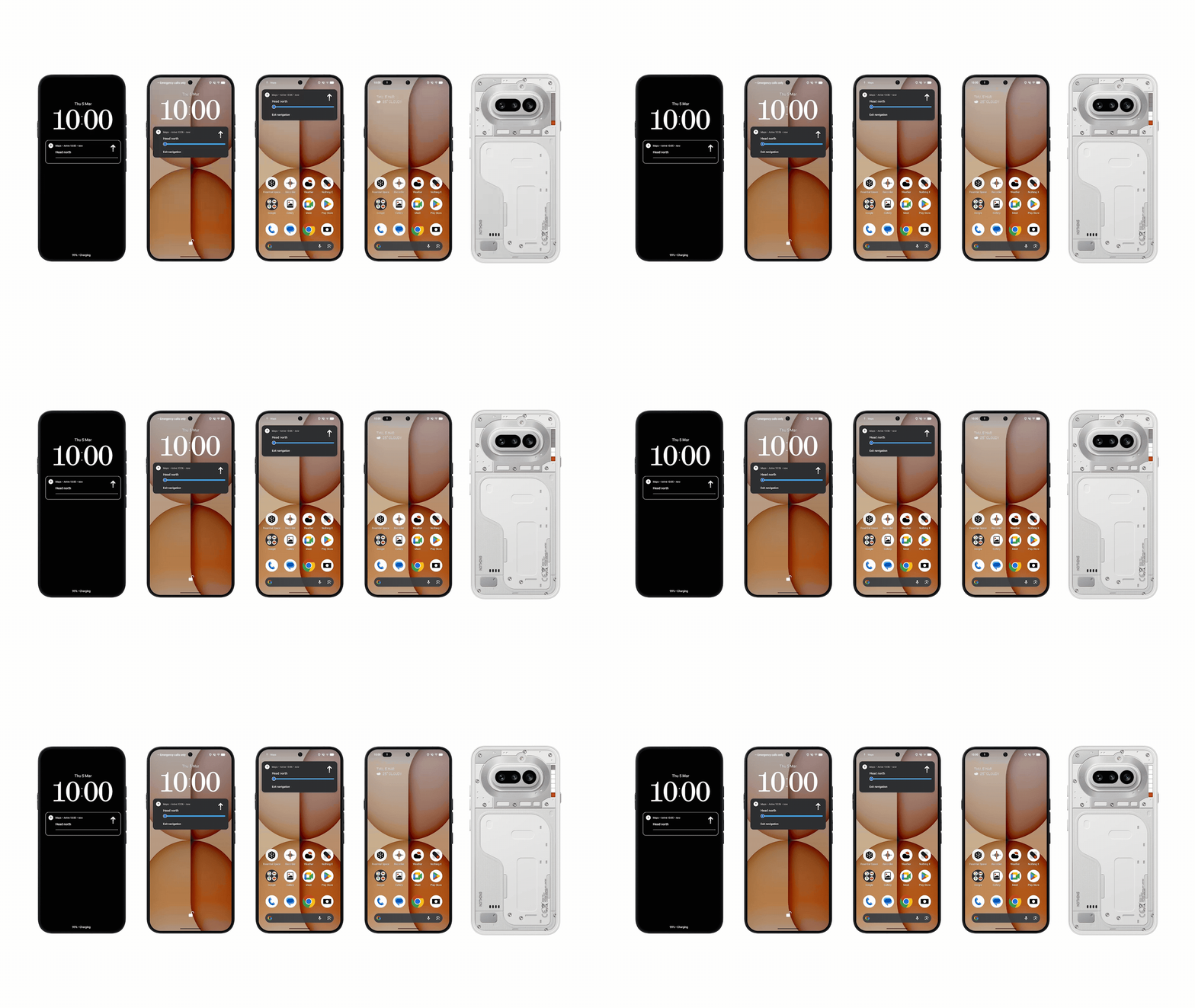
Live Updates now work across the device, including the lock screen, notification panel, and Glyph Interface, tracking real-time progress from apps like Google Maps at a glance.
Cleaner Essential Notifications
Essential Notifications UI is cleaner with new descriptions to streamline the overall experience. They even become more personal by recommending notifications to be added when you interact with them frequently.
Stability and Security
Nothing OS 4.1 carries the April 2026 security patch along with improvements to audio call quality when connected with Nothing audio devices as well as enhanced video call stability to smooth out the experience with third-party apps.
List of Phones Receiving Nothing OS 4.1
While the Nothing Phone 1 won’t be getting Android 16, Nothing OS 4.1 comes to the rest of the phones, including CMF phones. Here is a list of Nothing Phones to receive it and when.
Some Nothing OS 4.1 features currently available on Phone (4a) Series and Phone (3) are not yet included in this release for other devices.
- CMF Phone 2 Pro (early next month, May 2026)
- Phone (3a) Lite (early next month, May 2026)
- Nothing Phone 2 (early next month, May 2026)
- Nothing Phone 2a (early next month, May 2026)
- Nothing Phone 2a Plus (early next month, May 2026)
- Nothing Phone 3a (rolling out later this month)
- Nothing Phone 3a Pro (rolling out later this month)
- Nothing Phone 3 (available now)
How to download Nothing OS 4.1 Stable version?
Nothing OS 4.1 begins rolling out today, starting with Phone (3), expanding to the rest of the Nothing smartphone lineup over the coming weeks, and reaching CMF smartphones by the end of the year. Phone (3a) Lite will follow early next year. This staggered approach, while sometimes frustrating for owners of older devices, allows Nothing to ensure stability and iron out any issues as the rollout expands.
Navigate to Settings > System > download & install Nothing OS 4.0 OTA update.
Meet Expressive Launcher — A Fresh Way to Android
The wait is over. Expressive Launcher has graduated from beta and is now stable and available to everyone on the Google Play Store. Download it today and experience a fresh way to customize your Android home screen.

Get started
