
Samsung One UI 9 Watch Beta Program open for Galaxy Watch 7 & 8 Series


Subscribe for Updates
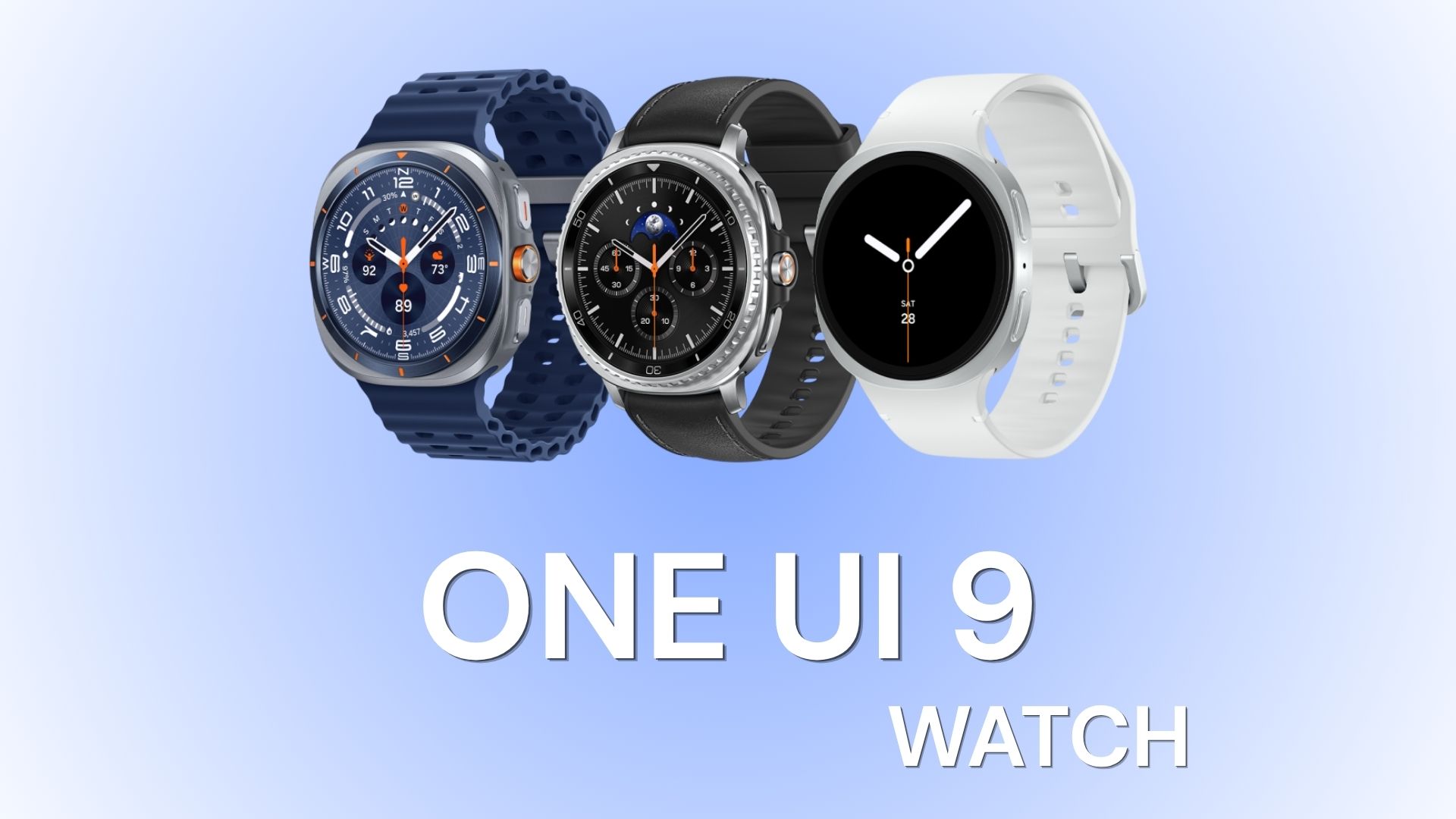
Samsung has started rolling out the first One UI 9 Watch beta update for its latest Galaxy Watch lineup, bringing a substantial set of changes to the smartwatch experience. Based on Wear OS 7, the update introduces a refreshed interface alongside new health, fitness, navigation, and customization features.
The One UI 9 Watch beta is available for the Galaxy Watch 7 and Galaxy Watch 8 series, with Samsung focusing heavily on improving the way users interact with health and fitness information. The update adds new insights such as Cardio Load, Sleep Vitals, and Heart Health, while also expanding the Health shortcuts available directly on the watch.
Beyond health tracking, Samsung is giving the Galaxy Watch experience a visual refresh. Notifications and tiles have been redesigned to display more information at a glance, while tile layouts can dynamically adapt to the watch’s font size. The Galaxy Wearable app is also receiving a redesigned settings interface, making frequently used options easier to access.
One UI 9 Watch also brings several practical improvements, including outdoor navigation safety features, Trackback, enhanced workout controls, expanded Camera Controller support, and easier watch face customization. On the smartphone side, the redesigned Samsung Health app introduces customizable cards, category-based health data, and enhanced trend charts.
Overall, the first One UI 9 Watch beta is a significant update for Samsung’s smartwatch platform, combining a cleaner interface with deeper health insights and several quality-of-life improvements. Wear OS 7 is based on Android 17, while Samsung’s One UI 9 Watch adds its own interface, health, fitness, and customization features on top.
One UI 9 Watch Beta Update 1 Full Changelog
One UI 9 Watch brings a new design to your wrist. Upgraded Samsung Health features give you insights into your cardio load, sleep vitals, and heart health. You also get simpler watch face customization and new safety features.
Galaxy Wearable App
New design and layout
The watch settings screen in the Galaxy Wearable app has been completely redesigned, making it easier to access the most frequently used features. It also includes a high-quality image of your watch with your current watch face.
More options for Camera Controller
Capture the action from your wrist. Camera Controller now supports Food, Portrait video, Slow motion, and Hyperlapse modes.
Swipe up from the bottom of the screen to access settings, where you can switch between the front and rear cameras and change settings for Motion Photo and Flash.
Optimized layouts for notifications and tiles
(Large size model)
Notifications have been completely redesigned to help you grasp more content with just a quick glance.
Tile layouts will also adjust automatically whenever you change the font size in your watch’s settings.
Custom font sizes for tiles
(Small size model)
When you adjust the font size for your watch, it will now also be applied to tiles. Tile layouts will automatically adjust to match the font size you choose.
Health Features
Manage your heart health
Track the health metrics and lifestyle factors that impact your heart. You’ll get a daily score based on your sleep, exercise, BMI, and vascular load that can help you understand your current heart health.
New Health shortcuts
The Health shortcuts tile now supports a broader range of health features, giving you quicker access to more of your health information.
New shortcuts include Daily activity, Sleep coaching, Daily cardio load, and more.
Even More Improvements
Outdoor navigation safety features
Let your watch help you find your way back and avoid getting lost.
You can set waypoints at your parking spot, camping location, or anywhere else important to you. If you need help finding your way back, your watch will provide directions.
You can also use Trackback to record your route and then follow the route in reverse to return to where you started.
Enhanced workout experience
Workouts can now be paused or ended using the Back button for easier control without touching the screen.
Larger typography and clearer heart rate zone indicators improve visibility during workouts, making it easier to check key data at a glance, even in active environments.
Track your cardio load
See how your workouts and daily activity impact your heart so you can train effectively while avoiding injuries.
Your target cardio load range adjusts daily based on your recent activity and training focus, so you’ll know when to push harder and when it’s time to rest.
Catch changes in your sleep vitals
Your watch can measure your heart rate, heart rate variability, respiratory rate, skin temperature, and blood oxygen while you sleep.
After you get your first baseline measurements, your watch will continuously monitor and let you know if there are any meaningful changes.
Samsung Health
New mobile app
The redesigned Samsung Health mobile app makes viewing data from your watch easier and more intuitive.
You can now customize your home screen by resizing cards. You can also view your data by category, such as Activity, Sleep, Mindfulness, or Nutrition, to more easily check your health status at a glance.
New enhanced trend charts let you pinch to zoom, compare, and overlay data to easily track your progress.
More immersive measurements
For key health metrics like heart rate, stress, and body composition, more expressive graphics and dynamic motion have been added to make the measurement process more engaging and intuitive.
Watch Face
Easier watch face customization
The watch face customization screen has been simplified to just two tabs.
- Style: Change the style of your watch.
- Complications: Adjust optional features.
You can see what can be customized all at once and quickly make adjustments for the perfect look.
Samsung Health
Revamped health metrics design
The main screens for health metrics such as Sleep and Heart health now feature bold circular charts and layouts optimized for your watch.
This makes it easier to grasp key information with a more cohesive and visually appealing experience.
Intuitive status colors
A consistent color system for health status information has been adopted.
Clear colors help you quickly identify your current status and easily recognize changes over time.
How to Download One UI 9 Watch Beta Update?
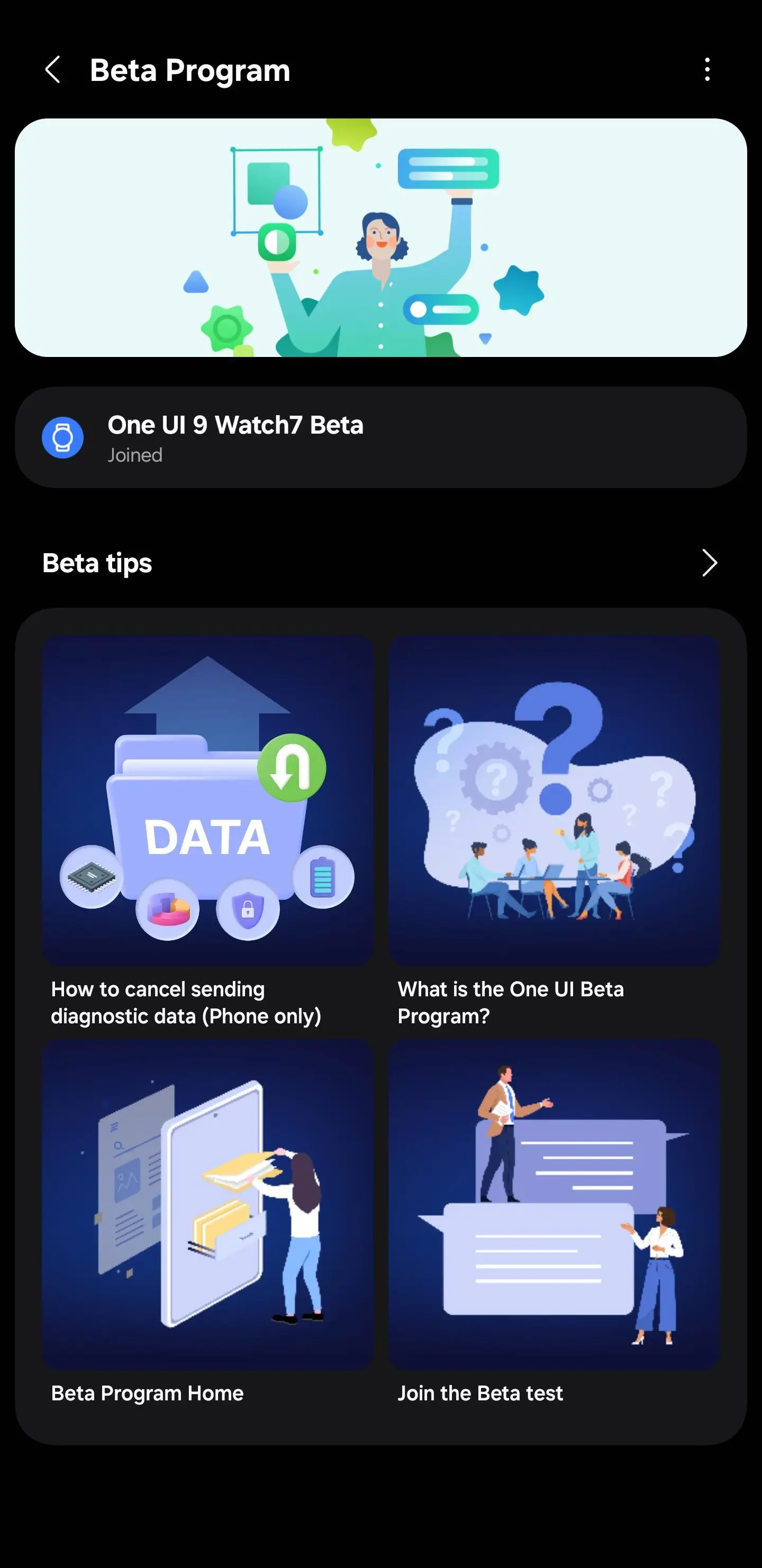
Galaxy Watch 7 series and Watch 8 series users in eligible markets or regions can apply to join via the Samsung Members app. Just open the app, look for the beta program enrollment section, and follow the prompts. Make sure you watch is connected to your phone. Through the Galaxy Wearable app, check for new software updates.
Meet Expressive Launcher — A Fresh Way to Android
The wait is over. Expressive Launcher has graduated from beta and is now stable and available to everyone on the Google Play Store. Download it today and experience a fresh way to customize your Android home screen.
Get started
