
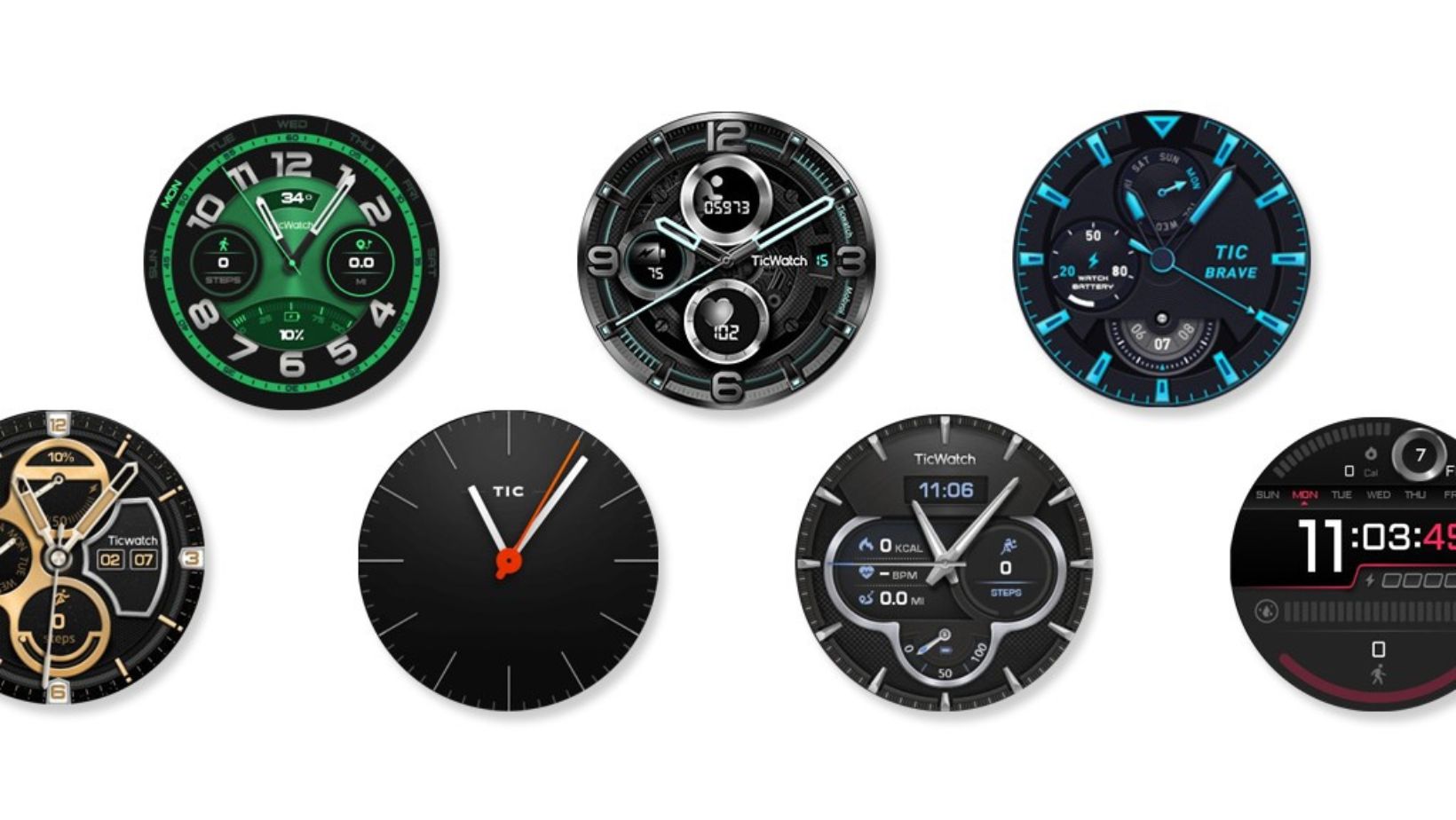
Download Mobvoi Watchfaces which were removed from TicWatch Wear OS 3 update


Subscribe for Updates
Earlier this month, Mobvoi rolled out second update to the Wear OS 3.0 firmware for several TicWatch devices with new features, newer security patches, and various bug fixes.
The Mobvoi 4100 series products including TicWatch Pro 3 GPS, TicWatch Pro 3 Ultra GPS, and TicWatch E3 are already on the most anticipated Wear OS 3.0 firmware update.
As for what’s new with the second Wear OS 3.0 update, Mobvoi introduced function key customization feature. You can now add actions to your function keys with ease. The update also adds latest February 2024 security patches.
Many bugs have been fixed. Most importantly, the update improved system responsiveness by removing outdated watch faces and rarely used apps like the Calculator and TicBreathe.
Fixed the echo problem during Bluetooth calls. Plus, enjoy additional bug fixes for a smoother user experience.
However, for some reason, it removed the older Mobvoi stock watchfaces. You can still get these using the official Mobvoi watchfaces app available on the Play Store.
Download Google Pixel Watch Faces APK for Wear OS
Download the Mobvoi watchfaces APK from Play Store listed below. You can install it on any Mobvoi watch including Ticwatch Pro 3 GPS, Pro 3 Ultra GPS, and TicWatch E3.
APK Download
- Mobvoi watchfaces APK Download [Play Store]
- Download New Google Pixel Watch Faces
- Join Telegram Channel
How to install Mobvoi Watchfaces app on a smartwatch?
Te easiest way to install watchfaces from Play Store to your smartwatch is to:
- Open the Play Store link listed above on your phone or on desktop.
- Select the dropdown icon on the Install button.
- Select your smartwatch.
- Tap Install.
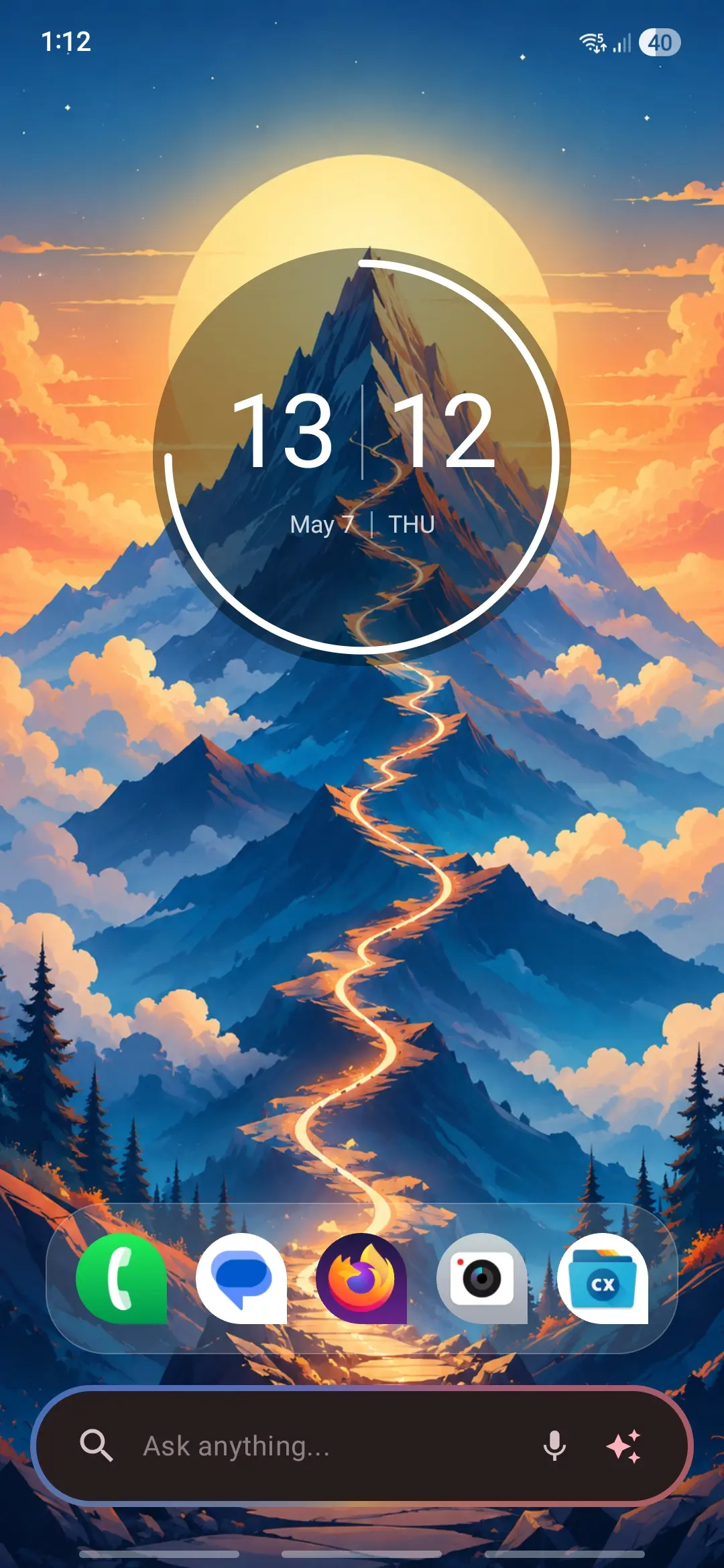
Meet Expressive Launcher — A Fresh Way to Android
The wait is over. Expressive Launcher has graduated from beta and is now stable and available to everyone on the Google Play Store. Download it today and experience a fresh way to customize your Android home screen.
Get started
