
Theme Your TWRP With This Simple Trick


Subscribe for Updates
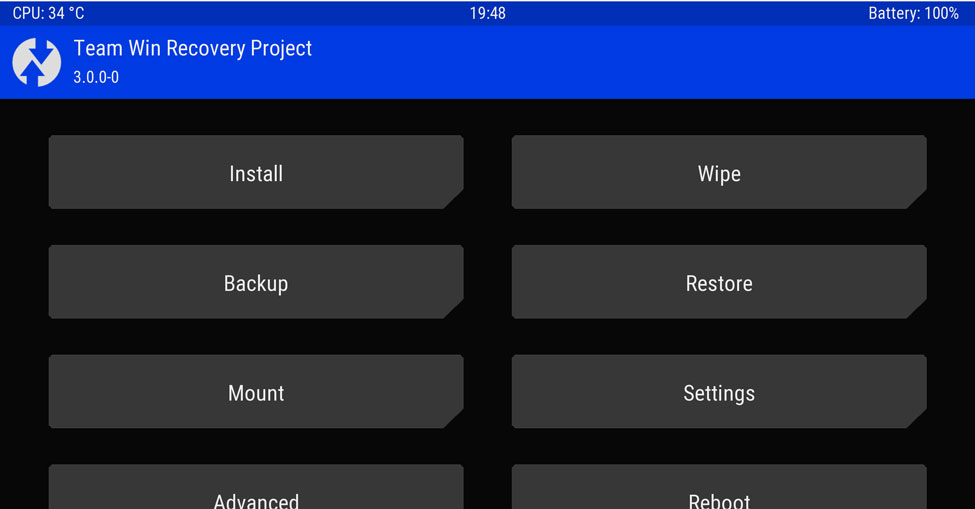
The new TWRP version 3.0.0 is out and comes with amazing new features like a completely new theme design, true terminal emulator, language translation, flashing of sparse images and much more. Moreover, the AOSP base for Android 6.0 has also been embedded right within the TWRP recovery. Now with the theme support for the new builds, your device’s custom recovery can now be given a new color, design and much more. Many such features and upgrades have been incorporated with the TWRP 3.0.0. You can take a look at the full changelog from this page.
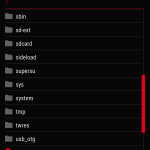
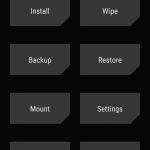
If you are looking forward to changing the theme of your device then just download the package provided in the download section and read the instructions below. These themes work with TWRP builds from v2.9.1.0, 3.0.0.0, 3.0.0.1, 3.0.0.2 and works for both views landscapes for tablets and portrait for smartphones.
Download TWRP Themes
TWRP themes package | Download → File: ui.zip
To install the themes package, all you need to do is open a file explorer and go to the TWRP folder. If it doesn’t exist, create it. Once into the folder, create a folder named “theme” and place the color of your choice there. Remember to rename the color file to “ui.zip”. Thats it now reboot to TWRP and see the change. Also see the source for more and our tutorial on how to install a TWRP on and roid device.
Meet Expressive Launcher — A Fresh Way to Android
The wait is over. Expressive Launcher has graduated from beta and is now stable and available to everyone on the Google Play Store. Download it today and experience a fresh way to customize your Android home screen.
Get started
