
UPDF 2.5: AI-Powered PDF Editor, Ditch Traditional PDF Software

Subscribe for Updates
PDF work hasn’t gone anywhere. Across business, education, legal contracts, government forms, and everyday documentation, PDFs remain the default format for anything that needs to look consistent and stay intact. Yet for many users, the tools available to actually work with those files still feel like a compromise. It’s either too limited to handle real-world tasks or too expensive to justify for anything short of an enterprise contract.
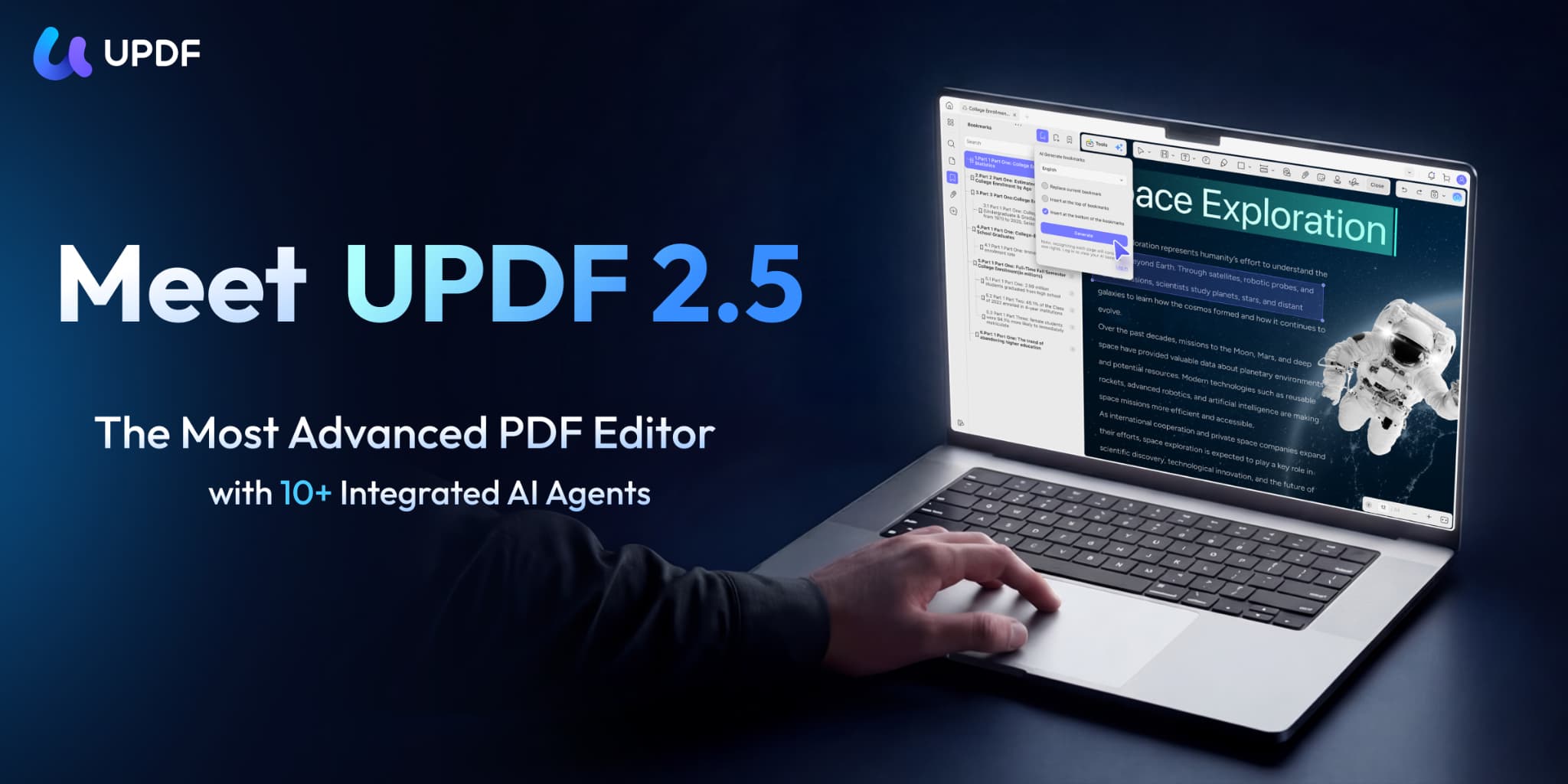
That’s the gap UPDF has been quietly filling. Available across Windows, Mac, iOS, and Android, it’s a cross-platform PDF editor built for the way people actually work today — across devices, across locations, and across a wider range of document tasks than most tools bother to support. Version 2.5 sharpens that positioning considerably, adding a layer of AI-powered functionality that moves UPDF from capable PDF software into something closer to a complete document workspace.
What is UPDF? And how’s it different from traditional PDF Software?
For decades, PDF editors have been glorified viewers. Tools that let you annotate, sign, and maybe rearrange pages if you were lucky. But with the release of UPDF V2.5, that era is officially over.
Launched this month, UPDF V2.5 for Windows and macOS doesn’t just add AI features to a PDF editor. It introduces something far more ambitious: an “Intelligent Document Ecosystem” powered by ten specialized, autonomous AI Agents. The result is a platform where documents are transformed, structured, designed, and delivered with minimal human friction.
Let’s break down everything that’s new, why it matters, and what it means for professionals who live and die by their documents.
Core PDF Tools That Matter in Daily Work
Before getting into what’s new in 2.5, it’s worth establishing what UPDF pdf editor already does well — because that foundation is what makes the upgrade meaningful.
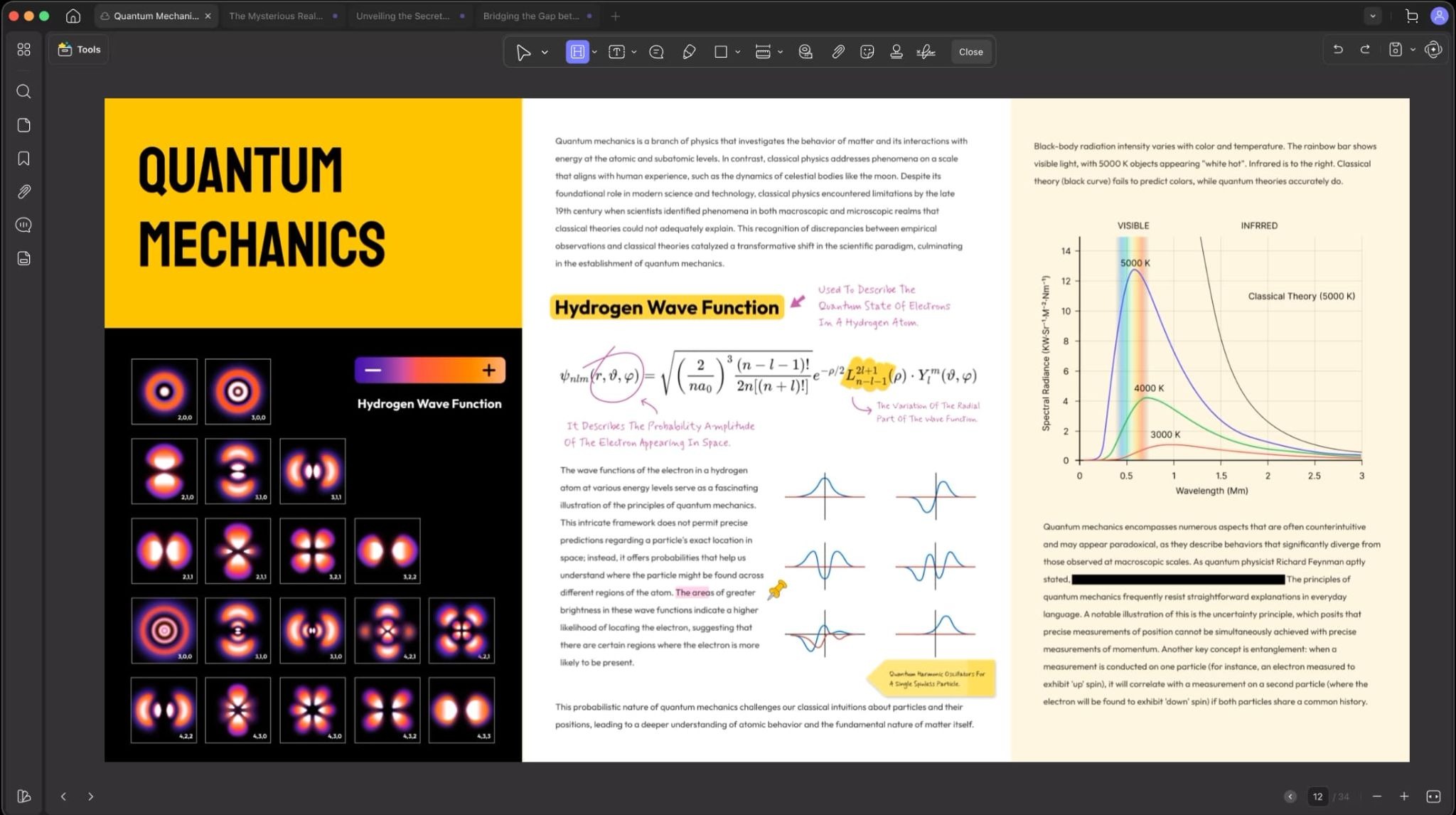
Editing Text, Images, and Links
UPDF lets you edit PDF content directly, without converting the file to another format first. That means changing a sentence, swapping out an image, or updating a hyperlink happens inside the PDF itself. For anyone who has wrestled with round-trip conversions that break formatting, this matters.
Annotation and Review
The annotation toolkit covers the basics well: highlights, comments, sticky notes, stamps, and freehand drawing. For review workflows — whether that’s a team editing a shared document or an individual marking up a contract — these tools are built into the interface rather than tucked away in a sub-menu.
OCR and Conversion
Scanned documents are only useful if you can do something with them. UPDF includes OCR (Optical Character Recognition) to convert image-based PDFs into editable, searchable content. It also handles conversion in both directions — PDFs to Word, Excel, PowerPoint, and image formats, as well as standard document formats back into PDF.
Security, Signing, and Document Organization
- Digital signatures and signature fields for contracts and forms
- Redaction tools to permanently remove sensitive information
- Password protection and permission controls
- Batch processing for handling multiple files at once
- Page management — reorder, extract, merge, split, rotate pages as needed
These aren’t fringe features. They’re the tasks that come up regularly in any professional environment, and UPDF handles them without requiring a separate specialized tool for each one.
Cross-Platform Continuity Instead of Fragmented Tools
One of the more practical advantages of UPDF is that it doesn’t treat each to a product direction rather than just a feature list — the idea that AI should reduce friction in real work, not create a separate workflow you have to opt into.
What that looks like in practice is a PDF editor that understands your documents better, helps you navigate them faster, and responds to more natural ways of asking questions or giving instructions.
Key Features in UPDF Version 2.5
UPDF brings several new features as compared to previous versions. It also integrates AI with more than 10 AI agents for autonomous tasks. Let’s start with the 3 main AI features, along with the 10 dedicated AI features.
Semantic Search
Standard keyword search has a well-known limitation: it only finds what you typed, not what you meant. If a document uses different terminology than the phrase you searched for, traditional search returns nothing useful.
UPDF AI‘s Semantic Search in version 2.5 shifts to meaning-based retrieval. You can search by intent or concept, and the tool surfaces relevant content even when the exact words don’t match. For anyone working with long reports, research documents, or dense legal files, this changes how useful search actually is.
AI Bookmark Generation
Navigating a 50-page PDF without structure is a familiar frustration. Version 2.5 introduces automatic AI Bookmark Generation, which analyzes the document and builds a navigable structure without requiring manual tagging. The result is a table-of-contents-style outline that makes it easier to move through long files, jump to relevant sections, and maintain orientation across a document.
UPDF Copilot
The Copilot feature brings a more conversational AI layer into the editor itself. Rather than switching between a separate AI tool and your PDF, you can interact with the document more naturally — asking questions, requesting summaries, getting help understanding specific sections — without leaving your workflow.
Supporting capabilities like document summarization, translation, and direct a single subscription
- Up to four devices covered per account
- Free version available for users who want to evaluate the product before committing
- 30-day money-back guarantee providing a low-risk entry point
Without committing to specific annual or lifetime prices that may shift, the core argument holds: UPDF offers a broad feature set, genuine cross-platform access, and AI capabilities that most comparable tools charge significantly more for — or don’t offer at all. For users who have been paying legacy PDF software prices out of habit rather than necessity, the comparison is worth making.
A Dedicated AI Agent for every task
UPDF’s vision here is concrete and meaningful. Traditional PDF tools treat documents as static objects. You open them, you edit them, you close them. The intelligence — the reading, the structuring, the design decisions — stays entirely with the human.
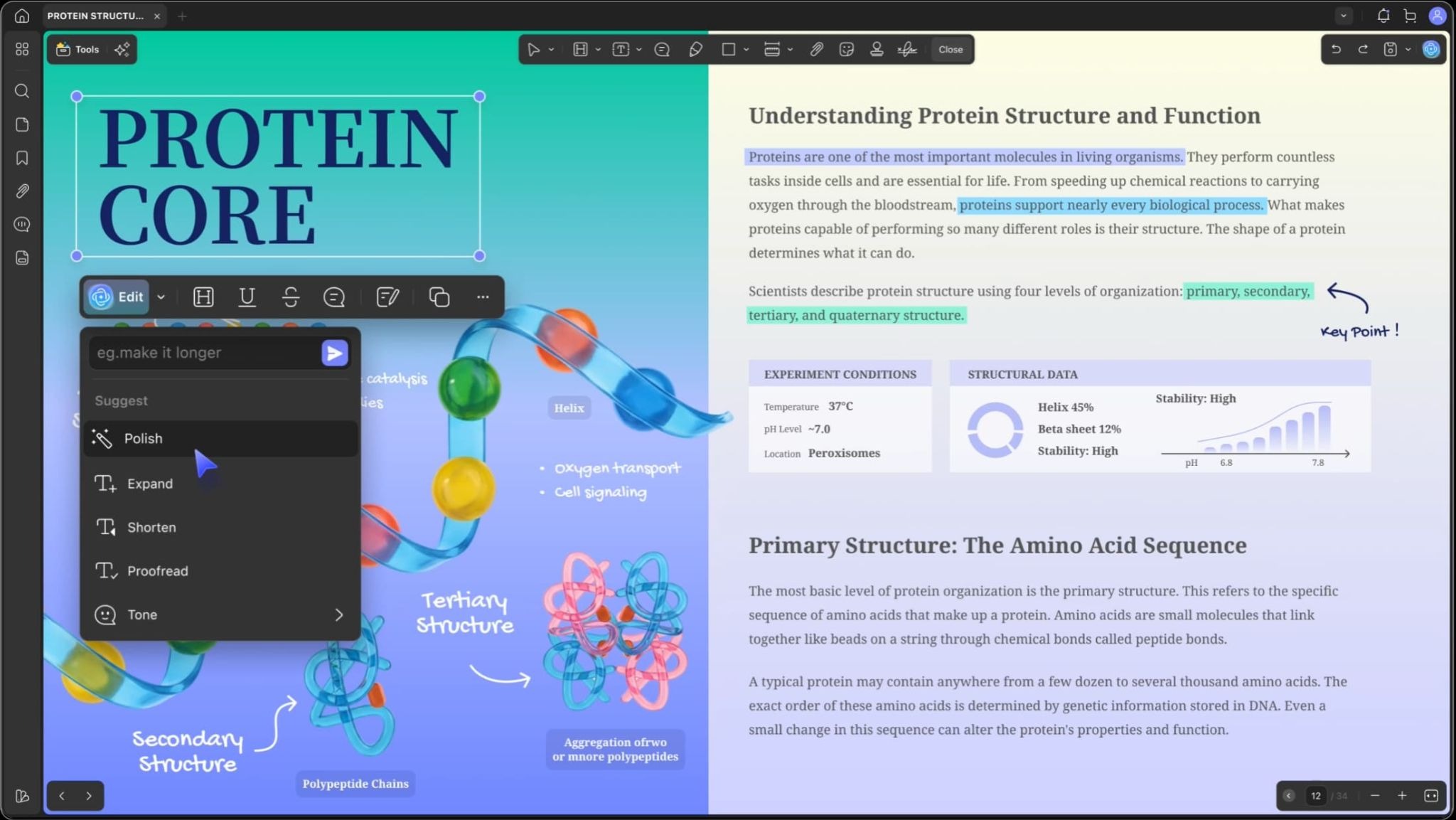
UPDF V2.5 flips that model with the Intelligent Document System. Instead of a single AI assistant bolted onto an editor, it deploys a digital workforce of ten specialized agents, each trained and optimized for a specific layer of the document lifecycle. Some of these include AI Edit PDF to fix grammar, rewrite in a different tone, or continue writing with context-aware AI assistance. AI Bookmark Generator, AI Watermark Creator, and AI Stamp Creator.
Conclusion: A Practical Upgrade Worth Taking Seriously
UPDF was already a competent PDF tool before version 2.5. The core editing, annotation, OCR, signing, and document management features covered the tasks that most users actually need daily. The cross-platform continuity made it more practical than tools tied to a single operating system or device type.
Version 2.5 adds a genuinely useful reason to look again, or to upgrade if you’re already a user. The AI improvements, including Semantic Search, AI Bookmark Generation, and UPDF Copilot, are the best UPDF features introduced in version 2.5. They’re functional upgrades that reduce friction in the kinds of document work that come up regularly: navigating long files, finding information quickly, and interacting with documents in more natural ways.
For users still paying legacy PDF software prices, or using a fragmented combination of free tools that don’t talk to each other across platforms, UPDF 2.5 represents a more complete and more practical alternative. It handles the full PDF workflow, keeps work connected across devices, and now brings AI assistance into everyday use rather than treating it as a separate product tier.
Explore UPDF 2.5 on the official site to check the latest features, platform support, and current pricing details.
Meet Expressive Launcher — A Fresh Way to Android
The wait is over. Expressive Launcher has graduated from beta and is now stable and available to everyone on the Google Play Store. Download it today and experience a fresh way to customize your Android home screen.

Get started
