
Motorola Android 16 Rollout: Material 3 Expressive and AI Tools

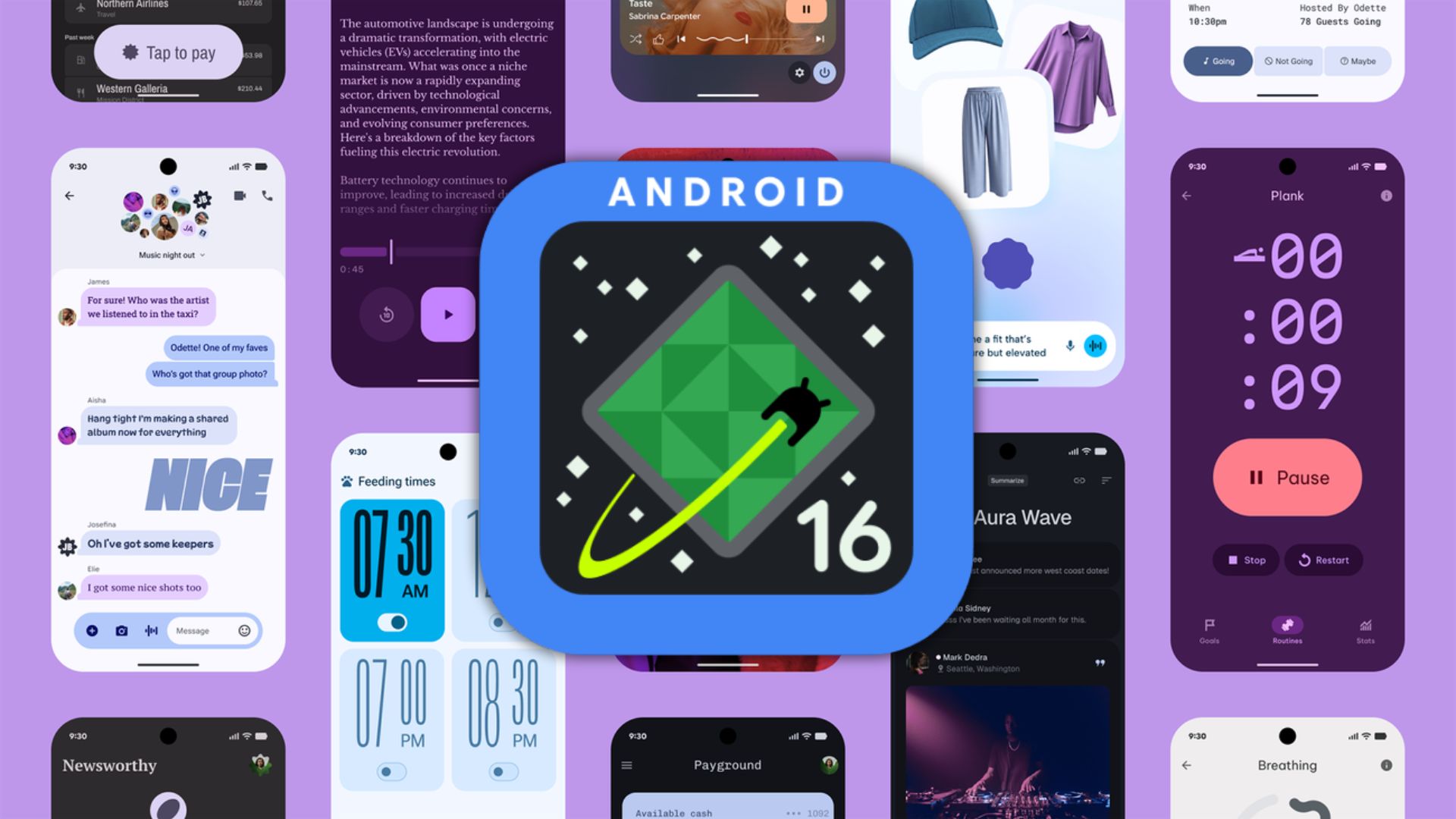
Google has rolled out the stable Android 16 update and continues to release new upgrades every quarter through its QPR beta channel. Many OEMs are now deploying Android 16 to their smartphones, including Samsung, Nothing, OnePlus, Xiaomi, Oppo, Vivo, and others. The latest smartphone manufacturer to join this rollout is Motorola.
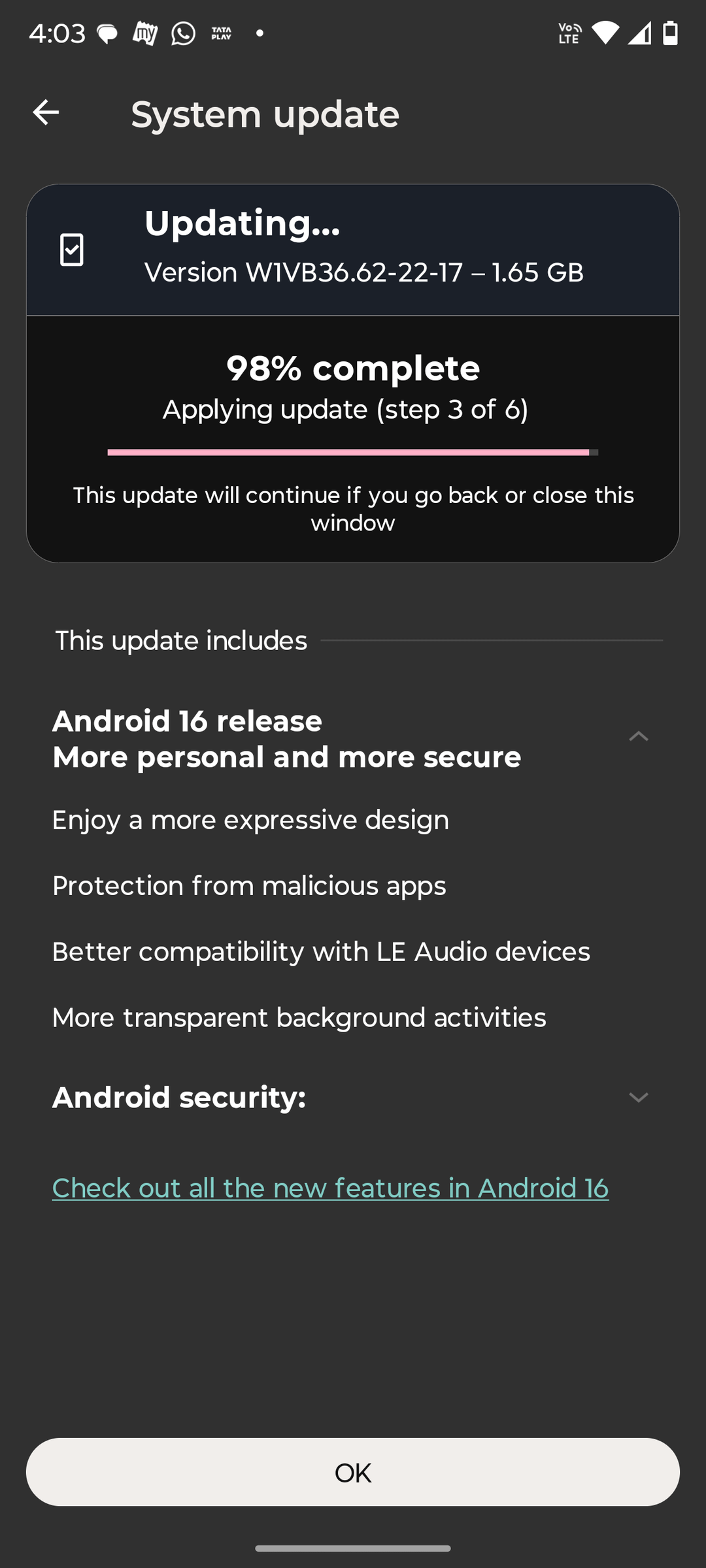
Motorola has just released stable Android 16 firmware, beginning with the Moto Edge 60 Stylus. The update features Material 3 Expressive design, enhanced protection from malicious apps, support for LE Audio devices, and more transparent background activity management.
What’s new in Android 16?
One of the best features in Android 16 is Material 3 Expressive, which came with the September 2025 security patch.
What is Material 3 Expressive design?
Google’s Material 3 Expressive is a comprehensive redesign for Android and Wear OS devices that is set to transform how users connect with their smartphones and smartwatches. Building upon the foundation of Material You, this new design language takes personalization to a next level and also introduces fluid animations and glanceable information that makes device interaction more intuitive and enjoyable.
Material 3 Expressive represents a natural evolution that maintains the human-centered approach of its predecessor while expanding customization options to better reflect individual user personalities.
The philosophy behind M3E centers on making technology feel more personal, responsive, and delightful. It’s not just about aesthetics; it’s about creating meaningful connections between users and their devices through thoughtful design choices that enhance both form and function.
Fluid Animations
One of the most immediately noticeable aspects of Material 3 Expressive is its system of natural, springy animations designed to bring moments of delight to everyday interactions. These aren’t just superficial flourishes but carefully crafted responses that provide visual feedback and make the interface feel alive.
For example:
- When dismissing a notification, nearby notifications subtly respond to your drag motion
- A satisfying haptic rumble accompanies the action of snapping a notification off the stack
- The notification shade features a subtle background blur that creates a sense of depth
- Volume sliders and other controls respond with playful yet purposeful animations
These small but meaningful interactions accumulate to create an experience that feels more organic and less mechanical. The system responds to your touch in ways that feel natural, creating micro-moments of satisfaction throughout your daily usage.
Enhanced Personalization Options
Material 3 Expressive takes the personalization options introduced with Material You even further:
- Updated dynamic color themes: More options to match your style preferences
- Responsive components: Interface elements that adapt naturally to different contexts
- Emphasized typography: Greater flexibility in how text appears across your device
- Cross-app consistency: Google is working to bring these visual choices to apps like Google Photos, Fitbit, and Gmail
This level of customization ensures that your Android device truly feels like an extension of your personality rather than a generic piece of technology.
The refresh impacts several key UI elements:
- Notifications system
- Quick settings panel
- Lock screen interface
- Launcher design
Material 3 Expressive enhances your product’s appeal through emotional UX, making experiences more engaging, intuitive, and desirable. Watch the I/O talk to discover how expressive design evokes emotion, guides users toward their goals, and delivers flexible, personalized experiences.

Live Updates
One of the most practical additions to Android 16 is the introduction of live updates for notifications. This feature addresses a common frustration many users face – constantly checking apps for status updates. Whether you’re waiting for a food delivery or tracking a ride-share, live updates provide real-time information directly in your notification panel.
Initially launching with compatible ride-share and food delivery applications, this feature represents a collaborative effort between Google and app developers to enhance the Android ecosystem. The functionality extends beyond stock Android, with Samsung integrating it into their Now Bar and OPPO/OnePlus incorporating it into their Live Alerts system.
Notification Upgrades
Auto-grouping organizes similar notifications to reduce clutter, while live updates enable real-time tracking for rides or deliveries directly in the notification shade. Predictive back previews the previous screen in three-button navigation, and haptic sliders provide tactile feedback for volume or brightness adjustments.
Multitasking Features
Desktop windowing allows resizing and grouping app windows on larger screens like tablets or foldables, coming later in 2025. Custom keyboard shortcuts speed up navigation, and taskbar overflow helps manage multiple open apps efficiently.
AI and Privacy Tools
Gemini AI powers smart replies, live summarization, and multilingual typing that auto-detects languages. Privacy Dashboard 2.0 tracks app access to microphone, camera, and location in real-time, with added anti-scammer safeguards during calls.
Download Android 16 for Motorola
The easiest way to get Android 16 stable is to visit Settings> System Updates > Check for OTA updates on your Motorola device.
