
Download Free AI-Generated Wallpapers | Static and Video Wallpapers for Phones

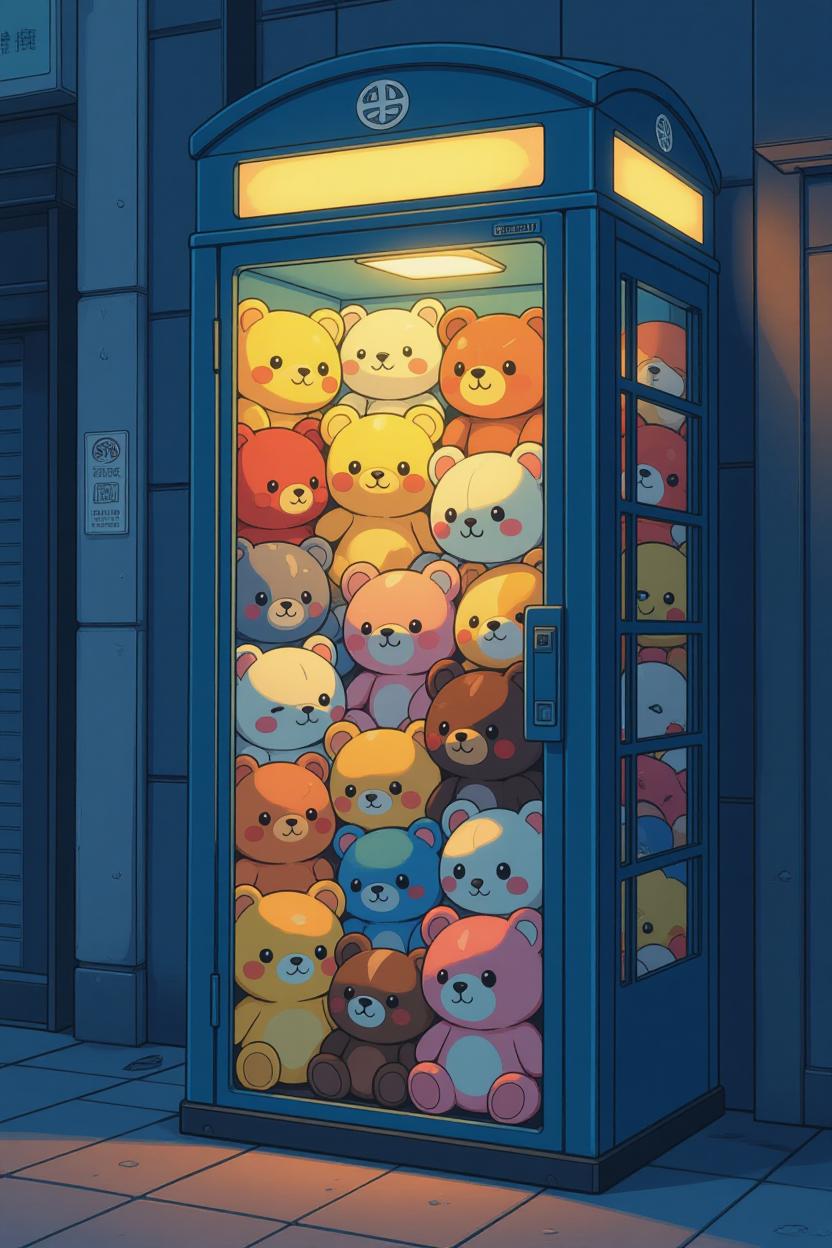
Get free AI wallpapers for your smartphone with creative ideas. These AI-generated wallpapers offer stunning, unique designs that can make your device truly stand out. The best part? They are free, and you get static and live wallpapers, which can be set on your lock screen as well.
Whether you’re looking for static images or dynamic video wallpapers, several platforms like Grok and Midjourney now offer free access to high-quality AI-created content. This guide explores the best sources for AI wallpapers and walks you through the simple process of downloading and applying them to your device.
AI wallpapers bring something special to your phone’s aesthetic. Unlike traditional stock images, AI-generated designs often feature imaginative compositions, surreal landscapes, abstract patterns, and artistic styles that would be difficult or impossible to create through conventional photography. These wallpapers can range from minimalist designs to complex, eye-catching visuals that reflect your personality and preferences.
You can even edit these wallpapers further and see the prompt in how exactly the image was created.
Top Platforms for Free AI Wallpapers
Grok Imagine
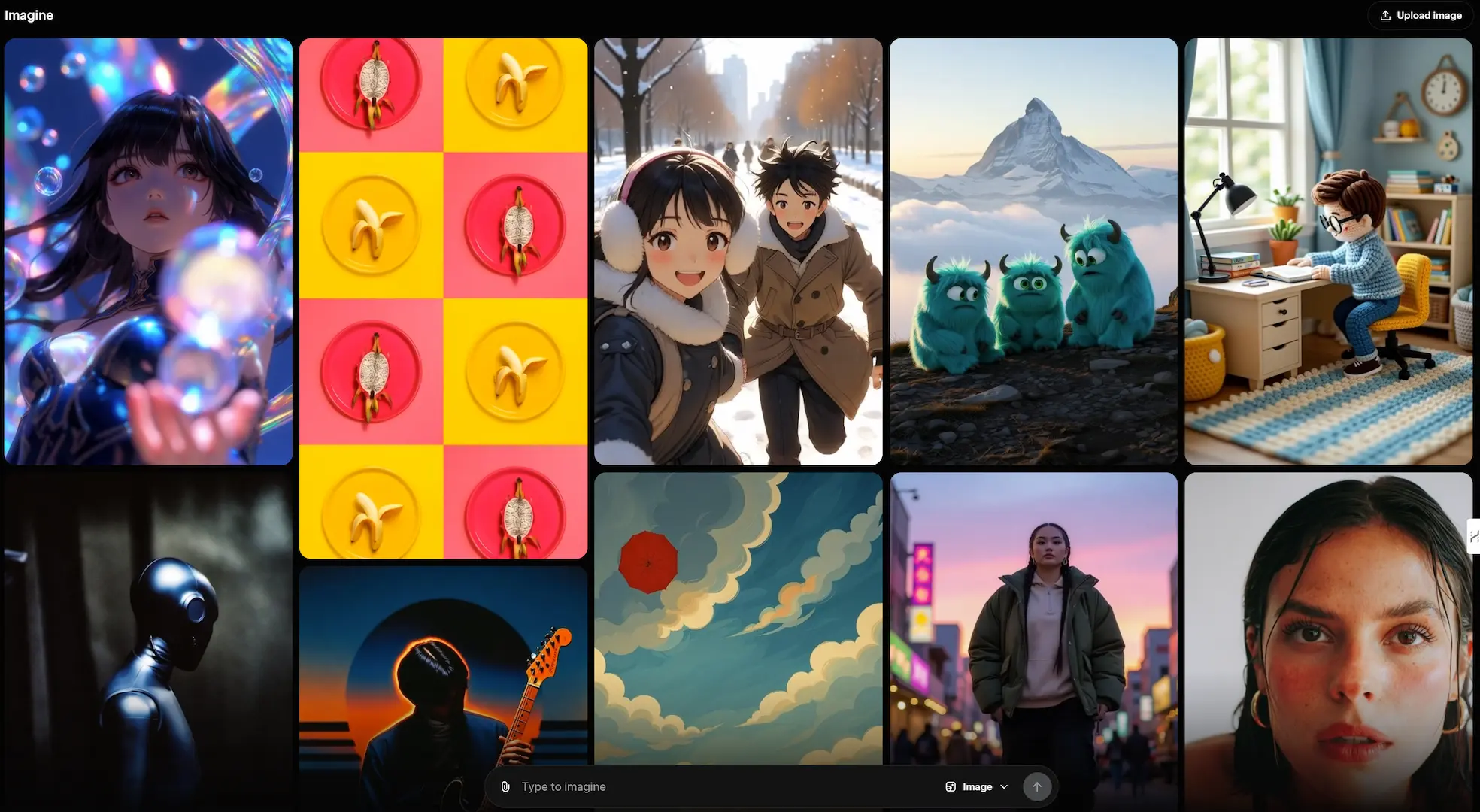
Grok Imagine has emerged as an excellent resource for mobile users seeking AI-generated wallpapers. The platform specializes in mobile portrait-oriented designs, making it ideal for smartphone customization. It has an extensive collection that includes both static images and video wallpapers, giving you options whether you prefer a classic still image or something more dynamic.

The platform’s user interface makes browsing and downloading straightforward. You can explore various styles, themes, and color schemes to find wallpapers that match your aesthetic preferences. From futuristic landscapes to abstract art, the variety ensures there’s something for everyone.
Midjourney Explore
Midjourney has become synonymous with high-quality AI-generated imagery, and its Explore tab showcases some of the most impressive creations from its community. This platform offers wallpapers suitable for both mobile and desktop formats, providing versatility across your devices.
The Explore tab’s image section features thousands of AI-generated wallpapers spanning countless styles and themes. From photorealistic landscapes to imaginative fantasy scenes, the quality and creativity on display are remarkable.
For those wanting to add movement to their home screen, Midjourney’s video wallpaper section offers animated AI-generated content. These living wallpapers can add depth and dynamism to your device, creating an engaging visual experience every time you unlock your phone. The video collection includes everything from subtle ambient movements to more dramatic animated scenes.
How to Download and Apply AI Wallpapers
Getting these beautiful AI wallpapers onto your device is simpler than you might think. Here’s a comprehensive guide to help you through the process:
Step 1: Choose Your Platform
Start by visiting one of the platforms mentioned above—Grok Imagine or Midjourney’s Explore tab. Each offers a different browsing experience, so you might want to explore both to see which collection resonates with your style preferences.
Step 2: Browse and Select
Take your time exploring the available options. Look for wallpapers that match your desired aesthetic, whether that’s minimalist, vibrant, dark-themed, or nature-inspired. Consider how the colors and composition will work with your app icons and overall phone interface.
Step 3: Download the Wallpaper
The download process varies slightly depending on the platform:
- If a download button is visible: Simply click it to save the image or video to your device
- If no download button appears: Right-click (or long-press on mobile) on the wallpaper, select “Open in new tab,” then save the file directly to your device
Make sure to save the file in a location you can easily access later, such as your Downloads folder or a dedicated Wallpapers album.
Step 4: Customize (Optional)
Some platforms offer customization tools that let you adjust colors, crop the image, or apply filters before downloading. This allows you to fine-tune the wallpaper to perfectly match your preferences and device specifications.
Step 5: Apply to Your Device
Once downloaded, applying your new wallpaper is straightforward:
- Navigate to your device’s Settings
- Find the Wallpaper or Display section
- Select “Choose new wallpaper” or similar option
- Browse to where you saved the AI wallpaper
- Preview it and adjust positioning if needed
- Set it as your home screen, lock screen, or both
More Wallpapers:
- Download iPhone 17 Wallpapers
- Download iPhone 16 Wallpapers
- Samsung Galaxy S25 Wallpapers
- iOS 26 Wallpapers Download
- macOS Tahoe 26 Wallpapers Tahoe in
- iOS 26 CarPlay Wallpapers with Liquid Glass
- Samsung Galaxy Z Fold 7 and Z Flip 7 Wallpapers
- Download iPhone 16 Wallpapers
- Download MacBook Pro M4 Wallpapers 4K
- Get the new iPhone 16e Wallpapers in 4K
- Download Windows 50th Anniversary Edition Wallpapers
- macOS Sequoia Wallpapers with Apple Intelligence (AI)
- macOS Macintosh Retro Wallpapers
- iPhone 15 Wallpapers
- Apple Event Wonderlust Wallpapers Stock and Live 4K
- Download iPhone 15 Pro Wallpapers
- Download iPhone 14 Pro Max Wallpapers 4K
- Download iPhone 14 and iPhone 14 Plus Wallpapers
