
Download Samsung One UI 8.5 Leaked Firmware


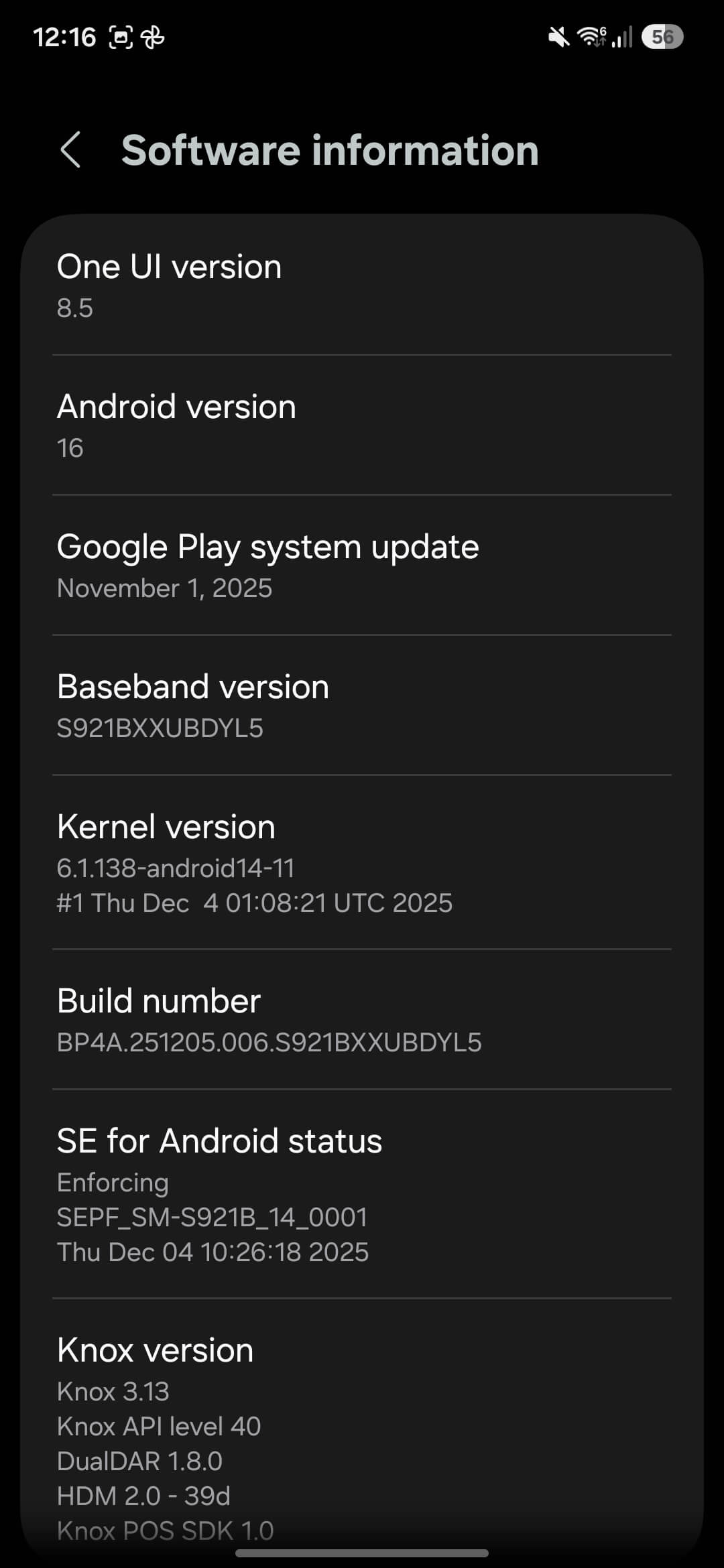
Update: Samsung Galaxy S24 series gets One UI 8.5 full firmware from closed beta leaked. Additionally, the One UI 8.5 full changelog, feature list, eligible devices, and downloads have been updated.
Samsung’s One UI has become a defining characteristic of the Galaxy smartphone experience, offering a distinct visual identity and feature set that sets Samsung devices apart from stock Android. With the anticipated release of One UI 8.5, the latest iteration of Samsung’s custom Android skin, the company appears to be making significant strides in customization, design refinement, and feature integration.
Samsung also accidentally leaked the One UI 8.5 full firmware update available for download. So users can sideload the OTA and try it themselves. However, users be warned, One UI 8.5 leaked beta does not guarantee future OTA updates. You may need to wait for the stable release of One UI 8.5 in order to get new update. Here, download the One UI 8 update for Galaxy S25 Ultra.
The latest One UI 8.5 firmware update leaked with build CYJ1 for the S25 series, featuring the October 2025 security patch. The Galaxy S24 series receives the DYL5 build, featuring the November 2025 security patch.
Key Features and Improvements: What’s New in One UI 8.5
Before diving into the specifics of One UI 8.5, it’s worth understanding the trajectory of Samsung’s custom skin. One UI was introduced in 2018 as a successor to Samsung Experience (formerly TouchWiz), with a primary focus on one-handed usability, clean aesthetics, and enhanced functionality. Over successive iterations, Samsung has refined the interface, adding features like enhanced privacy controls, improved multitasking capabilities, and deeper integration with Samsung’s ecosystem of devices and services.
One UI 8.5 depicts the latest chapter in Samsung’s mobile OS, building upon the foundation established by previous versions while introducing new capabilities that aim to address user feedback and compete with rival operating systems. The update is particularly significant because it arrives at a time when the stable One UI 8 update is actively being rolled out.
1. Customizable Quick Settings Panel: Power to the User
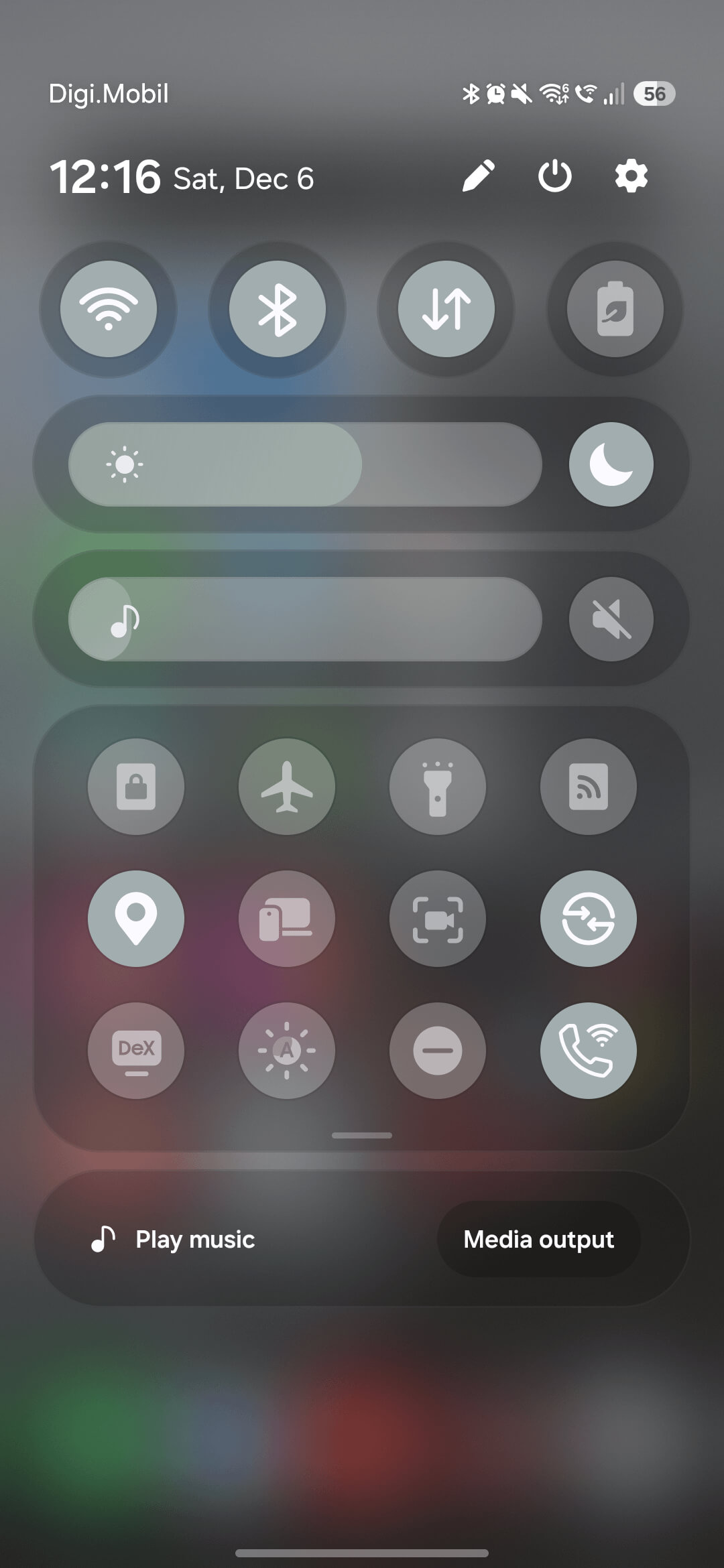
Perhaps the most celebrated feature in One UI 8.5 is the extensively customizable Quick Settings panel. Historically, Samsung has offered some degree of customization in this area, but the new version takes it to another level. Users now have unprecedented control over the appearance and functionality of their Quick Settings.


What’s Changed:
- Resizable Toggles: Users can adjust the size of Quick Settings toggles, allowing for more efficient use of screen space. This is particularly useful for those who prefer a more compact layout or want to fit more toggles on a single screen.
- Rearrangeable Icons: The ability to reorganize toggles has been enhanced, making it easier to prioritize frequently used functions.
- Layout Options: Multiple layout configurations are available, giving users the flexibility to create a Quick Settings panel that matches their workflow and aesthetic preferences.
However, the customization comes with a caveat. Some users have pointed out that the design appears heavily inspired by iOS 26‘s Control Center redesign.
2. 3D Icons
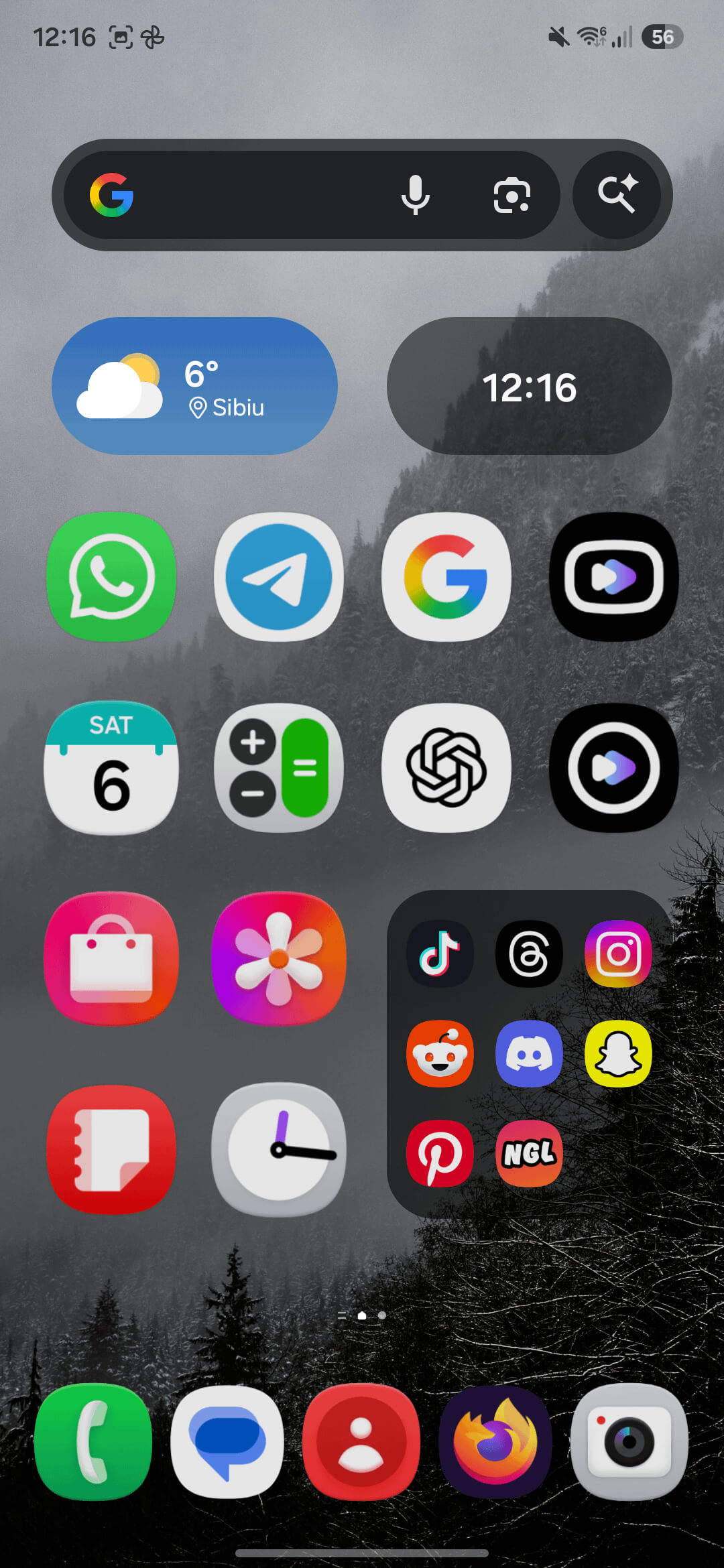
One UI 8.5 CYJ1 build adds 3D effects to Icons.
2. Redesigned Phone App
The phone app, one of the most frequently used applications on any smartphone, has received a comprehensive redesign in One UI 8.5. Samsung has focused on creating a more modern, streamlined interface that reduces visual clutter while maintaining easy access to essential functions.
Key Improvements:
- Cleaner Interface: Unnecessary elements have been removed or consolidated, creating a more focused user experience.
- Improved Navigation: The layout has been optimized to make it easier to switch between contacts, recent calls, and the dialer.
- Visual Modernization: Updated graphics and animations bring the phone app in line with contemporary design standards.
The changes also reflect Samsung’s broader effort to modernize the visual language across One UI 8.5, creating greater consistency throughout the system.
3. Enhanced Weather App
Weather apps have become increasingly sophisticated, and Samsung’s redesigned weather application in One UI 8.5 reflects this trend. The update introduces new animations, a more intuitive interface, and improved data presentation.

Notable Features:
- New Animations: Weather conditions are now represented with more dynamic and visually appealing animations, making the app more engaging to use.
- Improved Data Visualization: Information is presented in a clearer, more accessible format, making it easier to understand current conditions and forecasts at a glance.
- Backward Compatibility: Interestingly, the community has noted that “Finally, One UI 8 Weather app can be installed on any device running One UI 7 or below,” suggesting Samsung is making efforts to bring new features to older devices where possible.
4. Built-In App Locking
One of the most requested features from Samsung users has finally arrived in One UI 8.5: native app locking functionality. Previously, users had to rely on Samsung’s Secure Folder or third-party solutions to lock individual apps, but the new built-in feature offers a more straightforward approach.
Why It Matters:
- Privacy Protection: Users can now lock sensitive apps (banking, messaging, photos, etc.) without needing to duplicate them in Secure Folder.
- Convenience: The native implementation is more accessible and easier to configure than previous workarounds.
- Distinction from Secure Folder: As one Reddit user clarified, “Built in app lock not the secure folder…. Both are different,” highlighting that this is a separate feature designed for different use cases.
5. File Management Enhancements
Samsung’s My Files app has received a useful update in One UI 8.5 that improves file organization and retrieval. The new file grouping feature automatically organizes files by their source in the Recent/Downloads area, making it easier to locate specific items.
Benefits:
- Source-Based Organization: Files are grouped based on where they originated (downloads, shared files, camera, etc.), providing logical categorization.
- Faster File Retrieval: Users can quickly locate files by remembering their source rather than searching through chronological lists.
- Improved Workflow: For users who frequently download and manage files, this feature streamlines the process significantly.
6. AI Integration and Utilities
Artificial intelligence continues to be a major focus for smartphone manufacturers, and Samsung has integrated several AI-powered features into One UI 8.5. However, community reception to these features has been mixed.
AI Features Include:
- Audio Cleaner: An improved audio processing tool that can remove background noise and enhance voice clarity in recordings. This has been identified as one of the most practical AI features, with users noting, “The AI improvements so far are a bunch of gimmicks, except for the audio cleaner.”
- Scientific Calculator in Portrait Mode: While not strictly an AI feature, the addition of a full scientific calculator in portrait orientation has been welcomed by students and professionals. “Scientific calculator in portrait mode is going to be useful for me,” one user commented.
- Other AI Enhancements: Samsung has included various AI-powered suggestions and optimizations, though some users remain skeptical about their practical value.
7. Display and Aesthetic Refinements
One UI 8.5 includes several visual enhancements designed to create a more cohesive and polished experience:
Dynamic Clock: The lock screen clock now adjusts according to the subject or wallpaper, adding a personalized touch. This feature creates visual harmony between the clock and the content behind it, demonstrating attention to aesthetic detail.
Improved Animations: Samsung has refined animations throughout the system, particularly the transition from lock screen to home screen. However, some users feel there’s still room for improvement, noting, “The animation when switching from the lock screen to the home screen needs to be better.”
These refinements contribute to the overall feeling of modernity and polish in One UI 8.5, even if individual changes might seem minor in isolation.
Warning: This is a leaked OTA update of internal builds! No guarantee of new OTA updates in the future. Samsung is also removing the OEM unlock toggle and bootloader unlocking methods. So you won’t be able to downgrade to One UI 7. You will need to flash One UI 8 firmware or later via the Odin flash tool. This will factory reset the device. Flash at your own risk!
Download One UI 8.5
The One UI 8.5 firmware leaked earlier this week, showcasing the entire next-gen software update from Samsung Galaxy devices. The firmware is for the Galaxy S25 and can be flashed using OTA installation method.
Leaked Internal Beta
- For Galaxy S25 Ultra S938B (AYC3 -> BYDD)
- For Galaxy S24
- S24U (SM-S928B): CYK2 – DYL5
- S24+ (SM-S926B): CYK2 – DYL5
- S24 (SM-S921B): CYK2 – DYL5
- S24FE: Coming soon…
- How to install OTA updates on any Android device?
