
Everything New in the March 2026 Gemini 1.0.88 Update (APK Download)


Google’s March 2026 Pixel Drop features Gemini 3.1 Pro, a suite of powerful new Android features, and a genuinely impressive step toward autonomous AI task management. This update signals something bigger. Let’s see what’s new in the latest Gemini 1.0.88 update.
Magic Cue: Gemini Recommends Restaurants From Inside Your Texts
Magic Cue is one of those features that sounds simple but is actually a meaningful shift in how AI integrates with daily life. When you’re texting friends and the conversation turns to where to eat, Magic Cue detects the context and surfaces a prompt. One tap opens Gemini with restaurant recommendations tailored to your conversation.
No app switching. No copy-pasting addresses. No breaking the conversational flow. Gemini reads the room and steps in at exactly the right moment.
Availability: Pixel 10, Pixel 10 Pro, Pixel 10 Pro XL, and Pixel 10 Pro Fold. Select countries and languages. Users must be 18+.
The Big One: Gemini Can Now Handle Your Multi-Step Daily Tasks
This is the feature that changes everything. On February 25, 2026, Google announced an early beta preview of something that has been the holy grail of AI assistants for years: Gemini on Android can now handle multi-step tasks autonomously on your behalf.
Long-press the power button and ask Gemini to handle routine tasks for you: planning your next grocery order, booking a ride, or reordering your usual delivery.
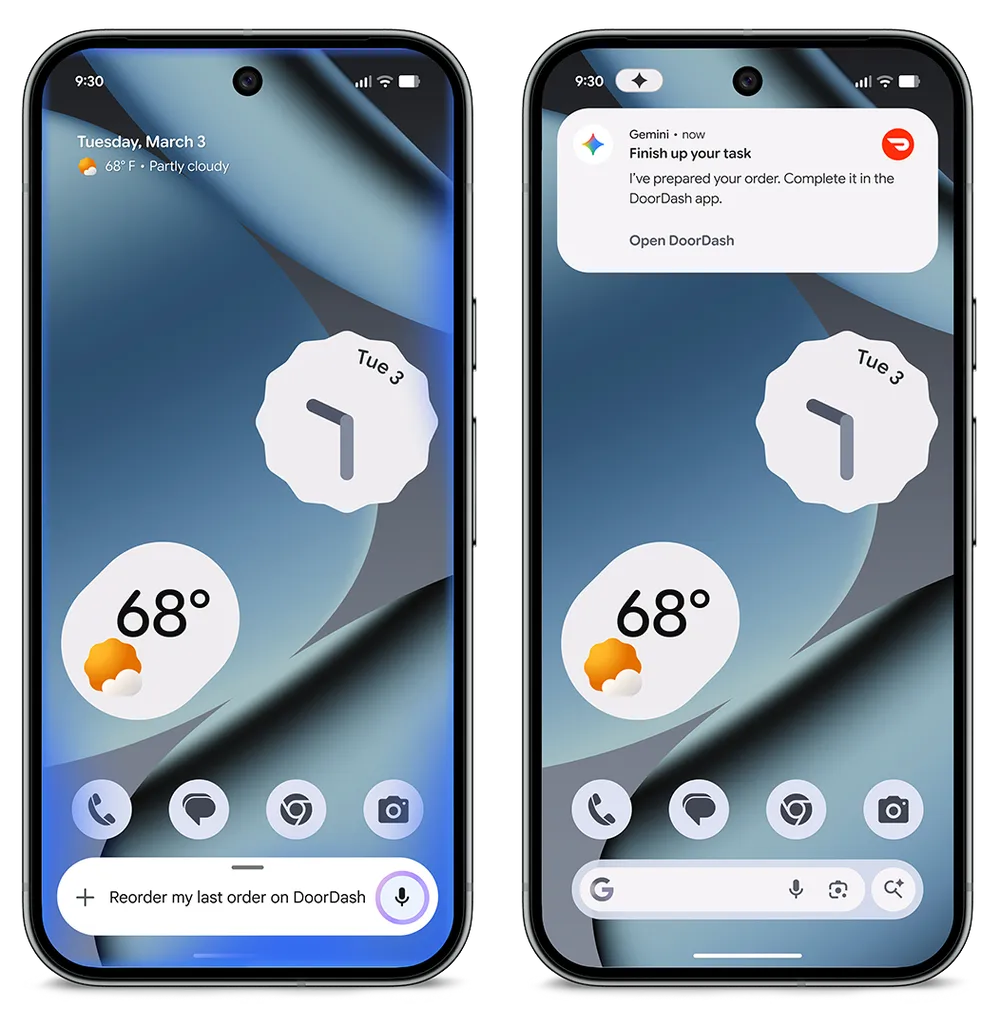
Gemini works with your apps in the background while keeping you in control — you can view the task in progress or end it at any time. This isn’t Gemini just giving you information; it’s Gemini doing things on your behalf.
Availability: Rolling out as a beta feature in the Gemini app over the next few days. Select apps only. Users must be 18+.
What Exactly Is This New Gemini Feature?
Google is rolling out a beta feature in the Gemini app that allows users to offload multi-step tasks directly to the AI assistant. Rather than simply giving you information or drafting a message, Gemini can now navigate apps, make decisions across multiple steps, and complete real-world tasks — all while you get on with your life.
The feature is launching soon for:
- Pixel 10 and Pixel 10 Pro
- Samsung Galaxy S26 Series
Initially, it will be available in the United States and South Korea.
How Does It Work?
The interaction model is refreshingly simple. Long-press the power button on your device to summon Gemini, then describe what you need done. Examples include:
- “Book me a ride home”
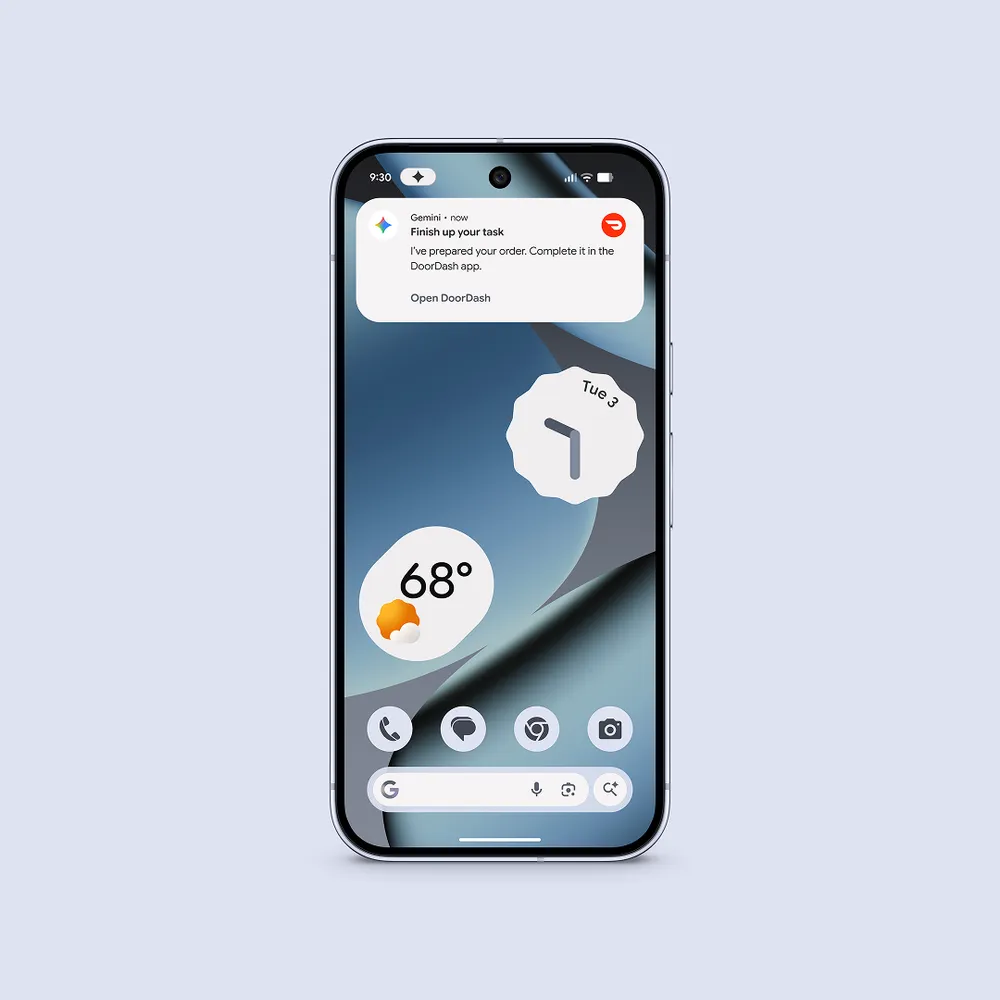
- “Reorder my last meal on DoorDash”
From there, Gemini takes over. It runs the relevant app in a secure, virtual window on your device and completes the task in the background — meaning you can keep using your phone for other things while Gemini works.
Which Apps Are Supported at Launch?
For the initial beta, Google is focusing on three high-utility:
- Food delivery (e.g., DoorDash)
- Grocery ordering
- Rideshare booking
These are precisely the kinds of tasks that are repetitive, predictable, and time-consuming enough to benefit from automation — but structured enough that an AI can handle them reliably. It’s a smart, conservative starting point that prioritizes getting the experience right before expanding.
New Circle to Search Features from Gemini
Circle to Search has already transformed the way people interact with more than 580 million Android devices. With the introduction of multi-object image recognition, you can now draw inspiration from everything on your screen at once, not just a single element.
Find the Look: Full Outfit Shopping from a Single Circle
Shopping inspiration can strike anywhere — on social media, in a YouTube video, or even a photo you saved months ago. With the new “Find the Look” feature in Circle to Search, you can circle an entire outfit and Google will identify and surface every individual piece — tops, bottoms, shoes, accessories, and everything in between. Gone are the days of trying to hunt down each item one by one. One circle does it all.
This is a significant leap forward for visual shopping and style discovery, and for fashion lovers or anyone who regularly draws inspiration from online content, it’s a genuinely transformative quality-of-life improvement.
Availability: Requires a Pixel 10 or newer. Available where AI Overviews or AI Mode is supported. Not available in France.
Try It On: Virtual Fitting Room Right in Circle to Search
The second Circle to Search upgrade is arguably even more exciting: virtual try-on. Spot a jacket you love while scrolling your feed? Circle to Search can now help you visualize how it might look on you before you buy.
Here’s how it works: use Circle to Search to find similar styles to what you’re looking at, tap a product you’re interested in, and select the “Try It On” button. From there, you can either upload a photo of yourself or choose from a selection of models to see how the item looks in seconds. It’s a smart, friction-free way to reduce buyer’s remorse and shop with more confidence.
Availability: US, Canada, UK, Japan, Australia, and India. Users must be 18+. Requires Pixel 10 or newer.
Download Gemini 1.0.88 APK
New Google Gemini 1.0.88 APK is now available for download.
App Store
To experience the new UI, ensure your Google App is updated to the latest version. You can download the update via the Play Store, App Store, or grab the APK directly below.
Associated apps
- Update the Google App from the Play Store
- Update from Google Play Store (Android)
- Update from Apple App Store (iOS)
- Access via Browser
Read More:
APK Download
Alternatively, get the Google Gemini 1.0.882555348 APK from below.
Starting with Android 11, Google released apps in Split APKs (multiple APKs) format. This means the app is split into several packages, including the base and config APK files. This solves the compatibility issue and helps install apps like the Google Camera APK on any Android device featuring different dpi, screen resolution, screen size, architecture, and more.
Here is the installation method for split APKs, bundled APKM, or zip files on Android devices.
- Google Gemini 1.0.88
- APK Download (Telegram channel)
- APK Mirror (rename .apkm to .zip)
- Installation method: How to Install Split APKS/XAPK/APKM/ZIP

