
Explore Android’s Latest Features for Enhanced Productivity

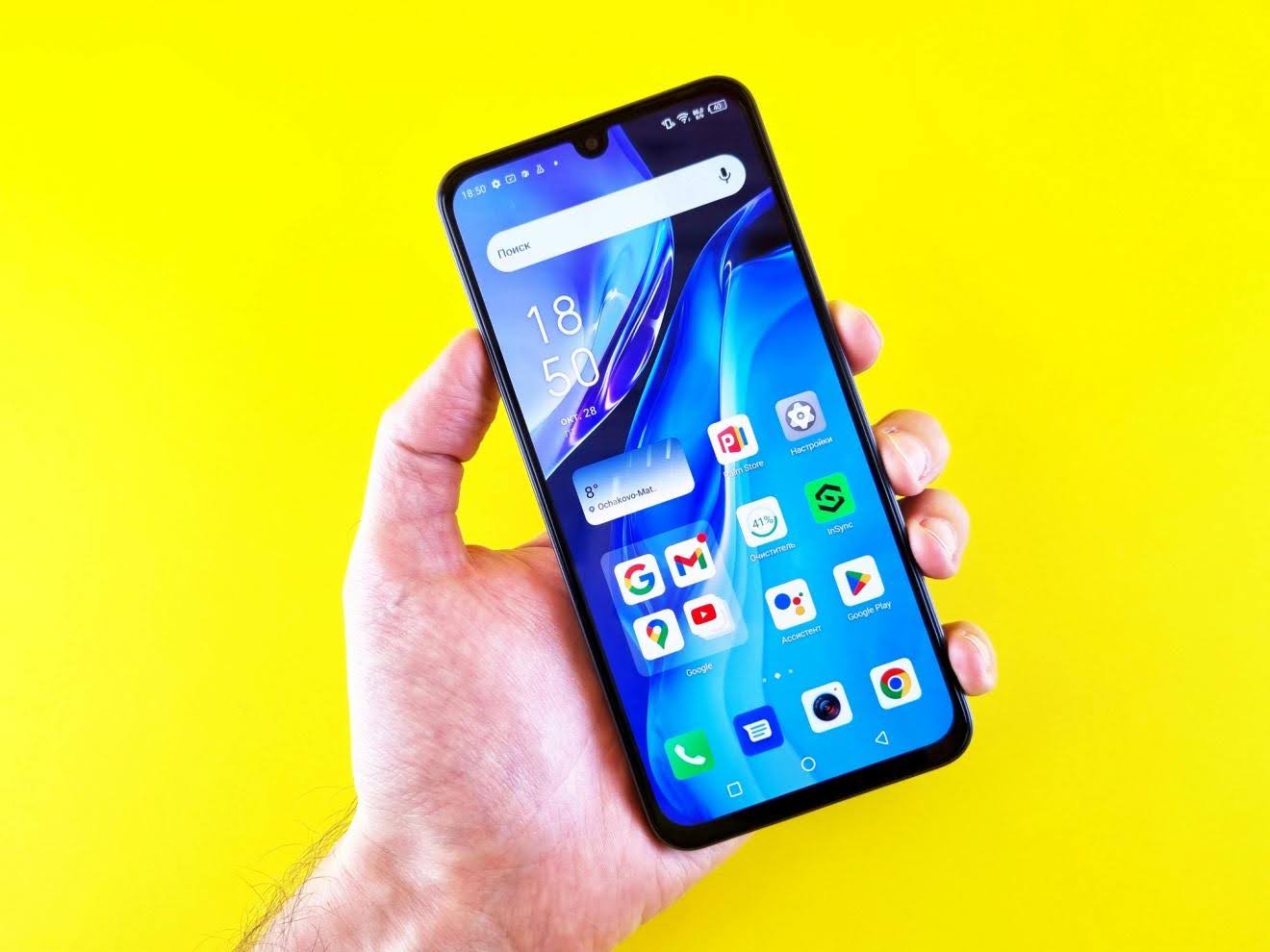
I’m usually skeptical when tech companies promise their latest update will “revolutionize productivity.” But Android’s recent features are actually pretty solid.
Your phone’s basically become your office, your entertainment center, and your lifeline all rolled into one. And if you’re anything like me, you need every bit of help you can get to stay on top of things. Android’s latest updates aren’t just flashy additions – they’re tools that might actually save your sanity.
Let me walk you through what’s new and why you should care.
Dark Mode and Focus Mode: Your Eyes (and Attention Span) Will Thank You
Remember when Dark Mode first showed up, and everyone acted like it was the greatest thing since sliced bread? Turns out, they weren’t wrong.
Dark Mode isn’t just easier on your eyes during those late-night work sessions. It actually extends your battery life on OLED screens. Win-win.
But here’s where it gets interesting. Focus Mode is like having a personal bouncer for your apps. Working on something important? Flip it on, and suddenly, Instagram can’t interrupt you with notifications about your friend’s lunch photos.
I tested this while writing a report last week. Usually, I’d get distracted by news alerts, messages, you name it. With Focus Mode active, I actually finished the thing in half the time. Your mileage may vary, but it’s worth a shot.
Multi-tasking That Actually Works
Split Screen used to be one of those features that sounded great in theory but felt clunky in practice. Not anymore.
Picture this: you’re researching vacation spots while texting your travel buddy about dates. Instead of constantly switching between apps (and losing your train of thought), you can do both simultaneously. It’s surprisingly smooth now.
Picture-in-Picture mode is where things get really useful. I can’t count how many times I’ve been on a video call while frantically taking notes in another app. Before, I’d miss half the conversation trying to switch back and forth. Now, the video call stays visible in a small window while I type away.
It’s not perfect – some apps still don’t play nice with these features. But when it works, it really works.
Google Assistant Gets Smarter (Finally)
Voice commands have come a long way from the early days when asking your phone to do anything felt like talking to a confused toddler.
Google Assistant can now handle surprisingly complex requests. “Send a message to Sarah saying I’ll be 15 minutes late and add a reminder to pick up coffee” actually works. Most of the time.
This is huge when you’re driving or your hands are full. I’ve started using voice commands while cooking, and it’s genuinely helpful. Though I still feel a bit silly talking to my phone in public.
Playing Nice with Your Work Apps
Here’s something that doesn’t get enough attention: Android’s gotten much better at working with productivity apps you actually use.
Google Workspace integration is smooth as butter now. Microsoft Office works great, too. Files sync without drama, collaboration happens in real-time, and you won’t want to throw your phone across the room when something doesn’t load properly.
The best part? Switching between different productivity apps feels natural. If you’re someone who uses HP laptops for heavy work and your Android device for on-the-go tasks, the transition is seamless. Your documents, notes, and projects follow you wherever you go.
Smart Replies: When AI Actually Helps
Smart Reply might sound gimmicky, but it’s surprisingly useful for those routine messages that eat up your day.
“Thanks!” “Sounds good!” “Running 5 minutes late!” – these responses pop up automatically, and honestly, they’re right about 80% of the time. One tap, message sent, back to what you were doing.
Suggested Actions take this further. Get a text about dinner plans? Android might suggest adding it to your calendar. It’s not mind-blowing, but these little shortcuts add up.
The AI isn’t perfect – sometimes the suggestions are hilariously off-base. But when it works, it saves those tiny moments that collectively eat up your day.
Bottom Line
Android’s latest productivity features aren’t going to transform you into a productivity guru overnight. But they might make your daily digital juggling act a bit more manageable.
Will these features change your life? Probably not. Will they make your phone a more useful tool? Absolutely.
The key is actually using them. Download the updates, spend ten minutes figuring out how these features work, and give them a real try. Your future self (the one juggling three tasks while stuck in traffic) will appreciate it.
