Gmail’s first 2026 update adds AI Overviews, New Gemini location, and Help Me Write


Google has announced a significant feature update for Gmail, following the recent introduction of its handy address change feature. The 2026 mobile app update brings several improvements, including a repositioned Gemini logo, a Material 3 Expressive UI upgrade, AI Overviews for instant summaries and answers, Suggested Replies, and enhanced Help Me Write tools. While Google also unveiled AI Inbox, that feature won’t arrive until later this year.
The latest improvements to Google’s Material 3 Expressive design language and Gemini for Gmail include a notable interface change: the Gemini AI logo and profile icon have swapped positions, making it easier to access Gemini AI at any time within the Gmail app.
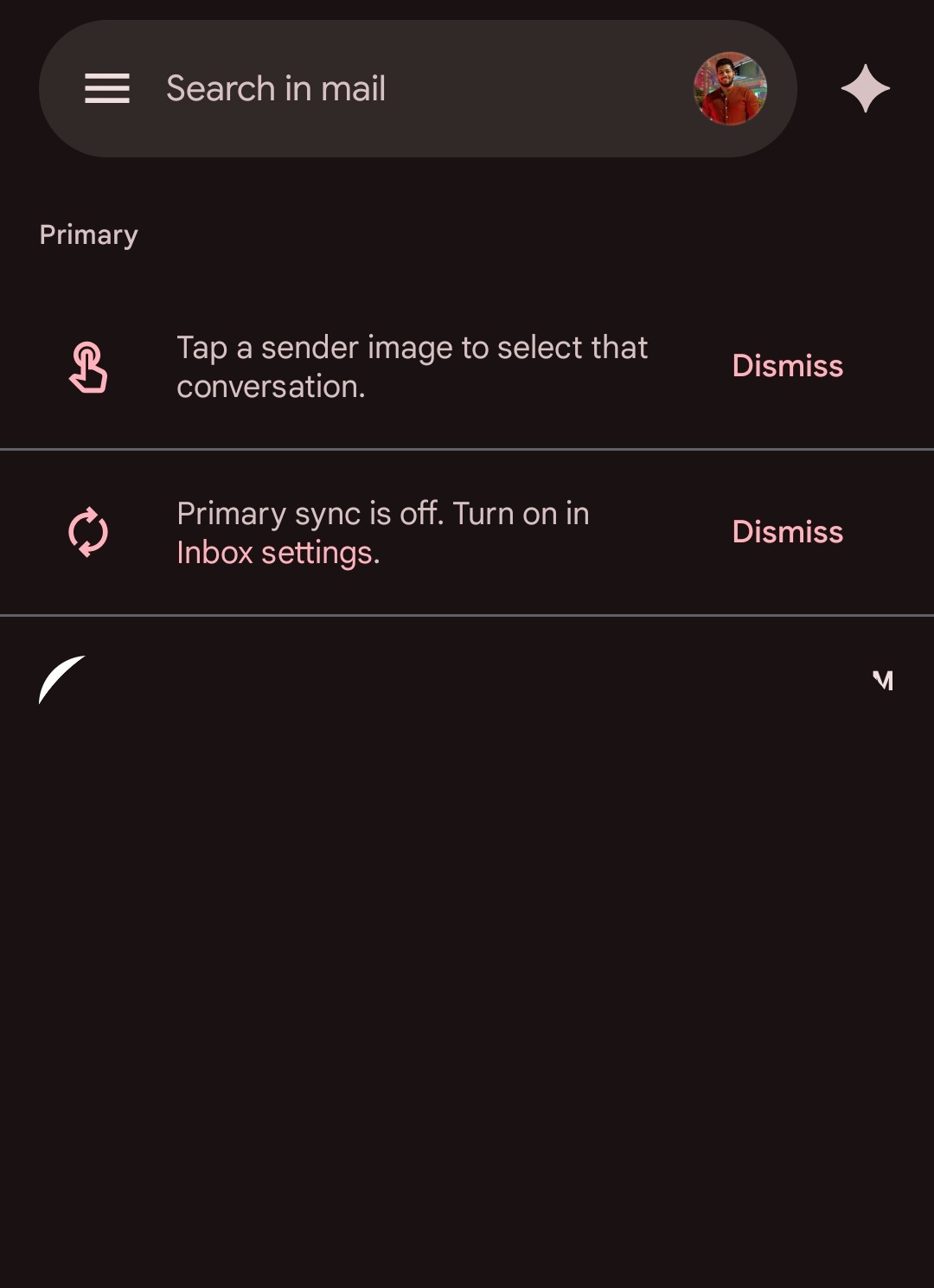
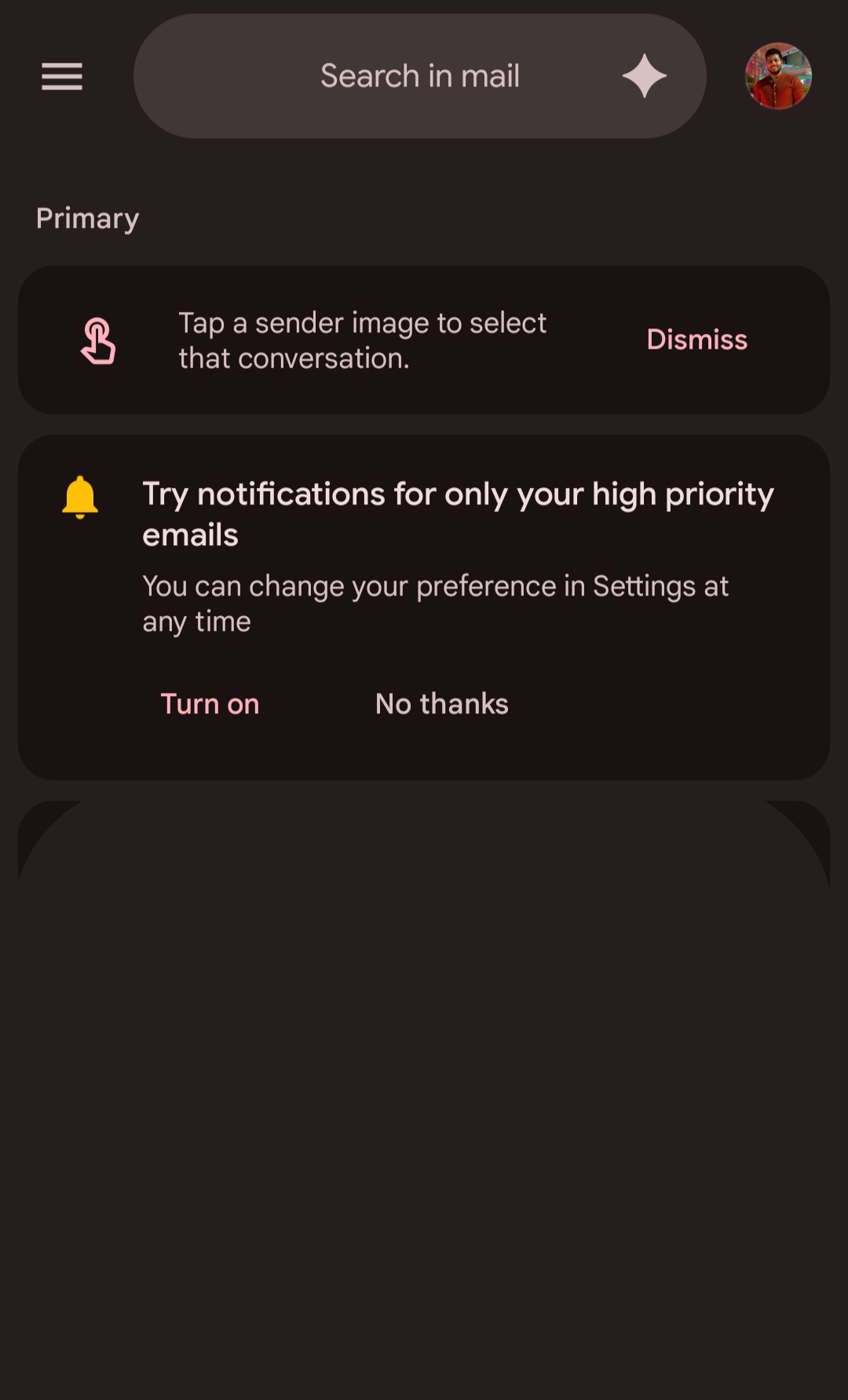
AI Overview is now available in Gmail for mobile. When you open an email, you’ll see an auto-generated AI summary. However, for work emails or messages containing critical information, the system won’t automatically summarize the content. Instead, it will prompt you to request a summary.
AI Overviews
AI Overviews extract information from Gmail inboxes. Rather than forcing users to become “power searchers” and manually sift through countless messages, AI Overviews synthesizes information into clear, actionable answers.
The functionality works in two powerful ways. First, when opening lengthy email threads with dozens of replies, Gmail now automatically generates concise summaries highlighting key points from the entire conversation.
Second, users can now ask their inbox questions using natural language. Instead search queries with specific keywords, you can simply ask something like “Who was the plumber that gave me a quote for the bathroom renovation last year?”
Google claims this feature addresses a problem many users face: having valuable information buried somewhere in their inbox but lacking an efficient way to retrieve it.
AI Overviews are rolling out today for all users at no cost, though the ability to ask questions of your inbox is reserved for Google AI Pro and Ultra subscribers.
Enhanced Writing Tools for Every User
Starting today, the Help Me Write feature becomes available to everyone at no cost, enabling users to polish existing emails or draft new ones from scratch.
Suggested Replies Get Smarter
Building on the foundation of Smart Replies, Google is introducing upgraded Suggested Replies that leverage conversation context to offer relevant, one-click responses that match your personal writing style.
Help Me Write
For Google AI Pro and Ultra subscribers, there’s an additional Proofread feature offering advanced grammar, tone, and style checks. This goes beyond basic spell-checking to ensure your emails are polished and professional before they leave your outbox.
Looking ahead to next month, Google plans to enhance Help Me Write further by incorporating context from other Google apps, promising even better personalization across the ecosystem.

AI Inbox
AI Inbox is not yet available in Gmail mobile app. Currently, AI Inbox is being tested with select users before a broader rollout in the coming months. This measured approach suggests Google is taking care to refine the feature based on real-world feedback.
AI Inbox acts as an intelligent filter, highlighting what truly matters while pushing noise into the background.
It identifies your VIPs based on multiple signals: people you email frequently, contacts in your address book, and relationships it can infer from message content. High-priority items like bills due tomorrow or appointment reminders automatically rise to the top.
Download Gmail 2026 update
Latest Gmail 2025.12.29.855765709 update released with a repositioned Gemini logo, a Material 3 Expressive UI upgrade, AI Overviews for instant summaries and answers, Suggested Replies, and enhanced Help Me Write tools.
- Gmail 2026 APK
Download Gmail from Play Store