
One UI 8.5 Beta 2 Now Live Globally: How to Download!


Samsung recently launched the One UI 8.5 beta program, introducing a suite of AI-driven tools designed to enhance creativity, connectivity, and security. This update prioritizes a seamless user experience by offering streamlined device management alongside robust security upgrades.
Following the initial rollout, Samsung released Beta 2 and expanded the program to all eligible regions, including India, the United States, and the UK. This latest build, identified by version number ZYLF, focuses on stability by addressing numerous performance issues. Key improvements include fixes for Quick Panel glitches, system stuttering, and unexpected device reboots.
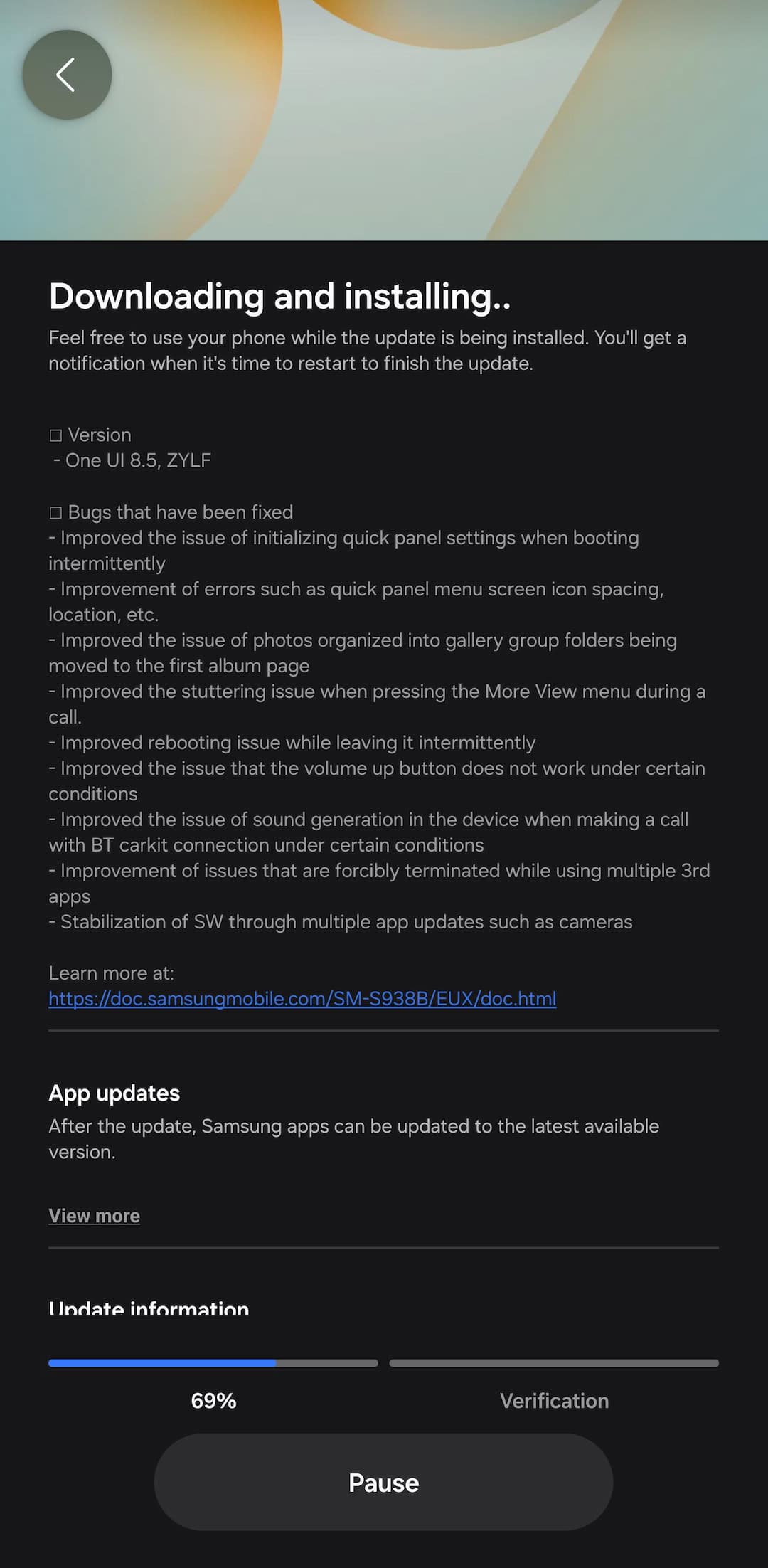
What’s new in Samsung One UI 8.5 Beta 2?
- One UI 8.5, ZYLF
- Bugs that have been fixed
- Improved the issue of initializing quick panel settings when booting intermittently
- Improvement of errors such as quick panel menu screen icon spacing, location, etc.
- Improved the issue of photos organized into gallery group folders being moved to the first album page
- Improved the stuttering issue when pressing the More View menu during a call.
- Improved rebooting issue while leaving it intermittently
- Improved the issue that the volume up button does not work under certain conditions
- Improved the issue of sound generation in the device when making a call with BT carkit connection under certain conditions
- Improvement of issues that are forcibly terminated while using multiple 3rd apps
- Stabilization of SW through multiple app updates such as cameras
What’s new in One UI 8.5?
One UI 8.5 introduces content creation tools spanning from conception to sharing. The updated Photo Assist enables uninterrupted image generation, allowing continuous editing without saving each version. Users can review their complete edit history and select their preferred results effortlessly.
Sharing content becomes more efficient with Quick Share improvements that intelligently identify people in photos and automatically recommend sending images directly to relevant contacts.
Managing multiple devices is simpler with new cross-device features for file management, network sharing, and inter-device communication. Audio Broadcast facilitates effortless communication with nearby LE Audio-compatible devices through Auracast technology. Beyond streaming media audio, users can now broadcast their voice using their Galaxy phone’s built-in microphone—perfect for group scenarios like guided tours or events.
Storage Share enhances the Galaxy ecosystem’s fluidity by displaying files from other Galaxy devices—tablets and PCs included—directly within the My Files app. Users can also access their phone’s files from other Samsung devices, including their television.
One UI 8.5 reinforces device protection while providing transparent control over security settings. Theft Protection safeguards phones and personal data if devices are lost or stolen. Failed Authentication Lock adds another security layer by automatically locking the screen after multiple unsuccessful identity verification attempts via fingerprint, PIN, or password. Identity Check now protects additional settings, offering expanded security coverage.
The One UI 8.5 beta program launches for Galaxy S25 series users on December 8 in select markets: Germany, India, Korea, Poland, the UK, and the US. Galaxy users can register for the beta program through the Samsung Members app.
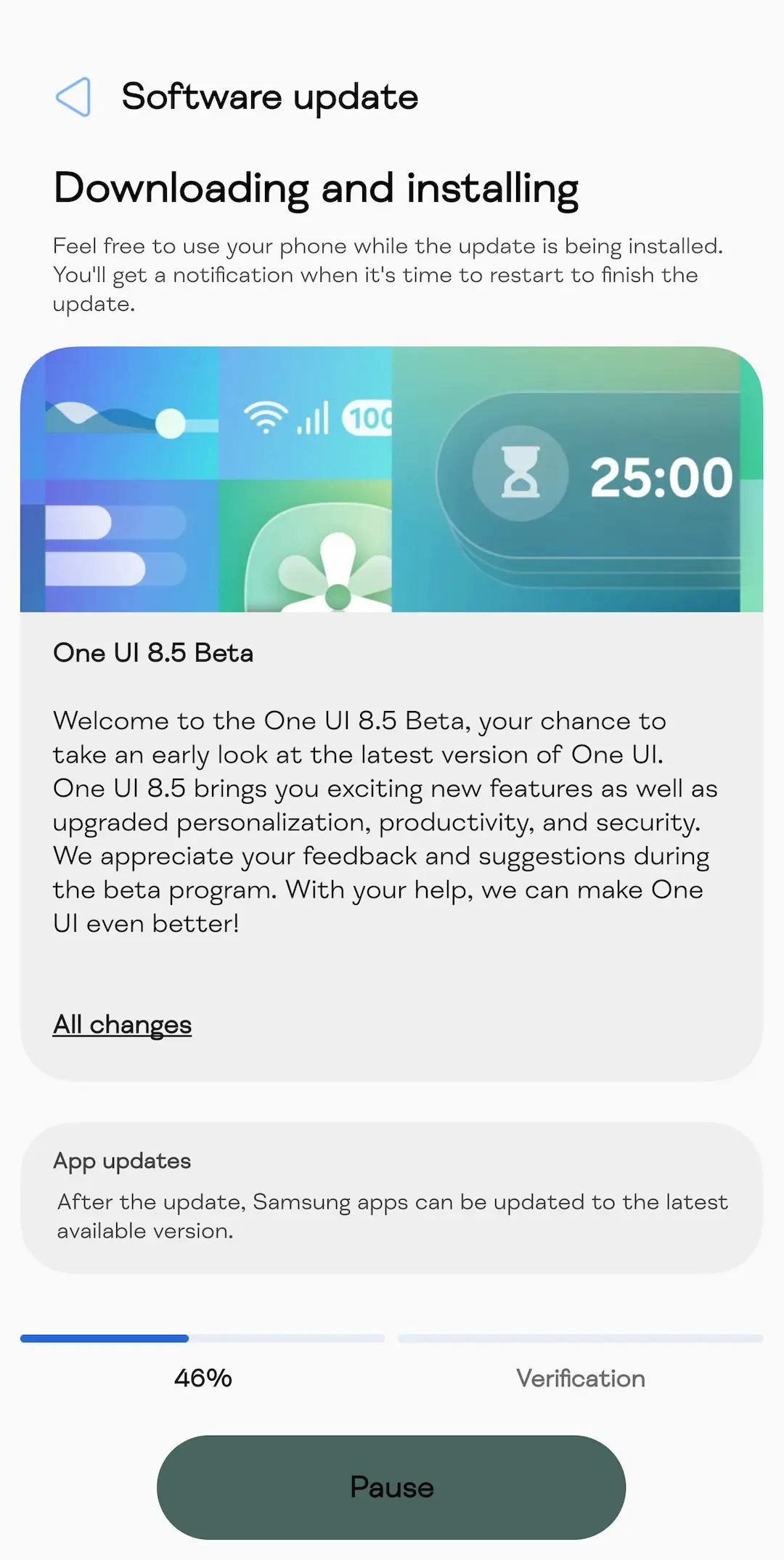
How to download One UI 8.5 Beta 2?
Eager to be among the first to experience One UI 8.5? You can sign up through the Samsung Members app available on your compatible Galaxy device. Beta participants will get early access to the new features and can provide feedback to help refine the final release.
- How to Sign up for One UI 8.5 Beta Program
- One UI 8.5 beta leaked firmware downloads
- Samsung One UI 8.5 full changelog
- One UI 8.5 Beta features

