
Download Blackmagic Camera 3.2 update for Android

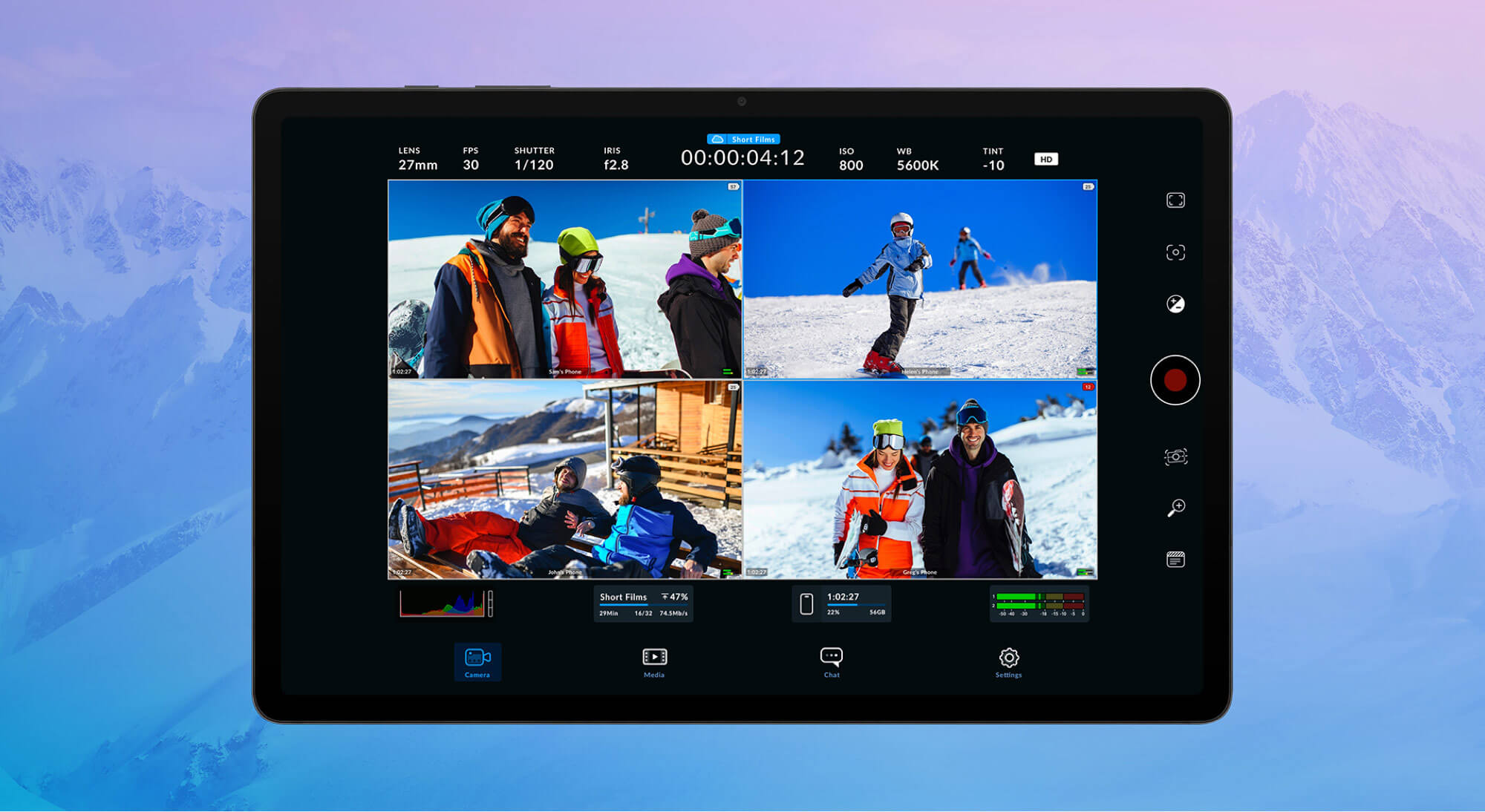
The mobile filmmaking landscape has undergone a significant transformation. Blackmagic Design has released Blackmagic Camera 3.2 for Android, bringing professional-grade cinematography tools to smartphones and tablets.
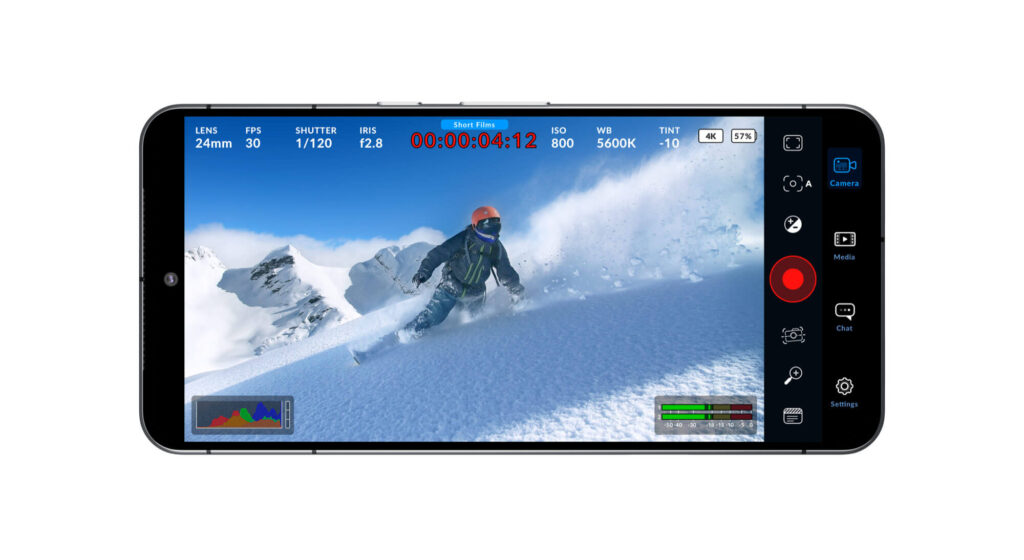
Following the successful launch on iOS, Android users can now access the same powerful features that have made Blackmagic Camera a favorite among mobile filmmakers. The app helps professional videographers, aspiring filmmakers, or content creators seeking to enhance their production quality. This update provides tools previously reserved for high-end cinema cameras.
This update introduces remote camera control, enabling users to manage multiple Android devices with ease. The app brings Hollywood-grade cinematography features to smartphones and tablets, allowing users to adjust camera settings, record high-quality video, and even collaborate in real time using Blackmagic Cloud.
With a host of new features, including 120fps and 240fps slow-motion capture on supported Android phones and advanced lens control via Tilta Nucleus USB devices, this update positions Blackmagic Camera for Android as a must-have for content creators, filmmakers, and videographers alike.
Here, download Blackmagic Camera for Android 3.2 app update for Android.
What Makes Blackmagic Camera 3.2 Special?
Remote Multi-Camera Control
The standout feature of version 3.2 is remote camera control. Users can now manage multiple Android devices simultaneously, opening up possibilities for multi-angle shoots, interviews, and complex productions—all from a single control point. This feature leverages Blackmagic Cloud for real-time collaboration, making it possible to coordinate shoots across different locations or simply run a one-person multi-camera operation.
High Frame Rate Capture
Sony Xperia users have reason to celebrate. The update introduces support for 120fps and 240fps slow-motion capture on compatible devices, enabling cinematic slow-motion sequences that rival professional camera setups. This feature is perfect for capturing sports, action sequences, or adding dramatic flair to your projects.
Professional Lens Control
Integration with Tilta Nucleus USB devices brings professional focus and zoom control to your mobile setup. This allows for smooth, precise lens adjustments that are essential for professional-looking footage, giving mobile filmmakers the same level of control found on cinema camera rigs.
Expanded Device Support
Blackmagic Camera 3.2 now supports the latest flagship devices, including:
- Samsung Galaxy S25, S25+, and S25 Ultra – Full support for Samsung’s newest flagship lineup
- Android Tablets – Including Xiaomi Pad 6 and Samsung Tab S9, perfect for larger-screen monitoring and control
- Multiple device categories – From phones to tablets, creating flexible production setups
Complete Feature Breakdown
Version 3.2 Highlights
The latest update focuses on streaming capabilities and professional workflow enhancements:
- Custom Live Streaming Targets – Stream directly to your preferred platforms beyond the standard options
- SRT Protocol Support – Enable streaming to third-party platforms using Secure Reliable Transport for high-quality, low-latency streaming
- H.265 Encoding – Supported on compatible live stream services for better compression and quality
- Calibration Improvements – Fixed zebra pattern and false color calibration issues for accurate exposure monitoring
- Performance Optimizations – Enhanced stability and smoother operation across supported devices
Version 3.1 Features
- Aspect Ratio Selection – Choose from multiple aspect ratios and open gate recording on compatible devices
- Customizable Function Buttons – Quick access to audio sources, false color, zebra patterns, and live stream controls
- Samsung Log LUTs – Calibrated look-up tables for Samsung devices ensure accurate color grading workflows
- Remote HDMI Monitoring – View the selected remote camera feed for better multi-camera coordination
Version 3.0.2 Refinements
- Resolved LUT loading issues during color space switching
- Fixed zoom level consistency with Dolly Zoom feature
- Smoother histogram display for better exposure monitoring
- Overall stability enhancements
Additional Capabilities
Cross-Device Synchronization – Control multiple phones running Blackmagic Camera simultaneously
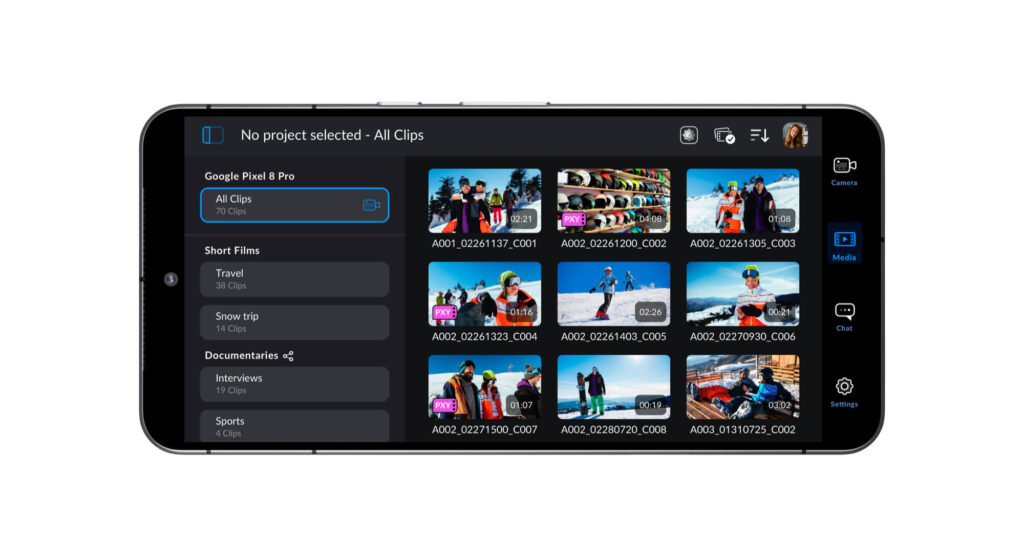
Multi-Clip Selection – Drag-select multiple media clips for efficient batch operations
German Language Support – Extended interface localization for international users
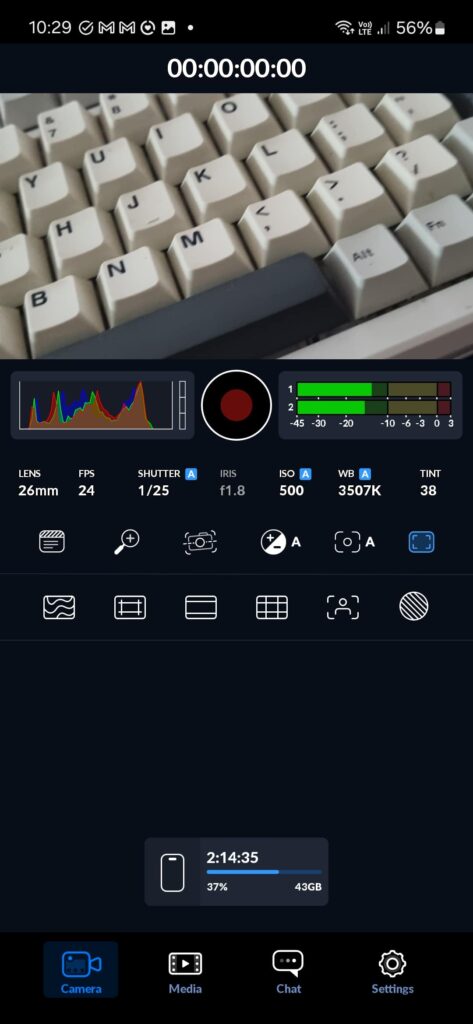
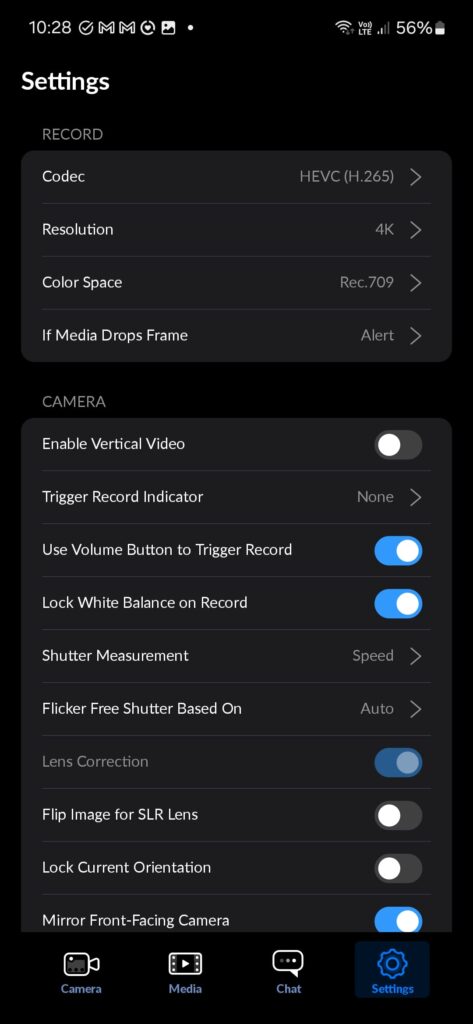
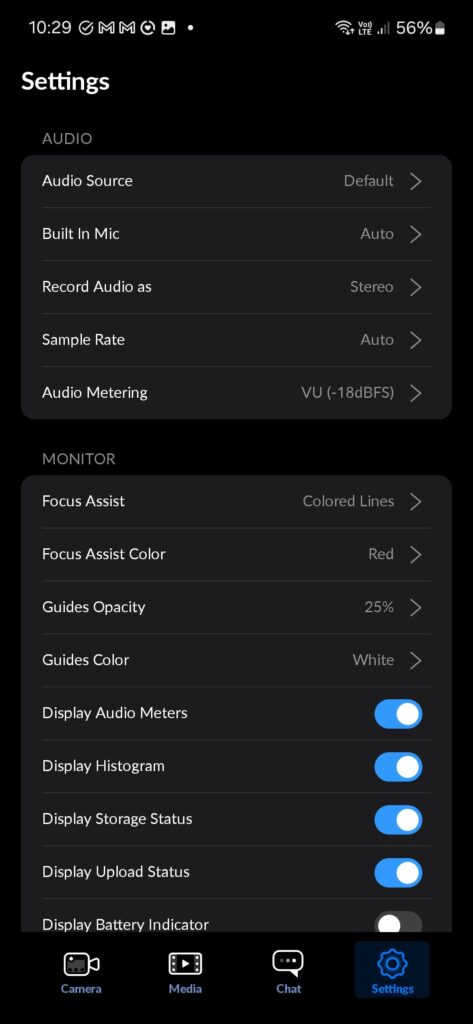
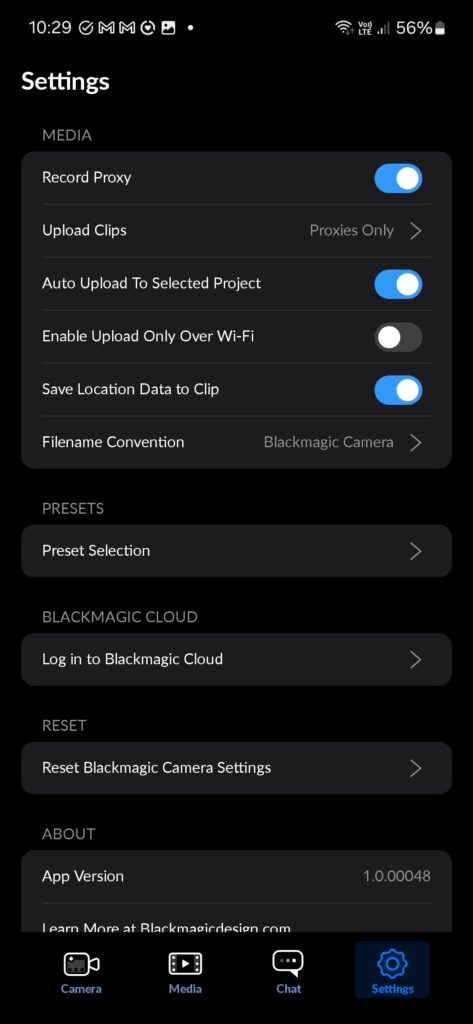
Read more about the Blackmagic Camera app Features here.
Download Blackmagic Camera for Android 3.2 Update
Blackmagic Camera app may not be available on the Play Store just yet. You can download the APK below and sideload it onto your phone once available.
The new camera app is already available on the Apple App Store for iPhones since long. The most awaited Android update is here for download officially on the Play Store.
Download Blackmagic Camera from Play Store
The Blackmagic Camera app is now available for download on the Play Store for all Android devices.
Download Blackmagic Camera App Store (iPhone)
Blackmagic Camera app is also available for download on the Apple App Store for all iPhones and iPads.
