
Gemini for Wear OS v1.27 Update Adds More Ask Gemini Prompts

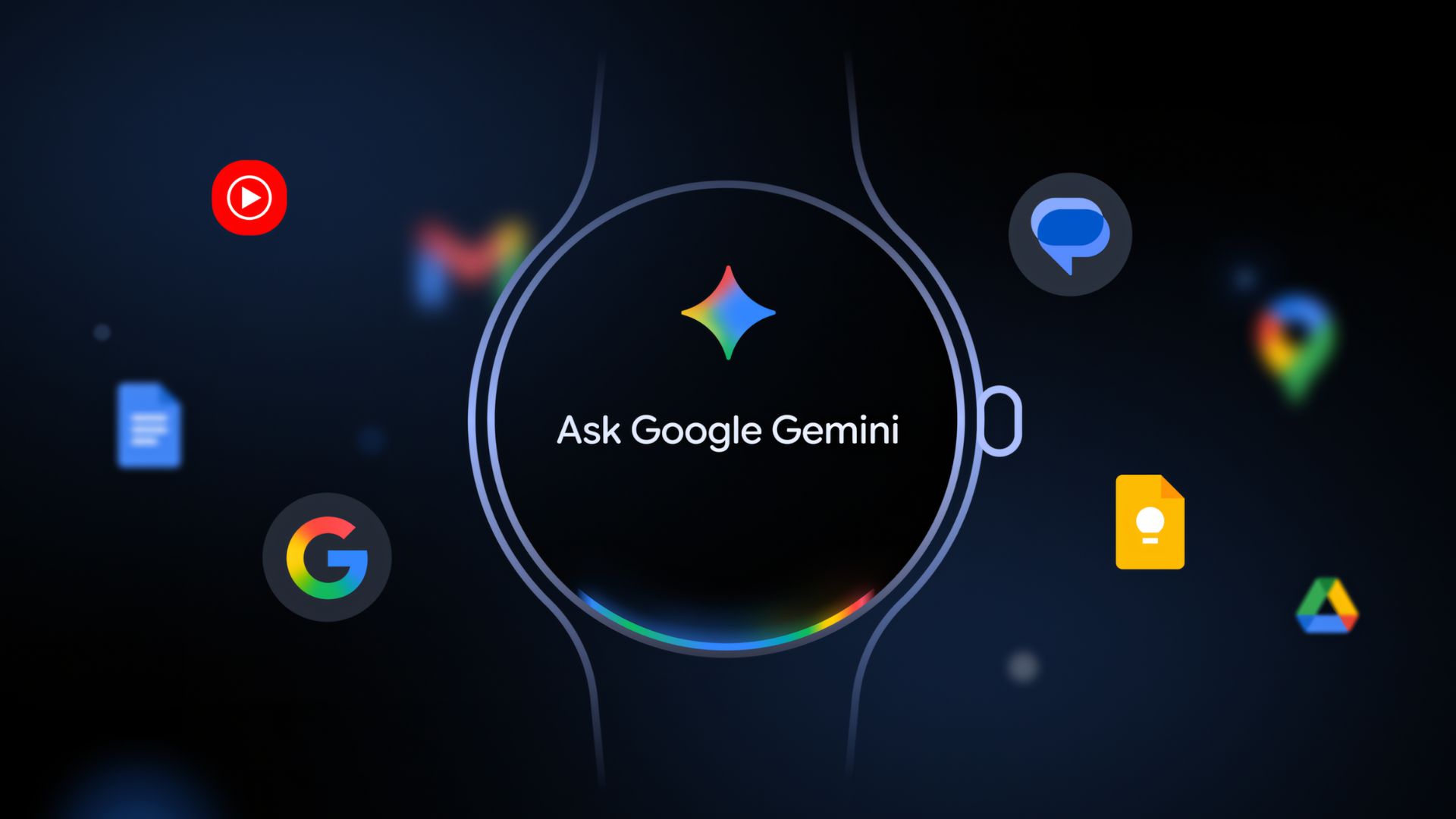
Today Google released a major new update to Gemini for Wear OS, version 1.27, which now includes suggestions highlighting what the app can do on your smartwatch. This update comes after Google’s earlier move to replace the native Google Assistant on smartwatches with a dedicated Gemini for Wear OS app.
Users worldwide can now engage with Google’s advanced conversational AI directly from their wrists. The initial rollout of the Gemini app began earlier this year for select devices and regions, but it has now achieved global availability.
Google’s Gemini app for Wear OS is officially available on the Play Store, bringing the highly anticipated AI assistant to smartwatches across the globe. Many models, including the Pixel Watch, Samsung Galaxy Watch, TicWatch, OnePlus Watch, Oppo Watch, Xiaomi Watch, and Fossil Watch, can now download Gemini directly from the Play Store.
While the Wear OS team has only officially confirmed Gemini for Wear OS 4+ watches, users have been able to install it on Wear OS 3/3.5 across various manufacturers and device types. Furthermore, there are reports of Gemini functioning on Wear OS 3.0 and later versions. If the app doesn’t appear in the Play Store, you can still sideload Google Gemini on Wear OS 3+ using a dedicated tutorial.
The current Play Store update is listed under the official name “Google Gemini on Wear OS” with version 1.27, which can also be sideloaded. Users have the option to download and install the latest Gemini update via the official Google Play Store or by sideloading. The installation process is simple, mirroring standard app installations, making it accessible to all users.
What’s new in Gemini for Wear OS 1.27?
Our APK breakdown series showcases what’s new in the latest Gemini for Wear OS APK. We teardown the APK and find what’s new in the source code of the latest update.
The latest update added an array of Gemini suggestions inclduing reminders, add note, find phone, lights off, and much more.
Here is what we found:
<public type=”array” name=”gemini_suggestion_array” />
<public type=”string” name=”gemini_suggestion_add_note” />
<public type=”string” name=”gemini_suggestion_festival_reminder” />
<public type=”string” name=”gemini_suggestion_find_phone” />
<public type=”string” name=”gemini_suggestion_lights_off” />
<public type=”string” name=”gemini_suggestion_playlist_run” />
<public type=”string” name=”gemini_suggestion_protein” />
<public type=”string” name=”gemini_suggestion_start_bike_ride” />
<public type=”string” name=”gemini_suggestion_start_run_music” />
<public type=”string” name=”gemini_suggestion_summarize_email” />
<public type=”string” name=”gemini_suggestion_timer_egg” />
<public type=”string” name=”suggestion_send_a_message” />
<public type=”string” name=”suggestion_set_a_5_minute_timer” />
<public type=”string” name=”suggestion_set_an_alarm_for_7_am” />
<public type=”string” name=”suggestion_summarize_my_last_email” />
<public type=”string” name=”suggestion_turn_off_the_lights” />
<public type=”string” name=”suggestion_weather_in_london” />
<public type=”string” name=”suggestion_whats_on_my_calendar” />
Gemini Suggestions
Gemini includes a range of smart, contextual actions designed to assist you with everyday tasks and routines.
List of Gemini Suggestions:
- Add a note
- Festival reminder
- Find phone
- Turn off lights
- Play running playlist
- Protein reminder
- Start bike ride
- Start run with music
- Summarize email
- Set egg timer
General Smart Suggestions
Alongside Gemini-specific prompts, the system also offers general quick suggestions for everyday use.
List of General Suggestions:
- Send a message
- Set a 5-minute timer
- Set an alarm for 7 AM
- Summarize my last email
- Turn off the lights
- Check weather in London
- View what’s on my calendar
We also found the following cod,e which adds more weather cards for Gemini for Wear OS:
<public type=”string” name=”settings_button_debug_live_mode_title” />
<public type=”string” name=”weather_card_header_high_temperature_content_description” />
<public type=”string” name=”weather_card_header_low_temperature_content_description” />
<public type=”string” name=”weather_card_header_precipitation_secondary_text” />
<public type=”string” name=”weather_card_header_toggle_units_separator” />
<public type=”string” name=”weather_card_header_wind_feels_like_secondary_text” />
Hardware & Software Requirements
Beginning today, Gemini, Google’s personal AI assistant, launches on Wear OS watches from leading brands including Pixel, Samsung, OPPO, OnePlus, and Xiaomi.
The Gemini rollout targets devices running Wear OS 4 or higher, ensuring compatibility with modern smartwatch hardware. Devices upgrading to Wear OS 6 will benefit from enhanced integration with brand-specific applications, maintaining the ecosystem of apps users rely on daily.
Interestingly, the update also works on older Wear OS 3.5 devices, expanding the compatibility beyond initially announced requirements. This has been confirmed with successful functionality on devices like the Fossil Gen 6 and other legacy smartwatches. For users with devices that may not receive the update through official channels, they can also sideload the latest Google Gemini APK for Wear OS.
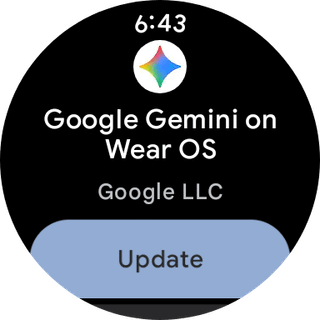
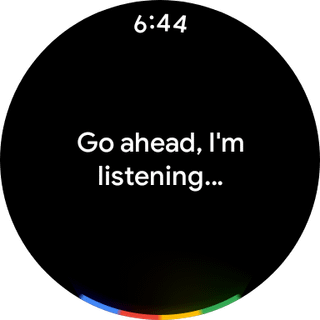
Download Google Gemini on Wear OS
Download from the Play Store
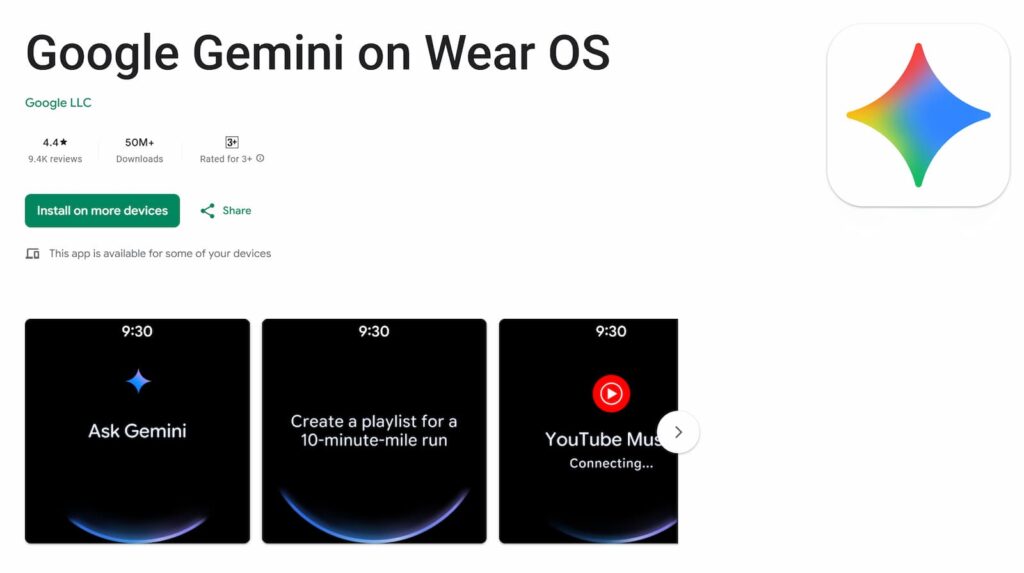
Google has officially launched Gemini on the Wear OS app on the Play Store for major smartwatch brands.
Download the Google Gemini on Wear OS app from the Play Store. Visit the following link from your smartphone or Wear OS device.


APK Download
If none of the above methods work, just download the APK from below.
- Google Gemini on Wear OS
- How to install or sideload Android apps on Wear OS
Activate Gemini by saying “Hey Google” or Ask Gemini pressing and holding your watch’s side button, or tapping the Gemini app icon on your watch screen.
