
Google Pixel Camera 10 Keeps Crashing: Download Hotfix Update 4

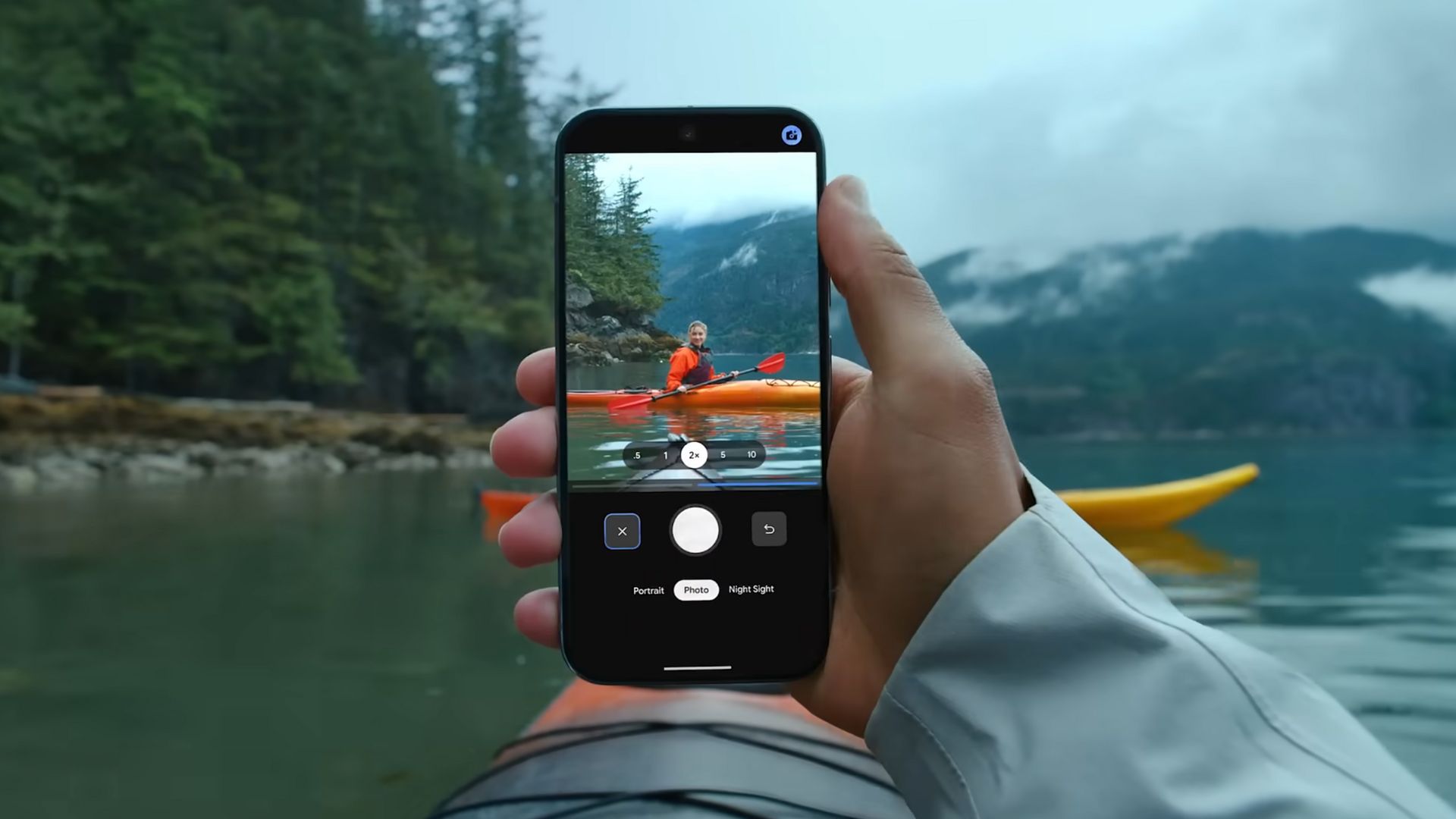
Google Pixel Camera got a major update with v10, featuring new UI, Pro Controls, and Enhanced RAW Capabilities. However, the Pixel Camera 10 has been plagued with a critical bug that crashes on several older Google phones like the Pixel 8 and the Pixel 9 series. Read a comprehensive list of Google Camera 10 features here.
Today, Google has rolled out another hotfix update 4 update to the Pixel Camera app, bringing version 10.0.081.808198566.40 to Pixel devices. This update introduces several noteworthy improvements that enhance the photography and videography experience for Pixel users, though some persistent issues remain unaddressed.
What’s New in Google Pixel Camera 10 Update?
The latest Pixel Camera update brings several meaningful improvements that users may like:
Redesigned Camera Interface
The most immediately noticeable change is the new camera UI that makes navigation between photo and video modes significantly easier. This streamlined interface should help users quickly switch between different shooting modes without the previous confusion many experienced.
Enhanced RAW Photography Workflow
For photography enthusiasts, the update includes substantial RAW improvements that enhance the editing workflow. This is particularly beneficial for users who prefer to have maximum control over their post-processing workflow and want to extract the best possible image quality from their shots.
Pro Controls for Advanced Users
The most exciting addition for serious photographers is the introduction of Pro Controls, which unlock advanced camera settings including manual shutter speed and ISO adjustments. However, these features are currently exclusive to the Pixel 8 Pro, leaving users of other models hoping for broader availability in future updates.
High-Resolution 50MP Photography
The update also enables high-resolution 50MP photography for richer detail capture, though like the Pro Controls, this feature is limited to the Pixel 8 Pro. This capability allows photographers to capture incredibly detailed images that can be cropped extensively while maintaining quality.
Persistent Issues That Remain
Despite these improvements, several long-standing issues continue to plague Pixel camera performance:
Video Jitter Problem Persists
One of the most frustrating issues for Pixel users – constant video jitter – remains unresolved even with this update. Multiple users in the Reddit discussion confirmed that the video jitter issue is still present on their Pixel 10 Pro devices after installing the update. This has been a persistent problem that users have been hoping Google would address for quite some time.
Camera app crashing
The latest Pixel camera 10 app update still constantly crashes on my Pixel 9 Pro XL. Users find the same results as the past 2 uploads. It’s also worth mentioning that the original .20 is the only one that seems to work well on most Pixel devices running Android 16.
Sensor Transition Problems
The janky sensor transitions between different camera lenses continue to be problematic. While some users report slight improvements on newer models like the Pixel 10 Pro compared to earlier generations, the transitions still don’t match the smoothness of competitor devices like the iPhone. The issue appears to be partly hardware-related due to sensor placement, making it challenging to resolve through software updates alone.
Performance and Functionality Concerns
Some users have reported that editing 50MP photos has become significantly slower and more laggy following the update. This performance degradation affects the user experience when applying filters or adjusting settings like shadows and highlights, which could be particularly frustrating for users who frequently work with high-resolution images.
Missing Features
The update doesn’t address some fundamental features that users continue to request, such as:
- Rapid-fire burst photography at full resolution
- More dedicated shooting modes or customizable profiles
- Better video mode management (users currently need to switch between 4K and 1080p to access certain features like action stabilization)
Which camera update to download?
If you’re a Pixel user, it’s worth manually checking for this update, especially if you’re using a Pixel 10 series device. However, if the Pixel camera crashes on Pixel 8 Pro or Pixel 9 Pro XL and sees persistent jitter issues in the latest version, downgrade to the original Pixel Camera v20.
- Original Pixel Camera 10 (v20) with no crashing (full feature list)
- Download Pixel Camera 10 Update 2
- Google Pixel Camera 10 Hotfix Update 3 Released With Crash Fix (new features unveiled)
To uninstall the update, go to Play Store listing and hit uninstall. This will revert it to the last stable Pixel camera update, possibly v9. Once done, download the Pixel Camera 10 update you want and install it.
How to Get Pixel Camera 10 Update 4 APK ?
Users can download the Pixel Camera 10.0.081.808198566.40 update directly from the Google Play Store or install it manually using the provided APK files. The app requires Android 16 or later due to its advanced AI processing requirements and new system integrations.
For manual installation, users will need to install Split APKs (multiple APKs) format using appropriate tools, as Google has moved to this format to ensure compatibility across different device configurations.
Download Pixel Camera 10 from the Play Store
Download the app update from Play Store here.


APK Download
Altyernatively, get the APK. Pixel Camera 10.0.081.808198566.40 (arm64-v8a) (nodpi) (Android 16+) is now available for downlaod.
- Download Pixel Camera 10 update 4 APK
- Telegram Channel (original)
- Pixel Camera 10.0.081.808198566.40 (rename to .zip)
- Installation
