
Create Perfect Video Wallpapers: How to Remove Distracting Watermarks for a Clean Home Screen


Subscribe for Updates
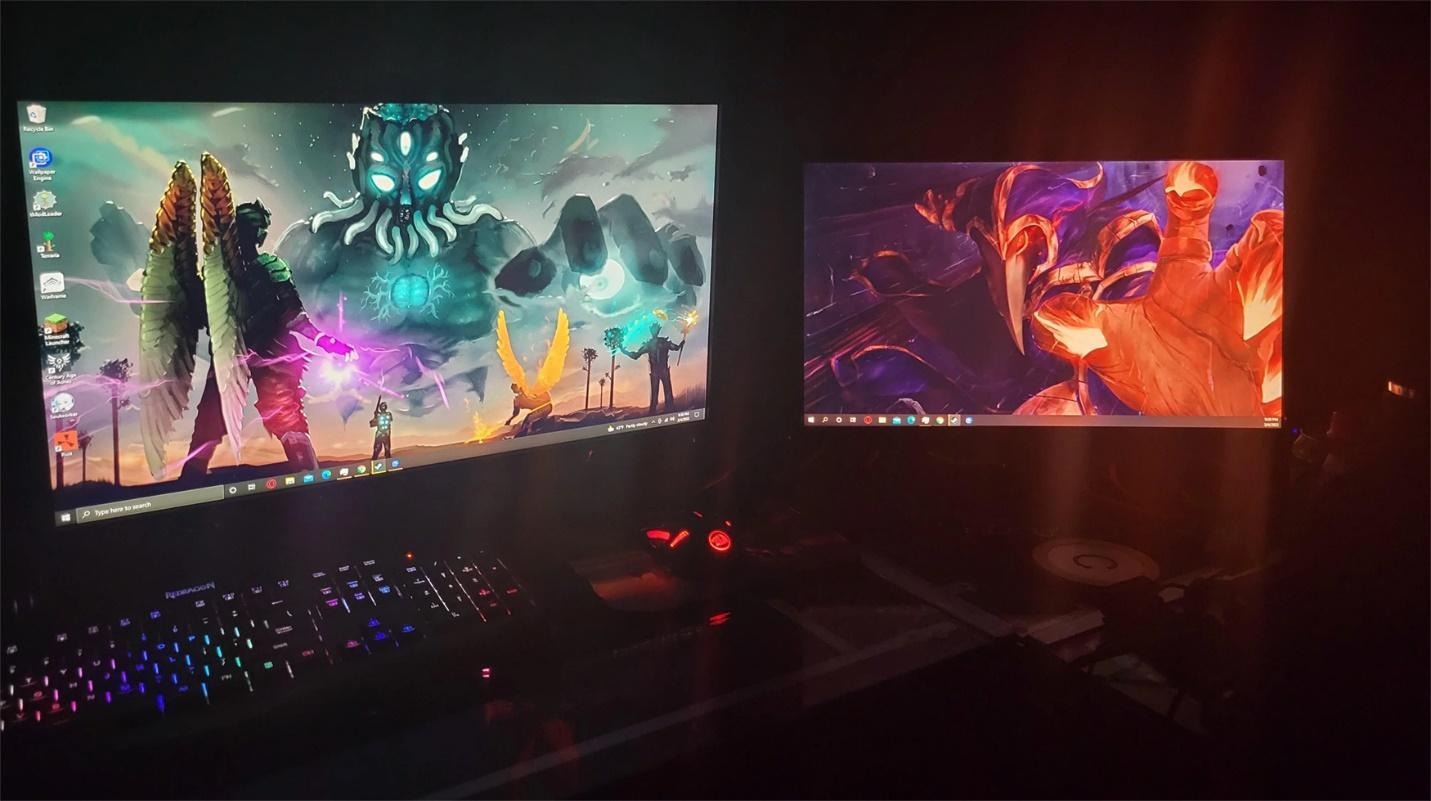
Video wallpapers on Android phones have become quite a fashion these days. Users love to set the moving wallpapers since they keep the home screen fresh. One of the major problems with video wallpapers is that a lot of them come with watermarks.
Watermarks are often very annoying, and they can also make the video look less attractive. Therefore, a lot of people want to take them off and upgrade the look of their wallpapers. Let’s explore how to make your videos clean, get rid of watermarks, and have them as flawless wallpaper. This will enable you to have a smooth and clean visual appearance on your home screen.
Why Video Wallpapers Are Popular on Android
- Personalization and visual charm: Video wallpapers enable users to completely alter the appearance of their phone. They give the home screen a more personal touch and can reflect your sense of fashion.
- Enhanced user experience: Animated images simply seem more entertaining than static ones. They transform your device into a lively and pleasant environment.
- Wide range of apps and tools: There are lots of Android applications that let you easily change the wallpaper to a video. The task is quite simple just select a video and set it as wallpaper.
- Influence from social media: People come across amazing video wallpapers on TikTok, Instagram, and YouTube. This motivates them to give their phones the same look.
The Problem with Watermarks in Video Wallpapers
Distracts from Visual Experience
A watermark can totally ruin the charming atmosphere of video wallpaper. However, a bright logo or text constantly interrupts the focus. As a result, the wallpaper seems less seamless and less pleasurable.
Reduces Professional Look
Even a high-quality video can look cheap if it has a watermark. Many users want their phone to reflect their neat and stylish image; however, a watermark can be a real destroyer of that attempt.
Limits Creative Freedom
The watermark is a part of the video which cannot be removed and it takes up the space by partly blocking the design. This means that you cannot place icons arbitrarily without either covering the watermark or making the screen look untidy.
Key Requirements for a Perfect Video Wallpaper
- High resolution and clarity: A quality video wallpaper should be visually crisp and neat. Blurry or low-grade videos will only bring down the look of your home screen. A higher resolution is what makes each detail of your wallpaper stand out clearly.
- Smooth looping: Whenever you watch a video, the very last frame must be almost the same as the very first frame for the whole video to be smoothly looped.
- Proper aspect ratio (9:16 for Android): Since typical screens of Android smartphones use a 9:16 aspect ratio, if a video is not made for this, certain parts of it may either get cut or look stretched, etc. Having the correct ratio can make one’s wallpaper look natural.
- No watermarks or distractions: The perfect wallpaper should be able to present the entire surface, without any hindrances. Ideally, the best thing is to eliminate watermarks, text, or logos to maintain the screen clean and nice visually.
Methods to Remove Watermarks from Videos on Android
Cropping the video
Cropping is the simplest method for removing a watermark. Basically, you exclude the part of the video where the logo or text is located. This technique is especially effective if the watermark is placed hardly anywhere on the screen edges. Nevertheless, you will be sacrificing some of the video as a downside.
Using AI-Based Removal Tools
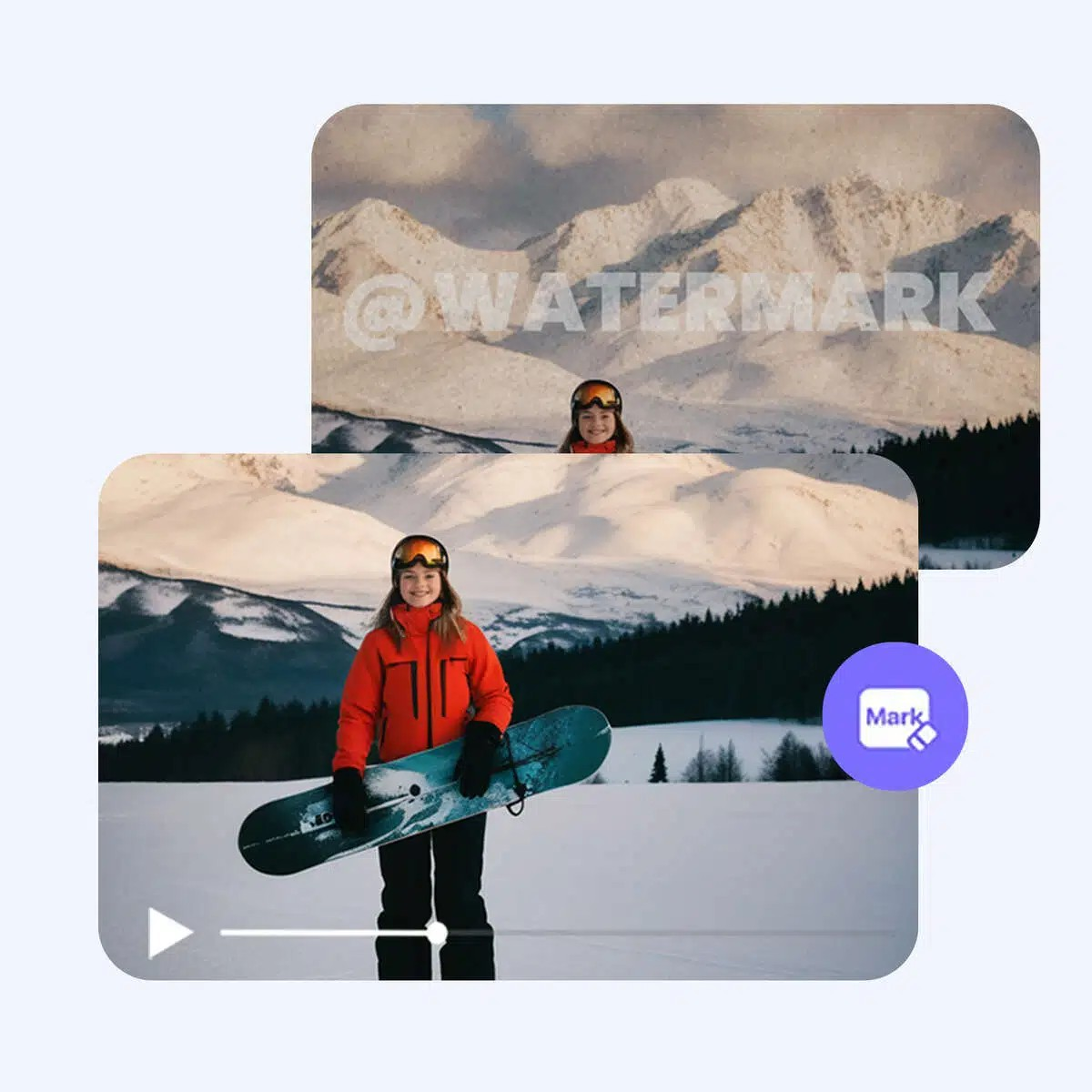
One of the best and most natural ways to remove watermarks from videos is by using AI tools. An excellent choice is Zawa Video Watermark Remover tool. This tool is powered by sophisticated AI that can not only detect but also remove watermarks, logos, captions, dates, and any other unwanted texts without causing any blur or harm to the video. This tool is so straightforward that you don’t even have to be a video editing pro. Just upload your video and with a single click, the tool will take care of everything for you. On top of that, Zawa can handle the most widely used video formats, including MP4, MOV, and M4V. It is also compatible with Android, iPhone, Windows, and Mac operating systems.
Enhancing Video Quality for Wallpapers
Why enhancement matters
Enhancing your video is a key step in making your wallpaper not only look great but also ensuring it is comfortable for users to view. A well-cleaned and detailed video provides a high-end attractive wallpaper on the home screen and imparts a refined touch to the phone.
Common issues in videos
Videos downloaded from social media sites are often problematic due to blur, noise, or being low resolution. All these problems render the wallpaper dull or fuzzy.
AI-based Video Enhancement
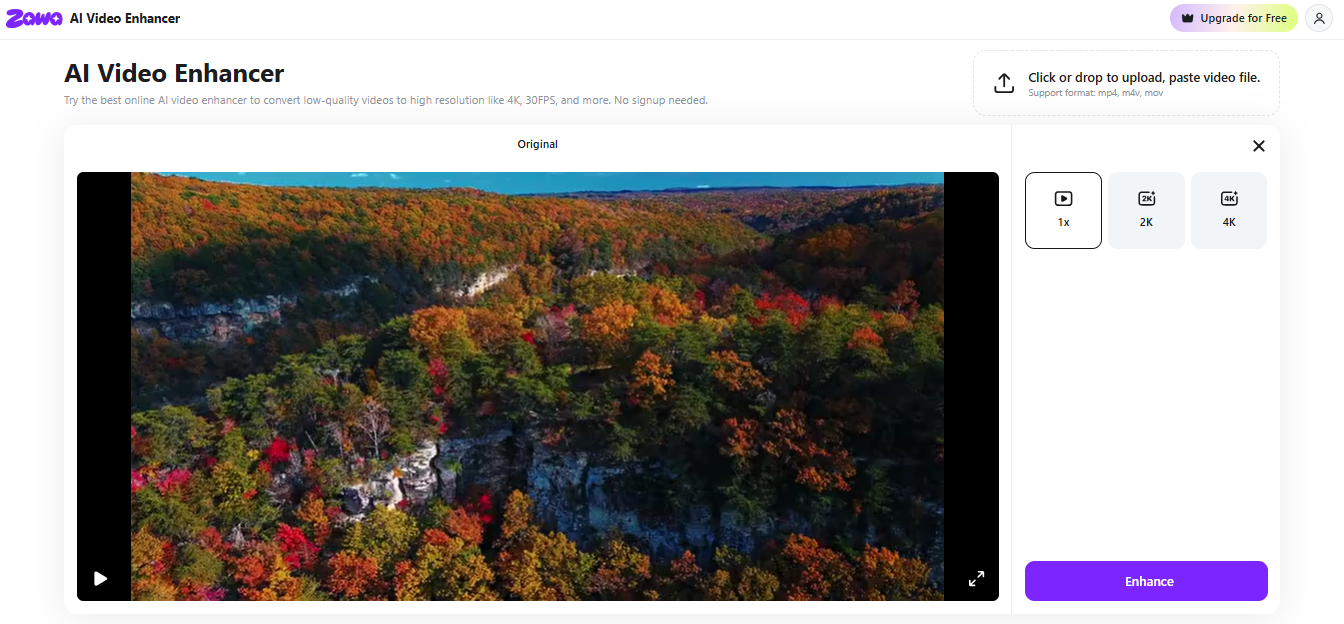
One of the simplest methods to improve the video quality of wallpaper is through AI-based enhancement. This can increase the resolution of the video, eliminate noise, make the features more distinct, and automatically correct colors. One such AI video enhancer is Zawa AI. By using Zawa’s video enhancer at no cost, you are allowed to upload any of your low-quality videos and after that, your video will be enhanced to 1080P or even 4K immediately. Artificial intelligence clarifies details, corrects blurriness, gets rid of noise, and beautifies the color without the intervention of the user at all. It can also handle MP4, MOV, and M4V file types and is compatible with all kinds of devices.
Performance Tips for Android Video Wallpapers
Optimize file size
Large video files can slow down your device and cause the wallpaper to be laggy. It’s better to keep your file size low by compressing your video or using optimized formats.
Avoid high battery drain
Video wallpapers are likely to consume more battery than static images. Opting for lighter videos will enable your phone to maintain charge for a longer duration.
Use short loop videos
Short videos that can be looped smoothly are preferable for wallpapers. They play the same scene repeatedly without any interruption, look nice and use less memory or processing power.
Test on different devices
Sharing your video wallpaper with your friends or using it on various devices? Ensure that it works perfectly everywhere. Test it on different Android phones to see if it runs smoothly, looks great, and doesn’t crash or lag.
Conclusion
Video wallpaper can add more life and style to your Android home screen, but watermarks and low-quality videos may wreck your experience. Removing watermarks through apps such as Zawa and making videos look better with the help of AI video enhancers will help you create neat, well-defined, and professional-looking wallpapers. Considering the performance, make sure to minimize the file size, use brief loops, and try on different devices.
Following these guidelines, you will be able to admire stunning and modest video backgrounds making your phone incredibly attractive.
Meet Expressive Launcher — A Fresh Way to Android
The wait is over. Expressive Launcher has graduated from beta and is now stable and available to everyone on the Google Play Store. Download it today and experience a fresh way to customize your Android home screen.

Get started
