ChatGPT Is Now on Your Apple CarPlay Dashboard — Here’s Everything You Need to Know

Subscribe for Updates
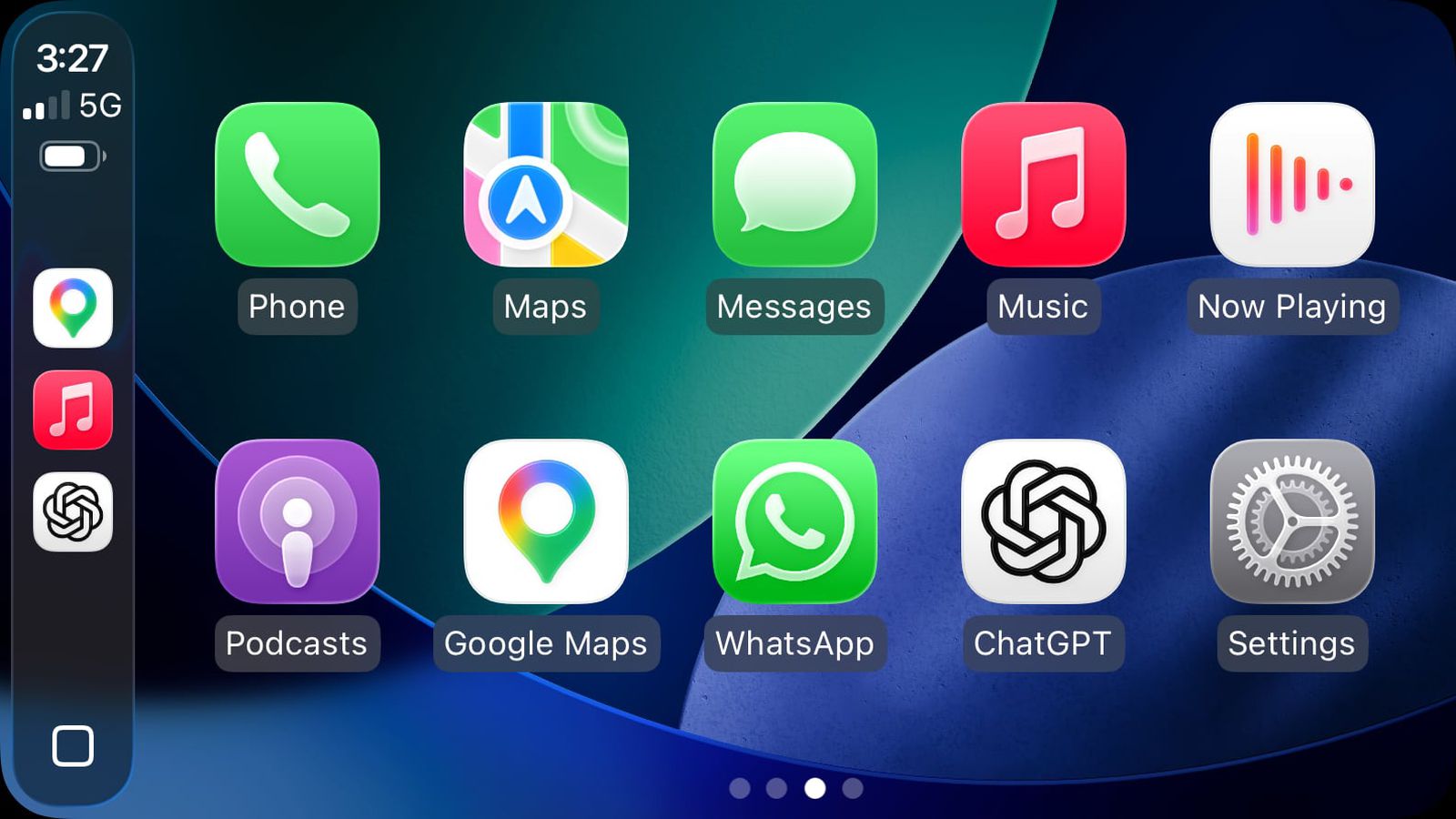
ChatGPT is now accessible from your CarPlay dashboard if you have iOS 26.4 or newer and the latest version of the ChatGPT app. Apple’s recently launched iOS 26.4 update added support for “voice-based conversational apps” in CarPlay, opening the door to AI chatbots with voice features through Apple’s in-car platform. When using ChatGPT through CarPlay, the app doesn’t show text conversations — instead, you can only interact with it using your voice, in line with Apple’s developer guidelines asking that apps avoid displaying text or imagery as responses.
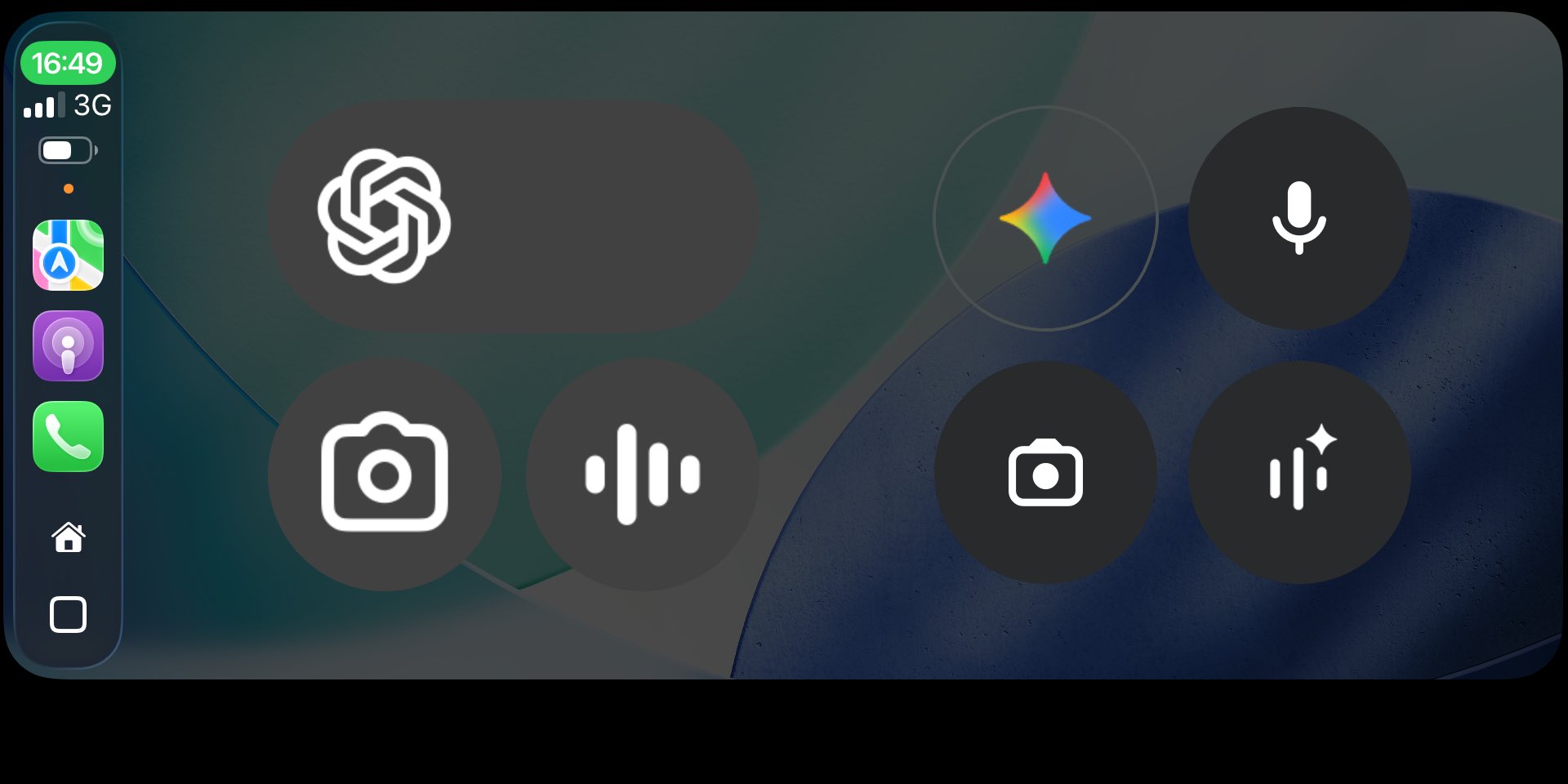
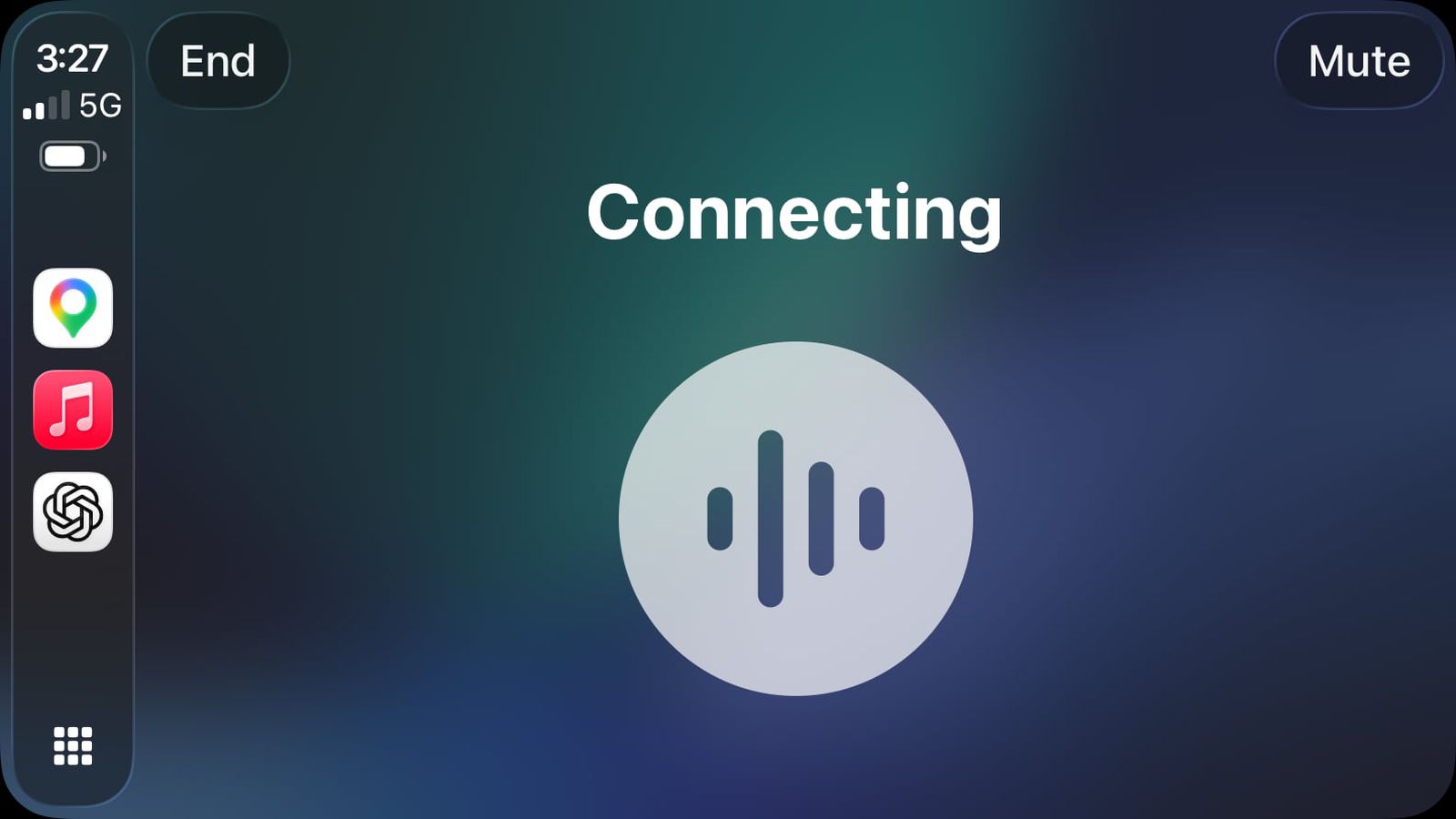
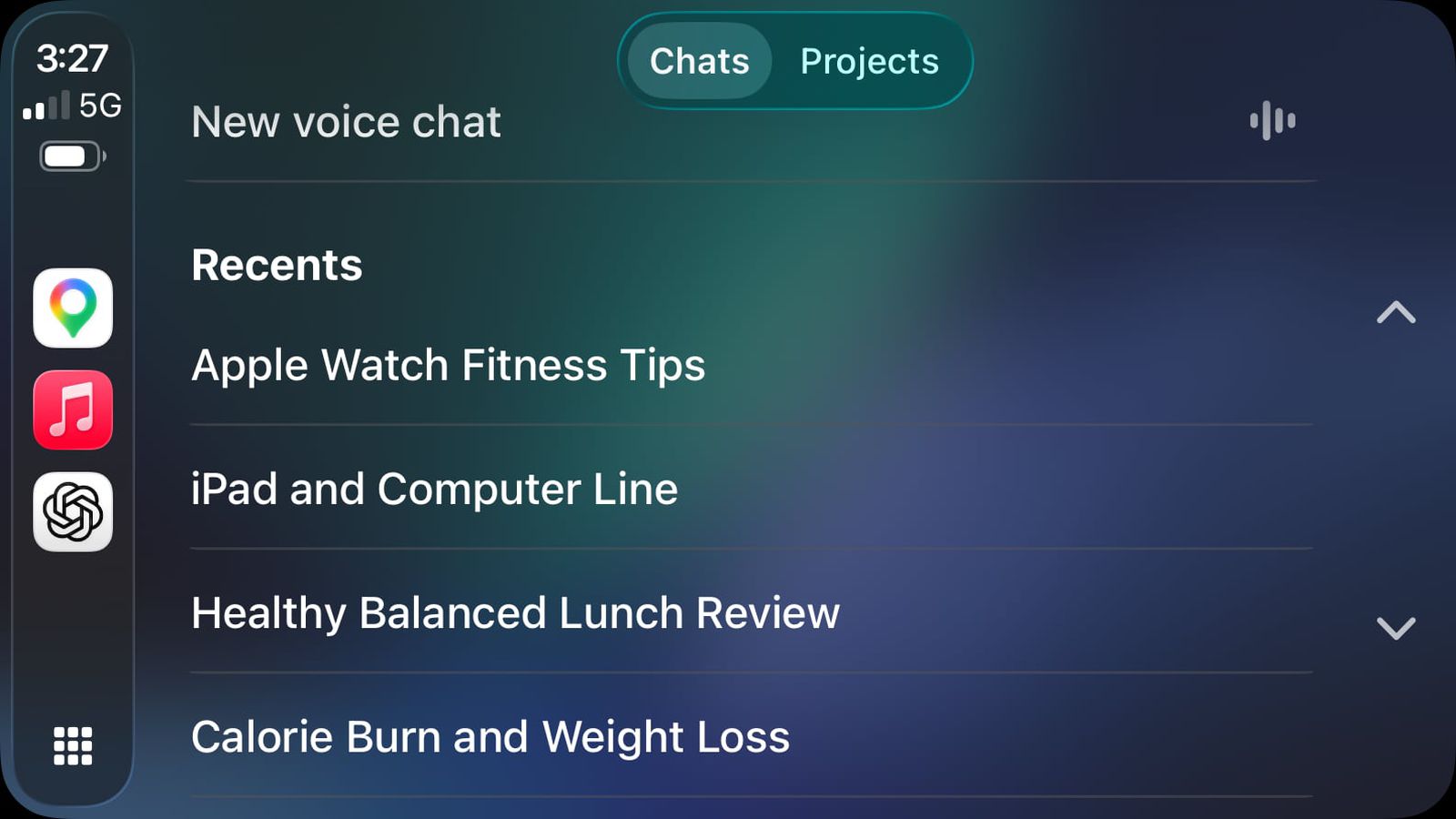
The CarPlay app isn’t completely devoid of text, though. There are onscreen buttons to mute and end the conversation, and you can also view a list of recent conversations you’ve had with ChatGPT. One important caveat: there’s no wake word support. You’ll have to tap the app to open it before you can start talking.
This is a meaningful moment for in-car AI — and it’s worth understanding exactly how it works, what Apple’s new rules require, and where all of this is heading.
What Made This Possible: iOS 26.4 and Apple’s New Developer Framework
A New CarPlay Category
CarPlay has supported third-party apps for years, but Apple has always maintained strict control over which categories are permitted — audio, navigation, communication, EV charging, and a handful of others. The goal has always been to limit driver distraction.
With iOS 26.4, Apple added a brand-new category: voice-based conversational apps. This isn’t just a policy change — it comes with a dedicated developer entitlement and a set of enforceable technical guidelines that any app entering this space must follow.
The Official Entitlement
Apple’s updated developer documentation for iOS 26.4 introduces the entitlement string:
com.apple.developer.carplay-voice-based-conversation
Apps must obtain this special entitlement from Apple before they can participate in CarPlay’s voice-based conversational category. It’s not open to just anyone — developers need to apply and be approved, giving Apple a gatekeeping role over which AI assistants can enter the vehicle.
Apple’s Official Guidelines for Voice-Based Conversational Apps
Apple’s developer documentation lays out three core requirements for apps using this entitlement:
- Voice must be the primary modality upon launch. After launching, the app must appropriately respond to questions or requests and perform actions through voice.
- Audio sessions must be used responsibly. Apps should only hold an audio session open when voice features are actively being used — no background audio hogging.
- Optimize for the driving environment. Specifically, apps should not show text or imagery in response to queries. The interaction must be voice-first throughout.
These aren’t suggestions — they’re requirements. And they explain exactly why the ChatGPT CarPlay experience looks and behaves the way it does.
How ChatGPT on CarPlay Actually Works
The Setup Requirements
To use ChatGPT through CarPlay, you need:
- An iPhone running iOS 26.4 or later
- The latest version of the ChatGPT app installed
- A CarPlay-compatible vehicle or head unit
Once those are in place, the ChatGPT app appears in your CarPlay interface and can be launched directly from the dashboard.
The Voice-Only Experience
In keeping with Apple’s guidelines, ChatGPT on CarPlay does not display text conversations. When you open the app, you’re greeted with a voice-focused interface rather than the familiar chat window you’d see on your iPhone. You speak, ChatGPT responds through audio, and the interaction stays in the voice channel throughout.
The interface does include a small number of functional onscreen elements — buttons to mute and end the conversation — but these are minimal by design. You can also browse a list of recent conversations, but the actual content of those conversations isn’t presented as readable text on screen.
No Wake Word — Yet
One of the most notable friction points is the absence of a wake word. Unlike Siri, which can be triggered hands-free with “Hey Siri,” ChatGPT in CarPlay requires you to tap the app to open it. This means you need to interact with the screen before the voice experience begins — a limitation that somewhat undercuts the hands-free promise, though it’s likely a deliberate safety and permission boundary for this first iteration.
What ChatGPT on CarPlay Can and Cannot Do
What You Can Do
- Ask open-ended questions and receive spoken answers
- Brainstorm ideas, get explanations, or discuss topics during long drives
- Review a list of your recent ChatGPT conversations from the CarPlay interface
- Use the app entirely hands-free once it’s been opened
What You Cannot Do
- Control vehicle functions — ChatGPT cannot adjust navigation, climate, or any car systems
- Control iPhone functions — it cannot send messages, make calls, or trigger other apps
- Use a wake word — you must tap to open the app first
- Read text responses — all responses are delivered by voice only, per Apple’s guidelines
OpenAI looks desperate: Can CarPlay save ChatGPT?
To understand why ChatGPT is clinging to a CarPlay integration, you have to look at the bigger picture: a company scrambling for relevance. OpenAI, once the undisputed king of AI, is watching its dominance erode in real time. Google’s Gemini is embedding itself across billions of Android devices, including Android Auto for millions of cars, and Google’s own ecosystem. Anthropic’s Claude is quietly eating into OpenAI’s enterprise and developer base. And DeepSeek delivered a gut punch to the entire Western AI establishment — achieving comparable performance at a fraction of the cost. Against that backdrop, latching onto Apple’s CarPlay feels less like bold innovation and more like a lifeboat grab.
Siri in CarPlay has long been an embarrassment, unable to answer a simple question without deflecting to a phone link. ChatGPT stepping in to fill that gap isn’t a triumph — it’s a patch job, propped up by a partner’s weakness rather than its own momentum.
Sora’s Collapse
The mood inside the AI world isn’t celebratory right now. Sora, OpenAI’s once-hyped video generation model, recently shut down — a quiet but damning signal that not everything OpenAI touches turns to gold. The broader AI industry is convulsing, disrupting jobs, business models, and entire technology sectors faster than anyone anticipated. The excitement has curdled into anxiety for many in the tech community, and OpenAI is increasingly a symbol of that whiplash.
Sam Altman is desperate
OpenAI’s being first to implement ChatGPT as soon as Apple announces voice-based conversational apps for CarPlay reeks of desperation. ChatGPT can’t even satisfy its current user base, let alone millions of additional CarPlay users.
Google Gemini next?
Apple has also recently announced that Google Gemini will be the official AI backing Siri. So Gemini will soon be coming to CarPlay. Before this, Gemini app may be updated to add support for voice-based conversational apps for Apple.
Update: With iOS 26.4, ChatGPT, Gemini, Claude, and Copilot can also be used via widgets.