
Firefox Browser Updated with New UI and Material 3 Expressive Hint

Subscribe for Updates
The Mozilla Firefox browser app for Android just updated with a new UI featuring Material 3 Expressive elements. Google’s latest design language, called Material 3 Expressive, is being adopted across the Android operating system, various Google apps, and many third-party apps as well. The latest app to receive Material 3 Expressive design is the Firefox mobile app for Android.
The new design, available in Firefox v147 and later, introduces a redesigned address bar, settings menu, and quick panel for one-tap setting changes. The address bar is larger and more prominent, with a new tab shortcut conveniently placed right beside it — making it faster than ever to open a new tab and start searching.
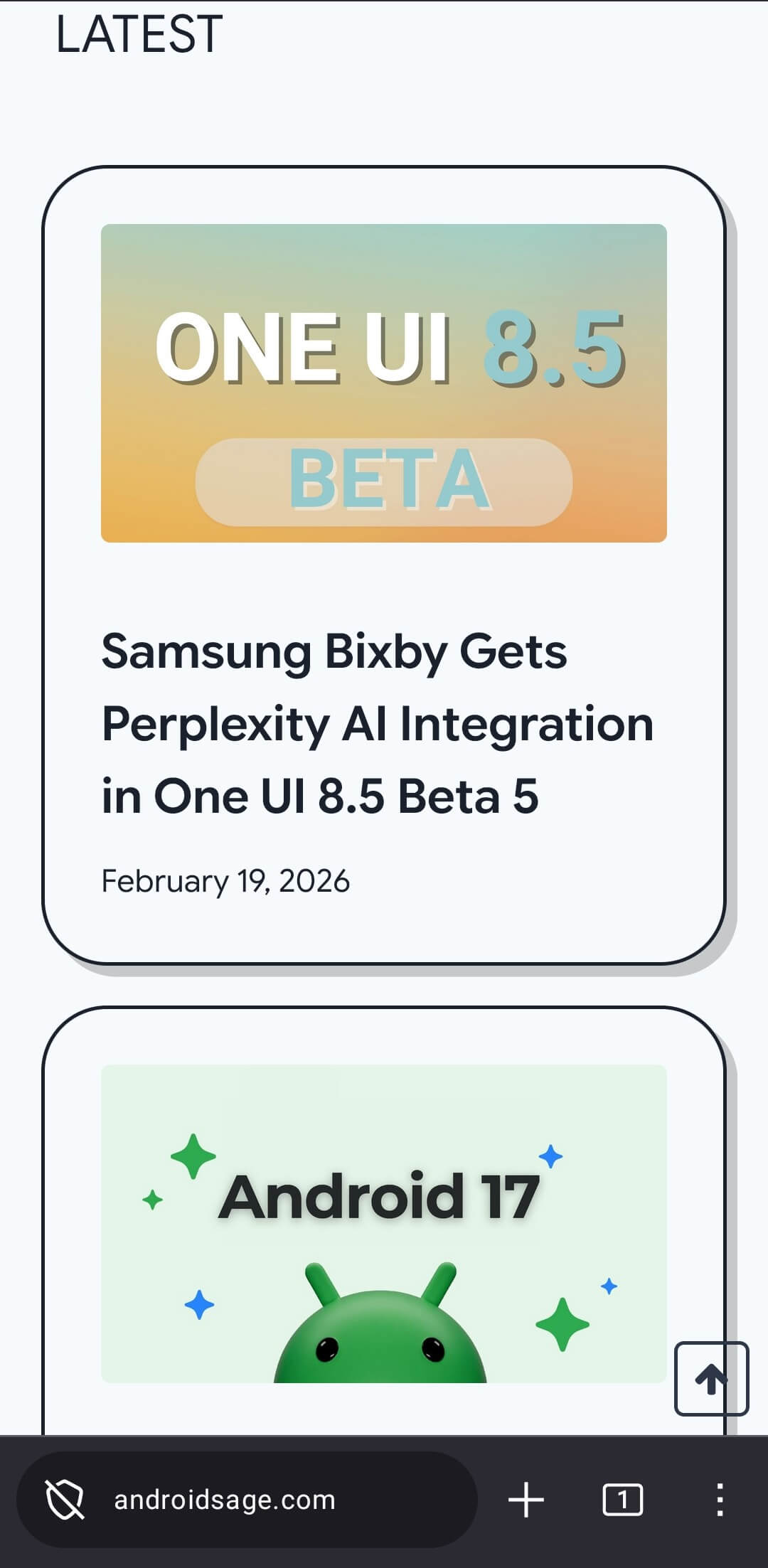
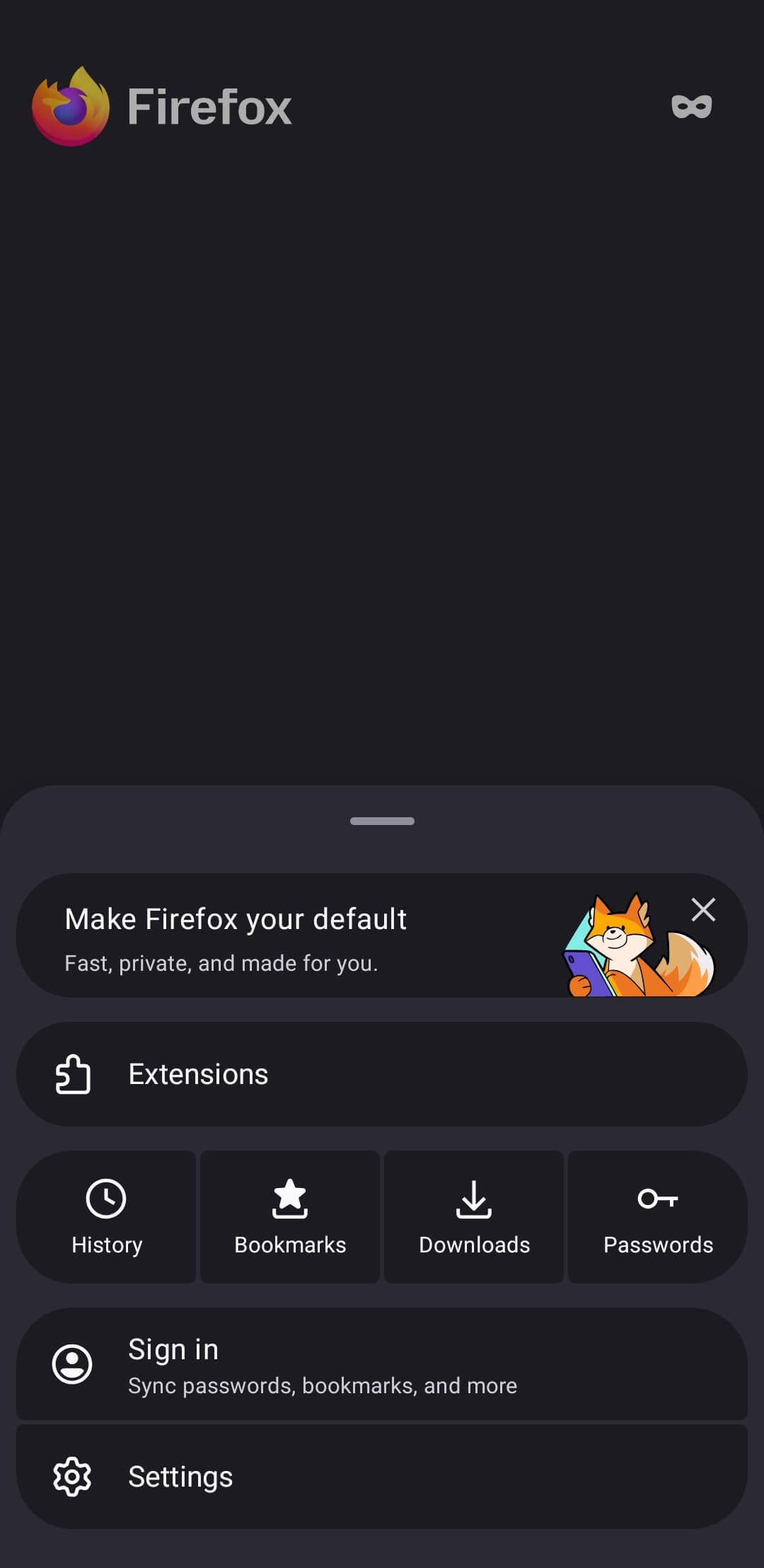
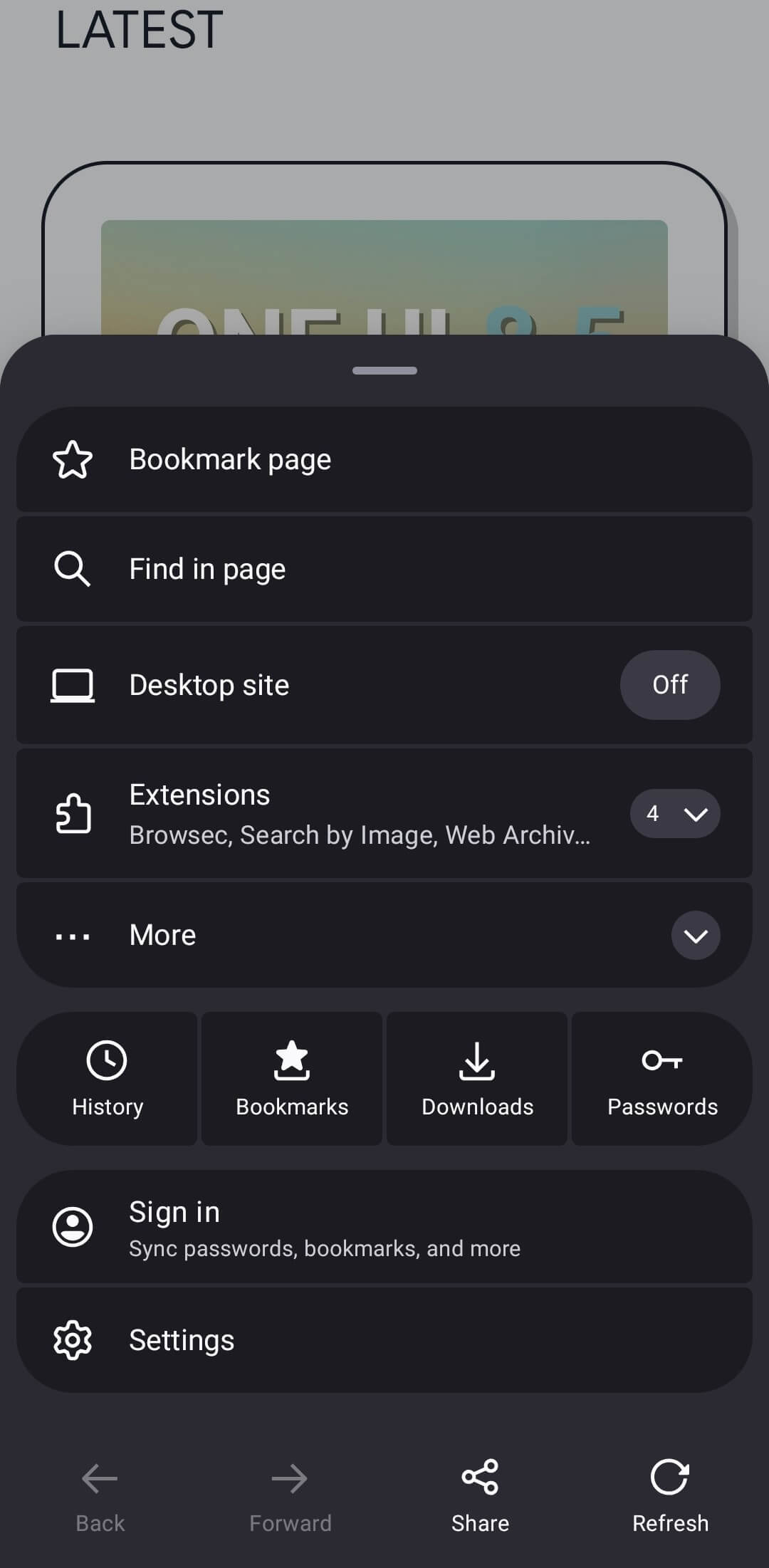
Firefox for Android has also embraced Material 3 Expressive design elements. Most notably, the three-dot menu icon that opens quick settings has been completely overhauled with the new expressive aesthetic. The settings menu itself remains unchanged for now, though Mozilla is expected to update it in the near future.
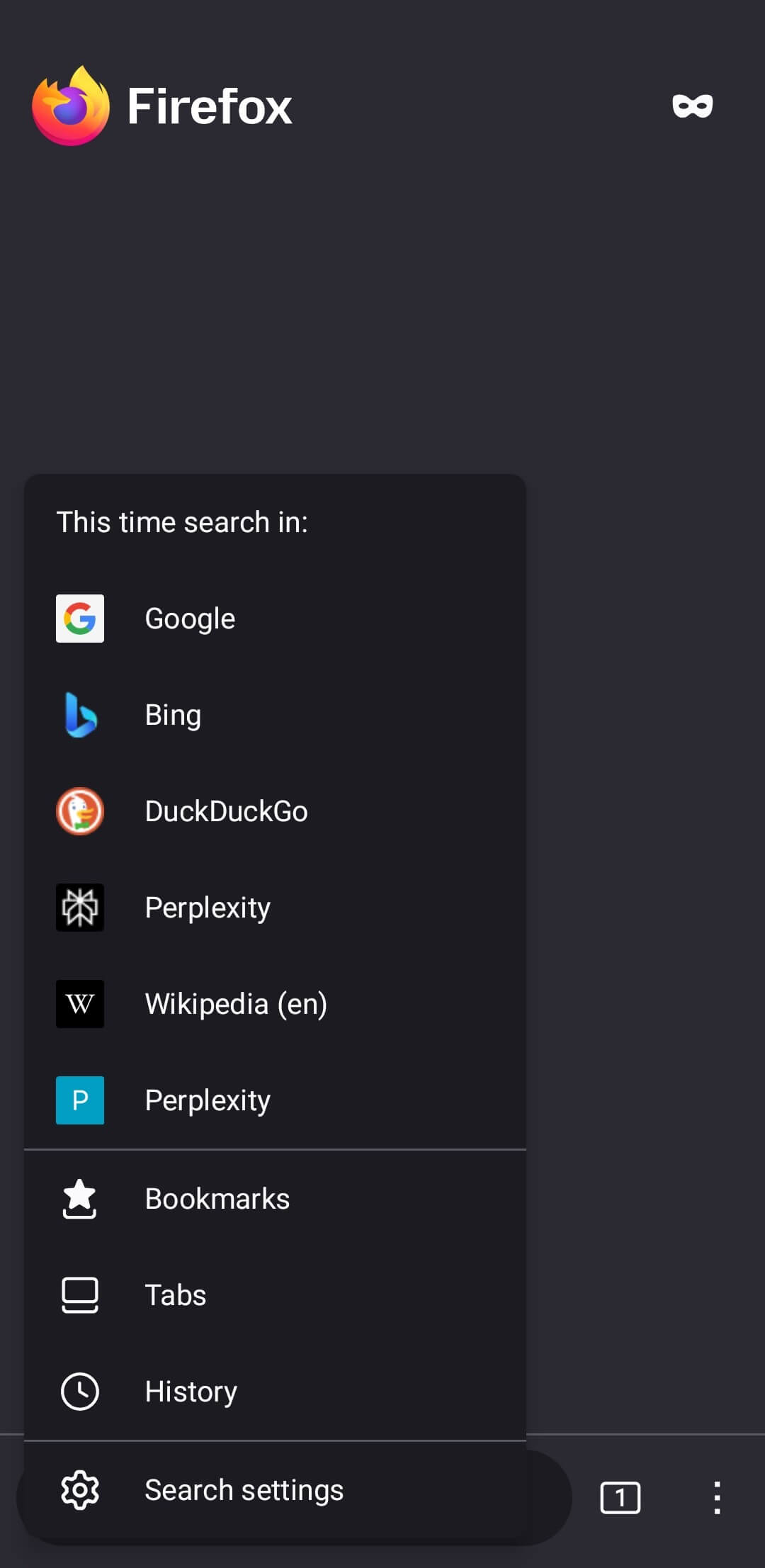
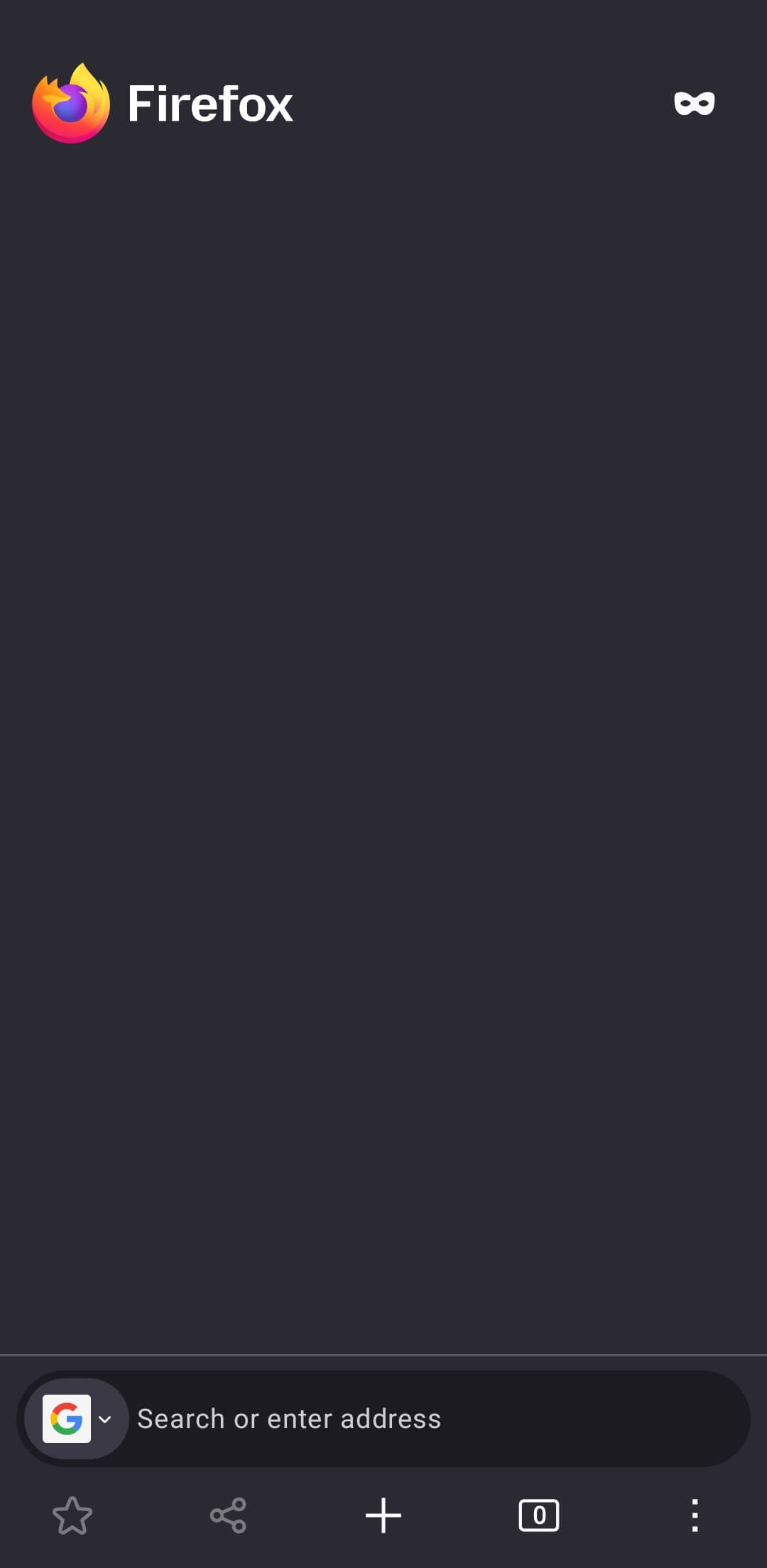
This Firefox app update joins a growing list of Android applications receiving the Material 3 Expressive treatment, including the Google app, Gmail, Android Auto, and Pixel Camera. Although Google announced this design direction in June 2025, users are only now seeing the phone app implementation roll out widely. Read more about Material 3 Expressive Design here.
The Material 3 Expressive design appears to be activated with v147 on stable version or the latest v148 through the Beta channel.
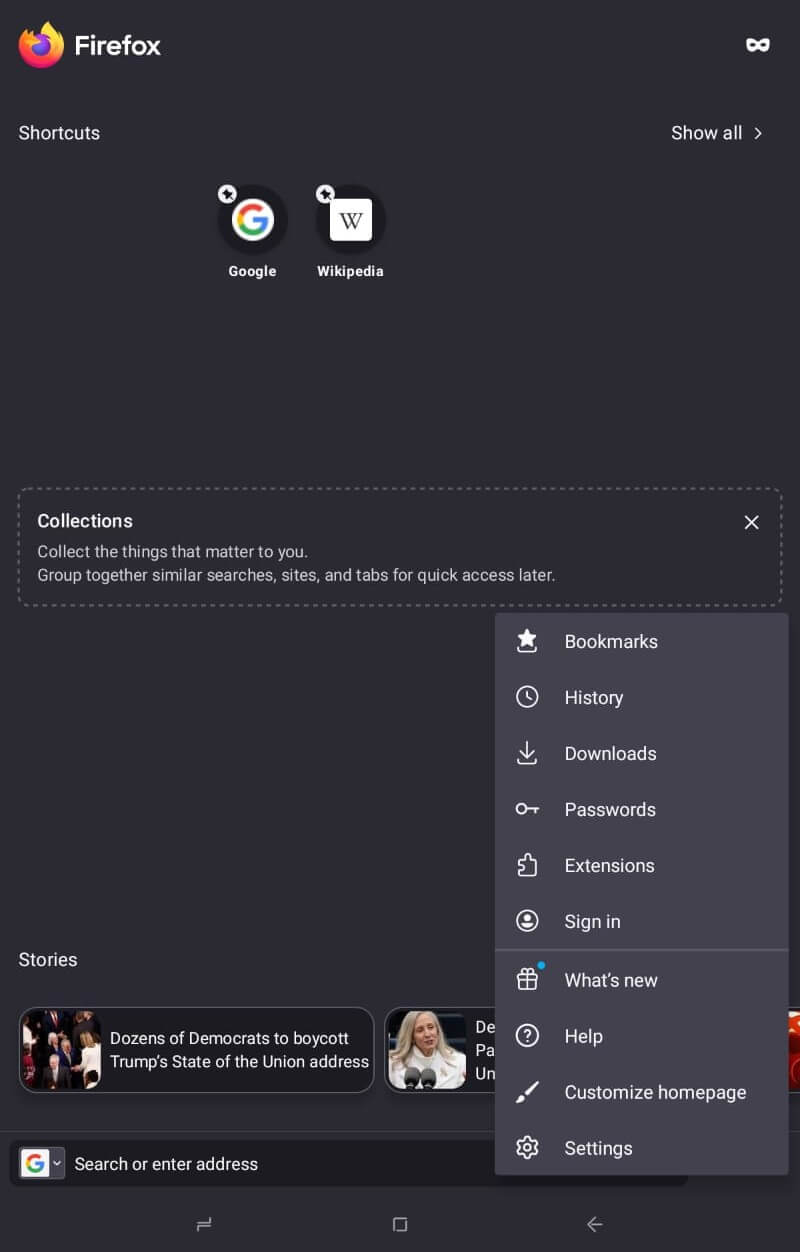
This is how the old Firefox looked like:
Material 3 Expressive Design for Firefox
Mozilla Firefox for Android has received a significant visual overhaul, introducing elements from Google’s Material 3 Expressive design language. As this aesthetic continues to roll out across the Android ecosystem, Google’s own suite and various third-party developers are steadily adopting the updated look.
Key Visual and Functional Updates
The redesign, available in Firefox v147 and later, focuses on bold visuals and improved accessibility. Key changes include:
- Redesigned Address Bar: The bar is now larger and more prominent, featuring a new dedicated tab shortcut for faster multitasking.
- Revamped Quick Settings: The “three-dot” menu has been overhauled with Expressive design elements, allowing users to toggle settings with a single tap.
- Cohesive UI: While the deep settings menu currently remains unchanged, the overall interface feels more integrated with modern Android standards.
Download Firefox Browser APK with M3E
Here, download the latest Firefox Browser v147 or later (arm64-v8a + arm-v7a) (nodpi) (Android 8.0+) APK featuring the new Material 3 Expressive design. Note that M3E design may only be available on newer Android versions on Samsung, Google Pixel, and more devices.
- Download the latest Firefox Browser app (Play Store)
- Download Firefox Browser app beta (Play Store)


APK Download
- Firefox Browser (APK Mirror)
