
New Gemini Live UI Floating Interface Rolling Out Replaces Fullscreen Mode

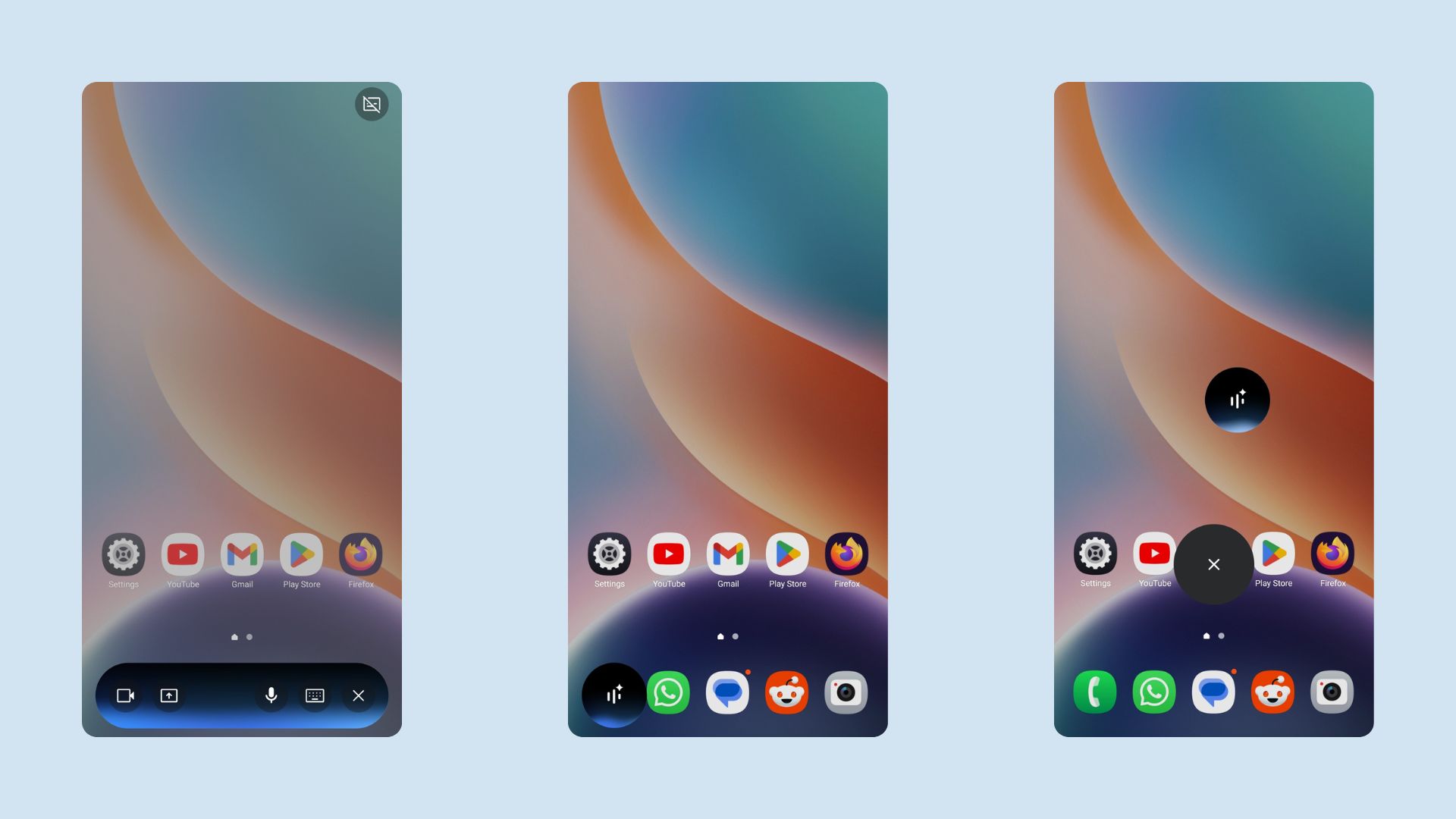
Google is officially rolling out a significant design overhaul for Gemini Live on Android and iOS. Moving away from the intrusive full-screen experience that has defined the AI assistant since its launch, the new update introduces two sleek floating interfaces – one a pill and a chat bubble.
This redesign prioritizes multitasking, allowing users to interact with Gemini’s advanced voice capabilities while continuing to navigate other apps on their device.
The New Look: Multitasking with the “Floating Panel”
Previously, activating Gemini Live meant surrendering your entire screen to the AI. When minimizing the app, users were left with a static indicator in the status bar.
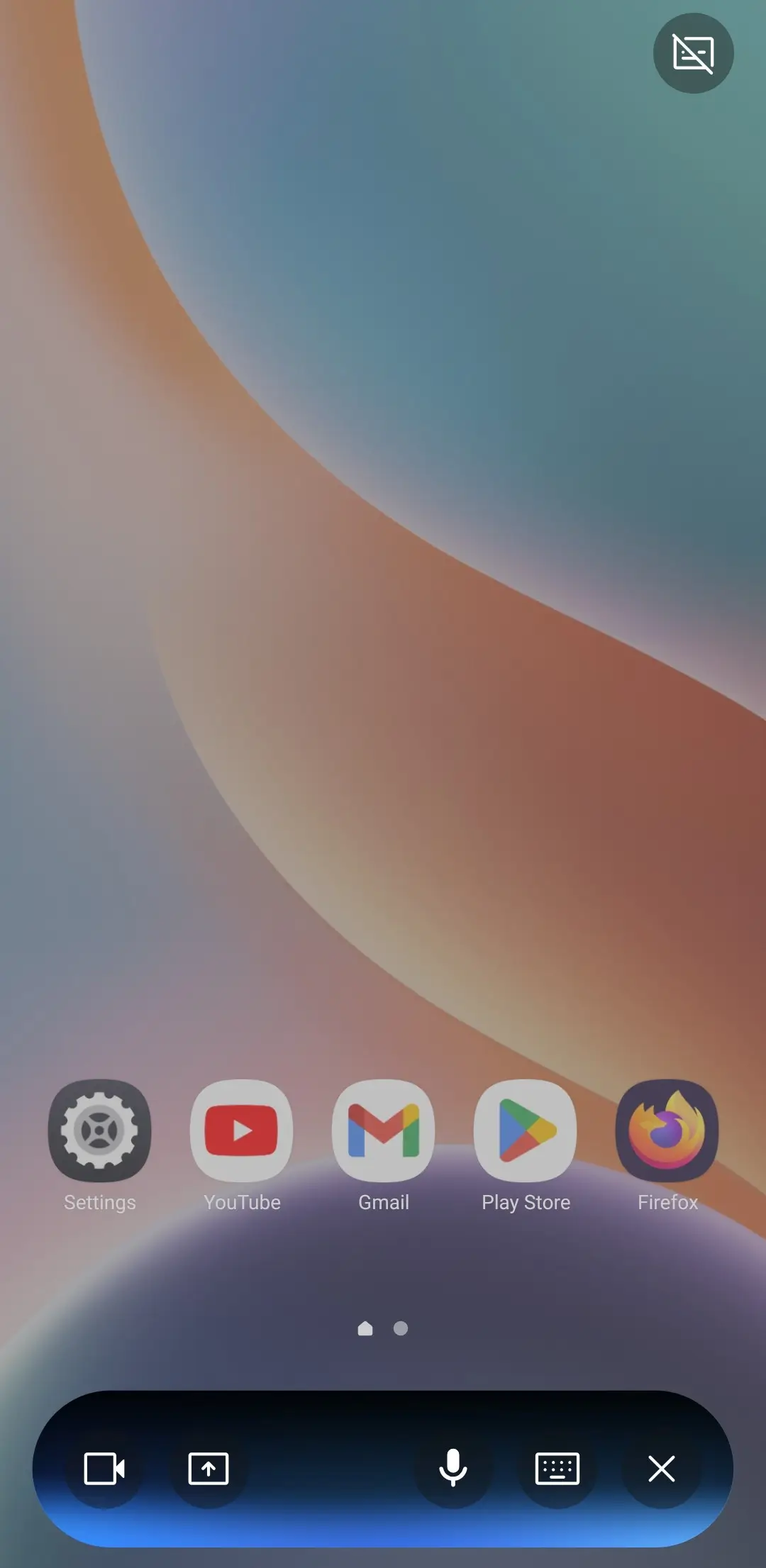
The new design changes this dynamic entirely. The interface now aligns visually with the standard Gemini text prompt overlay. When active, Gemini Live appears as a compact, floating panel that provides essential controls without blocking your view.
Key controls within the panel include:
- Share Camera/Screen: seamless integration for visual context.
- Mic Control: Quickly mute or unmute the microphone.
- End Session: A dedicated button to terminate the Live interaction.
- Keyboard Toggle: If a conversation hasn’t started, this switches you back to the standard text overlay. If a conversation is active, it stops Live mode and opens the text transcript.
How It Works: Dynamic & Collapsible
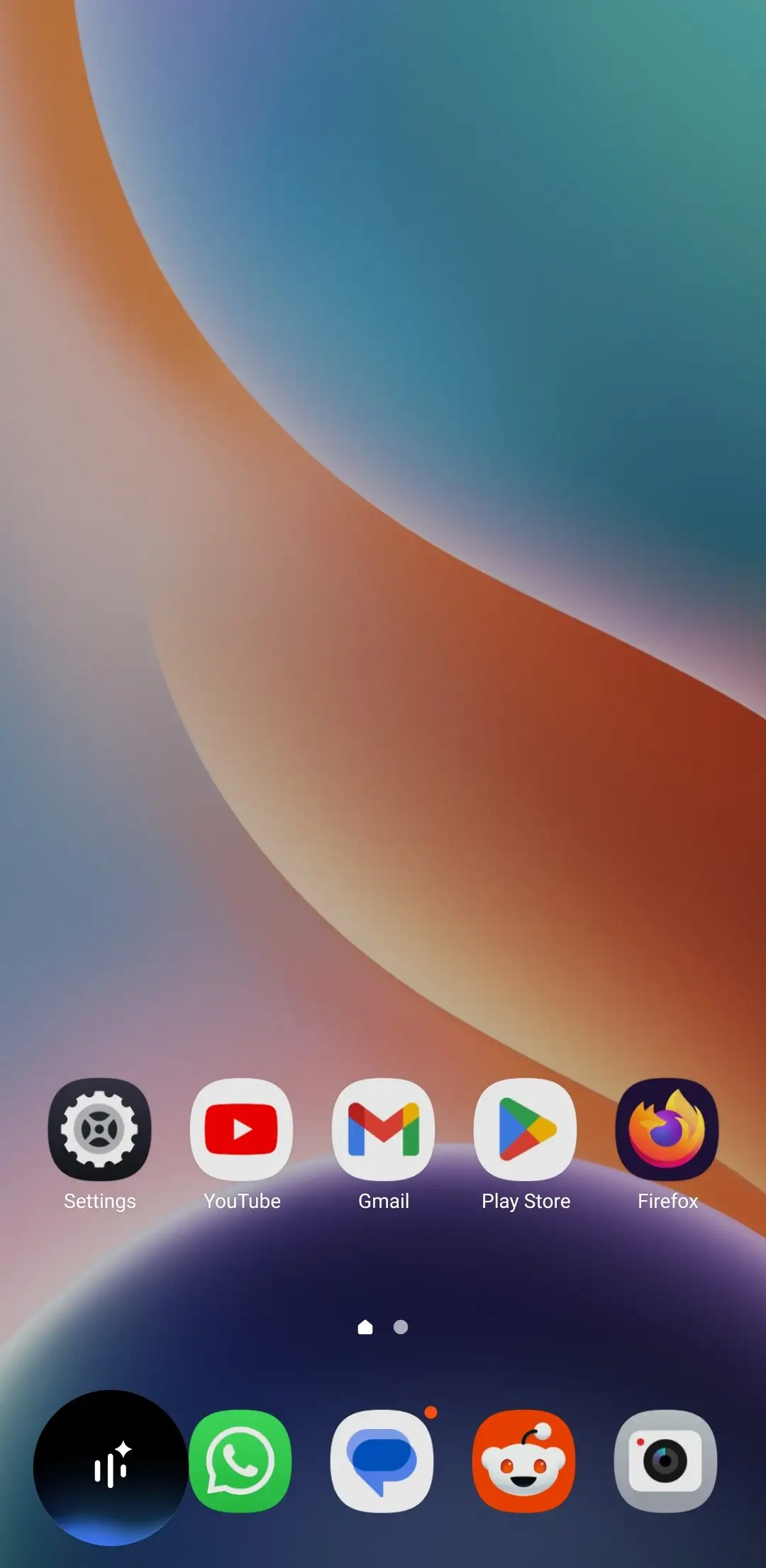
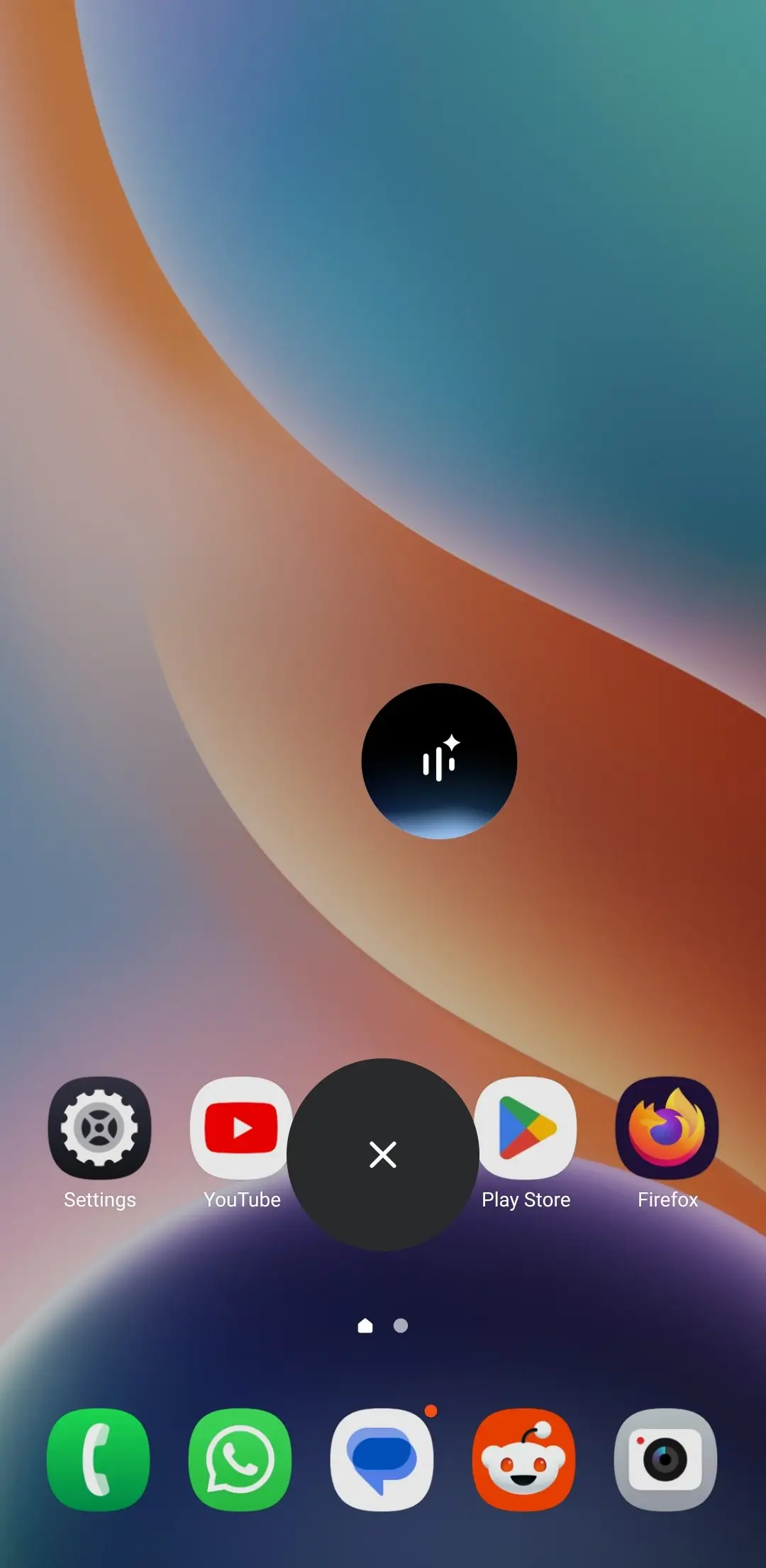
The most user-friendly aspect of this update is its behavior during app usage. When you navigate away to use other applications, the panel collapses into a movable circle, similar to the “Chat Heads” feature seen in messaging apps.
- Expand: Tap the circle to reveal full controls.
- Dismiss: Swipe down to close the session entirely.
- Background Visuals: When expanded, the interface displays the signature Gemini Live waveform in the background with real-time text transcription floating above it. Users can toggle these visual elements on or off via the top-right corner.
The floating circle design mimics the “Project Astra” demonstrations previously shown by Google, specifically tailored for “Computer Use” interactions where the AI observes and assists with on-screen tasks in real-time.
Availability
As of February 3, 2026, this update is appearing on select devices running the stable version (17.3) of the Google App.
While the design preserves the option to return to the fullscreen interface by reopening the Gemini app, the floating panel is now the default for multitasking. This update is believed to be the precursor to a major Gemini Live model update expected to drop later this month.
This rollout follows other recent expansions, including Gemini integration for Wear OS, Android Auto, and the newly launched Android XR platform for smart glasses.
Download Gemini Update
To experience the new UI, ensure your Google App is updated to the latest version. You can download the update via the Play Store, App Store, or grab the APK directly below.
- Download Gemini Update APK (Latest Version)
- Update the Google App from the Play Store
- Download from Google Play Store (Android)
- Download from Apple App Store (iOS)
- Access via Browser
Read More:
