
One UI 8.5 Beta 3 ZZA3 Rolled Out: Near Stable Update?


Subscribe for Updates
Samsung has launched the One UI 8.5 beta program, unveiling an array of AI-powered tools aimed at boosting creativity, connectivity, and security. The update emphasizes a seamless user experience through streamlined device management and enhanced security features.
After the initial release, Samsung rolled out Beta 3 and extended the program to all eligible regions, including India, the United States, and the UK. This latest build, version ZZA3, concentrates on stability improvements by resolving numerous performance challenges. Notable enhancements include corrections to the lock screen clock display, fixes for phone app favorites issues, restoration of Now Briefing functionality, and resolution of screen lag when using Live Effect in the gallery.
Additional improvements address excessive power consumption when specific apps are running, enhanced visibility of the search button on the widget addition screen, Quick Panel glitches, system stuttering, and unexpected device reboots.
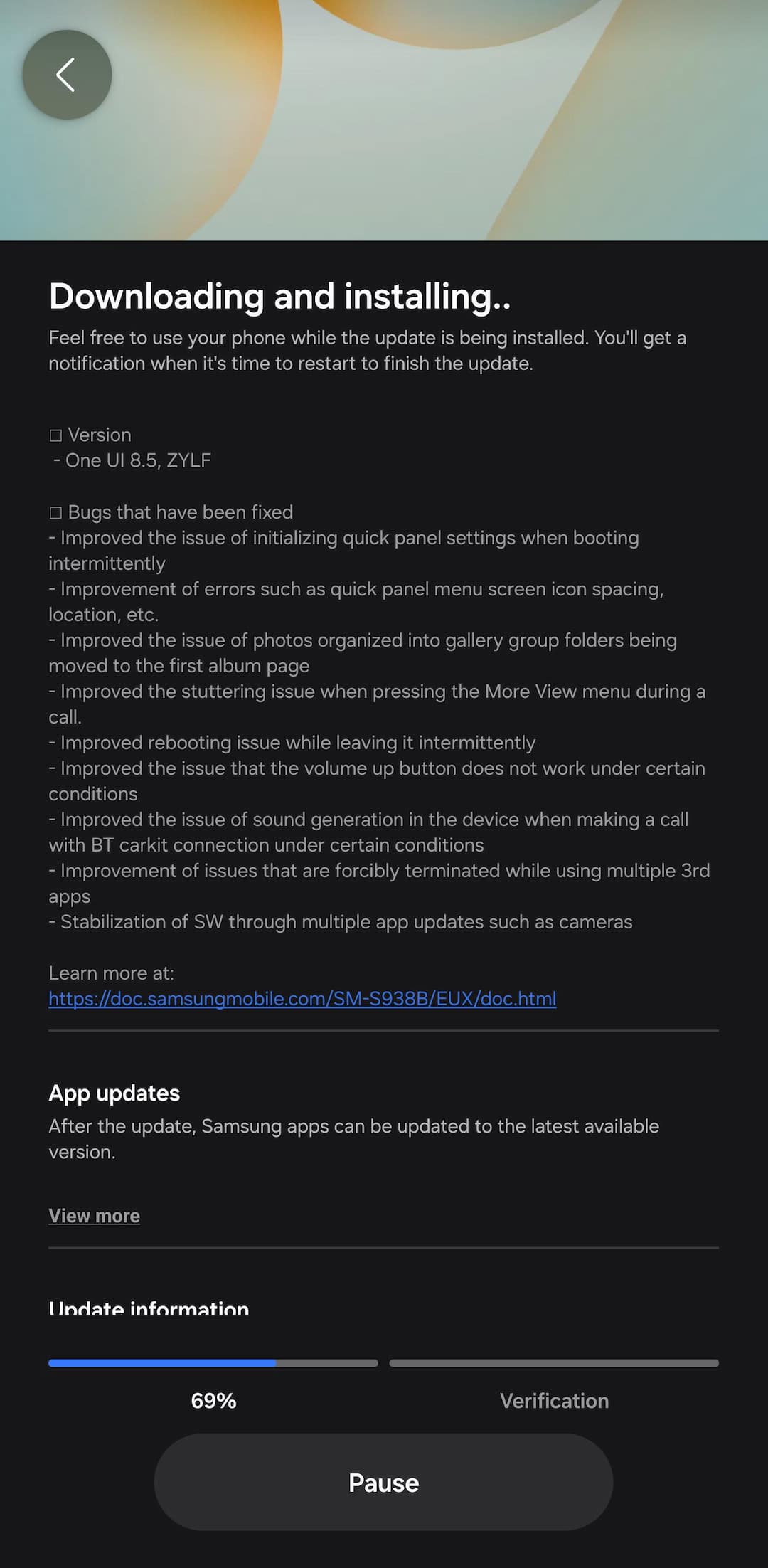
What’s new in Samsung One UI 8.5 Beta 3?
- One UI 8.5, ZZA3
- Bugs that have been fixed
- Fixed the clock display error on the lock screen.
- Resolved the issue related to favorites in the phone app.
- Fixed the issue where Now Briefing does not display.
- Improved the screen lagging issue when using Live Effect in the gallery.
- Improved the issue of high power consumption when a specific app is running.
- Enhanced the visibility of the search button on the widget addition screen.
What’s new in One UI 8.5?
One UI 8.5 delivers comprehensive content creation capabilities from initial concept through final sharing. The upgraded Photo Assist enables continuous image generation, allowing uninterrupted editing without requiring intermediate saves. Users can navigate their complete edit history and select their preferred outcomes with ease.
Content sharing becomes more intuitive through Quick Share enhancements that recognize people in photos and automatically suggest sending images to appropriate contacts.
Multi-device management is simplified with new cross-device functionality for file handling, network sharing, and inter-device communication. Audio Broadcast enables effortless communication with nearby LE Audio-compatible devices via Auracast technology. Beyond media streaming, users can now broadcast their voice using their Galaxy phone’s built-in microphone—ideal for group settings such as guided tours or events.
Storage Share enhances Galaxy ecosystem integration by displaying files from other Galaxy devices—including tablets and PCs—directly within the My Files app. Users can also access their phone’s files from other Samsung devices, including televisions.
One UI 8.5 strengthens device protection while maintaining transparent control over security settings. Theft Protection safeguards phones and personal data if devices are lost or stolen. Failed Authentication Lock provides an additional security layer by automatically locking the screen after multiple unsuccessful identity verification attempts via fingerprint, PIN, or password. Identity Check now protects additional settings, offering expanded security coverage.
The One UI 8.5 beta program launched for Galaxy S25 series users on December 8 in select markets: Germany, India, Korea, Poland, the UK, and the United States.
How to download One UI 8.5 Beta 3?
Eager to be among the first to experience One UI 8.5? You can sign up through the Samsung Members app available on your compatible Galaxy device. Beta participants will get early access to the new features and can provide feedback to help refine the final release.
- How to Sign up for One UI 8.5 Beta Program
- One UI 8.5 beta leaked firmware downloads
- Samsung One UI 8.5 full changelog
- One UI 8.5 Beta features

