
Stable Nothing OS 4.0 Update based on Android 16 Released (Download)

Subscribe for Updates
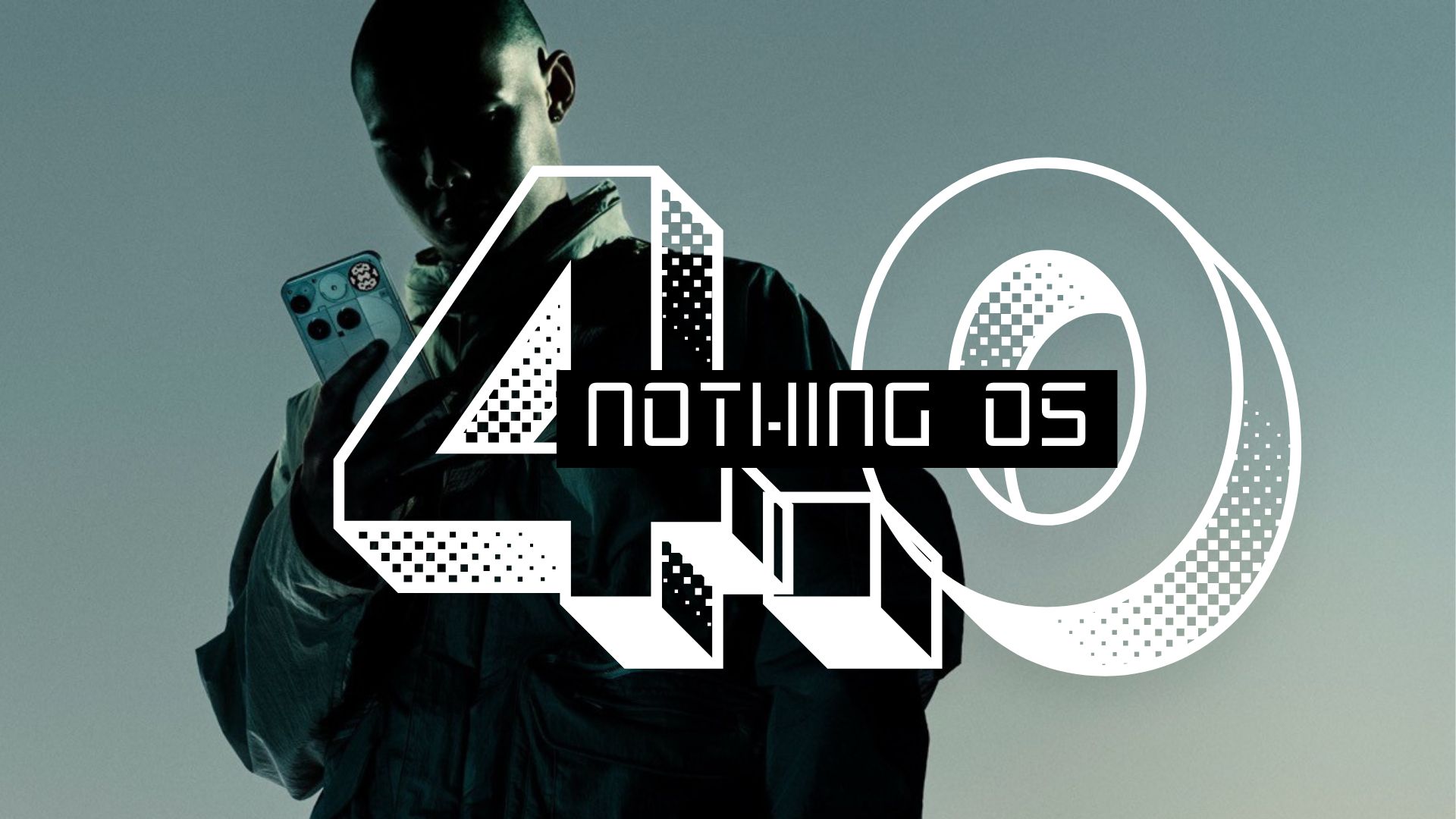
Nothing Tech has officially launched the Nothing OS 4.0 stable update starting today, featuring Android 16, starting with Phone 3. The update is rolling out globally. “The moment when your mind stops fighting your device and simply flows with it.” That’s the experience Nothing Tech set out to create with OS 4.0. Today, the company officially begins its public rollout of Nothing OS 4.0, powered by Android 16 that prioritizes speed, consistency, and intelligent design over feature bloat.
Nothing OS 4 features a refreshed visual experience that feels more consistent, leading to updated status bar icons, refreshed first-party app icons, deeper Extra Dark Mode coverage, and smoother animations. It also features multitasking and daily flow, improvements including refined Pop-up View with Dual Windows, 2×2 Quick Settings tiles, and more widget sizes. The community’s strong interest in at-a-glance information led to the introduction of Live Updates to the lock screen and Glyph Interface.
Nothing OS 4.0 Flow is Here with Android 16
After months of open beta testing that shaped the final product with user feedback, Nothing OS 4.0 upgrades with faster responses, cleaner visuals, and smoother interactions.
Nothing’s approach to OS 4.0 wasn’t to add more. Instead, the company tightened every part of the system. It reflects a growing understanding in tech that users are overwhelmed by notification, distraction, and visual noise. Nothing OS 4.0 directly addresses this by streamlining the experience rather than expanding it.
The update builds on the foundation of OS 3.0 but strengthens the core experience in meaningful ways. UI components follow a more coherent structure, iconography has been refreshed for clarity, and animations have been reworked so navigation feels genuinely responsive rather than laggy or sluggish.
Design & Visual Improvements
Refined First-Party Icons now feature cleaner, more minimal design work. The home screen feels balanced, modern, and genuinely comfortable to live with daily. This might sound superficial, but icon design is one of the things you look at hundreds of times per day—when it’s done right, it fades into the background. When it’s done wrong, it grates on you.
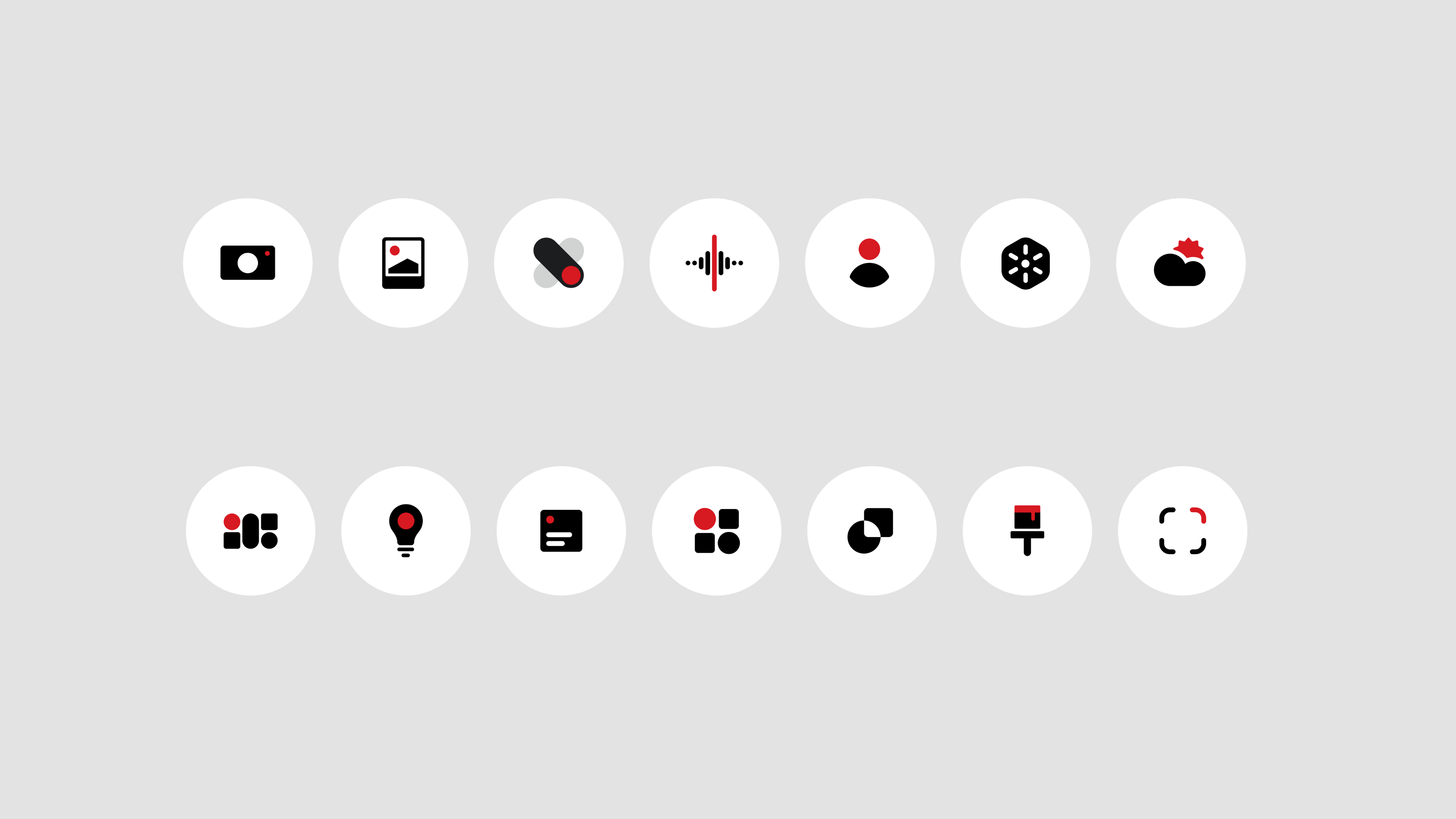
Updated Status Bar Icons for Wi-Fi, battery, and data indicators now follow a cohesive visual style inspired by Android 16’s design language. The simplified layout reduces noise, making status information easier to scan at a glance without turning your status bar into visual clutter.
New Lock Screen Clocks bring refreshed fonts and styles, including two new clock faces with a futuristic, geek-forward aesthetic that stays true to Nothing’s bold design language. For users who interact with their lock screen dozens of times daily, this matters.
Interaction Animations received particular attention. Physics and motion across the system have been refined so the Notification Shade, app transitions, and gestures respond with sharper tactility and depth. Every swipe and tap now feels smoother and more natural—the kind of polish that separates good operating systems from great ones.
Extra Dark Mode goes deeper than most implementations, delivering deeper blacks, improved contrast, and reduced power consumption. This creates a screen that’s genuinely gentle on your eyes at night while extending battery life—two benefits that work together rather than against each other.
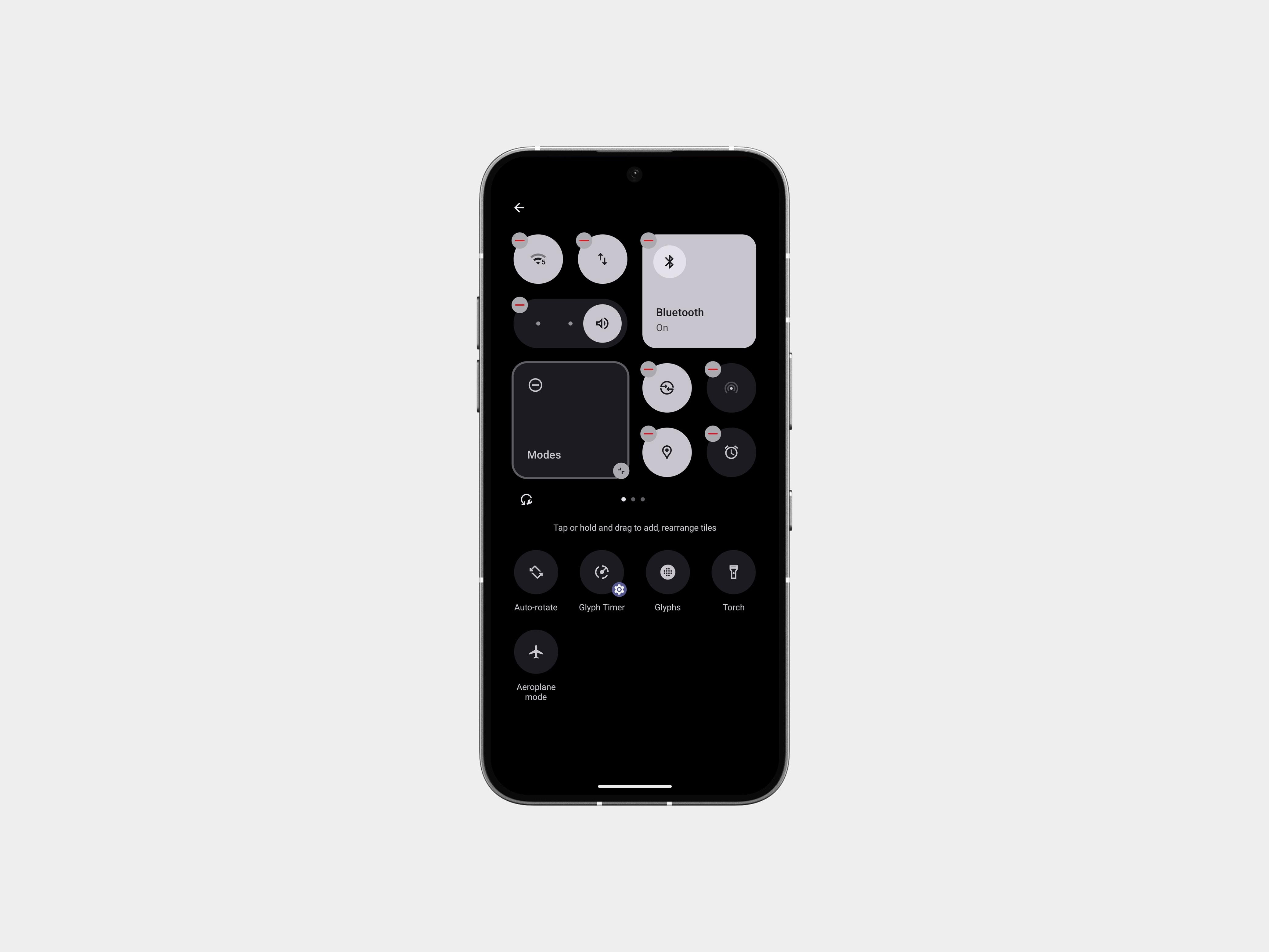
2×2 Quick Settings Tiles: Most Quick Settings tiles now support 2×2 format. Helps you stack essentials without scrolling through the whole shade.
Functional Flow: Features for Focus
Beyond aesthetics, Nothing OS 4.0 introduces practical features designed to keep you focused and efficient.
Glyph Progress represents one of the most thoughtful implementations of notification redesign. Rather than bombarding you with alerts, rides, deliveries, and timers now sync across your screen and the Glyph Interface (Nothing’s signature notification system), showing progress through light and motion. What makes this particularly smart is that it’s no longer limited to specific partnerships—Nothing is integrating most apps that support this feature into Glyph Progress, rapidly expanding compatibility for the services users actually depend on.
Refined Pop-up View enables genuine multitasking. You can open two floating apps at once and switch between them with simple gestures, boosting efficiency without losing your place in either application. In our age of context-switching, this is more than a luxury feature—it’s becoming necessary.
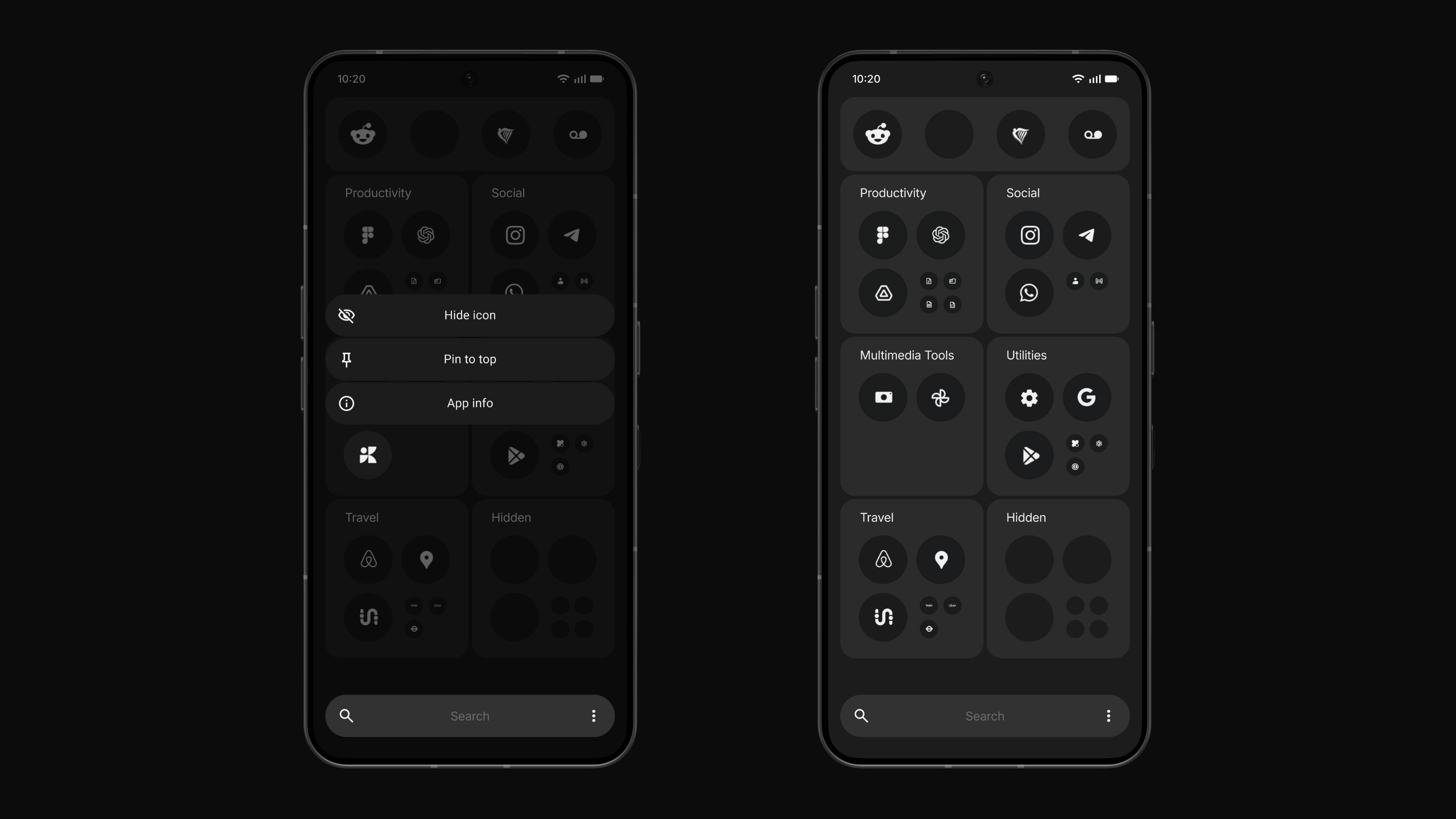
Hidden Icons let you keep your layout clean by hiding any app from your App Drawer without moving it to a Private Space. It declutters your view while keeping less-used apps just a search away. This is a small feature with outsized impact on how calm your home screen can feel.
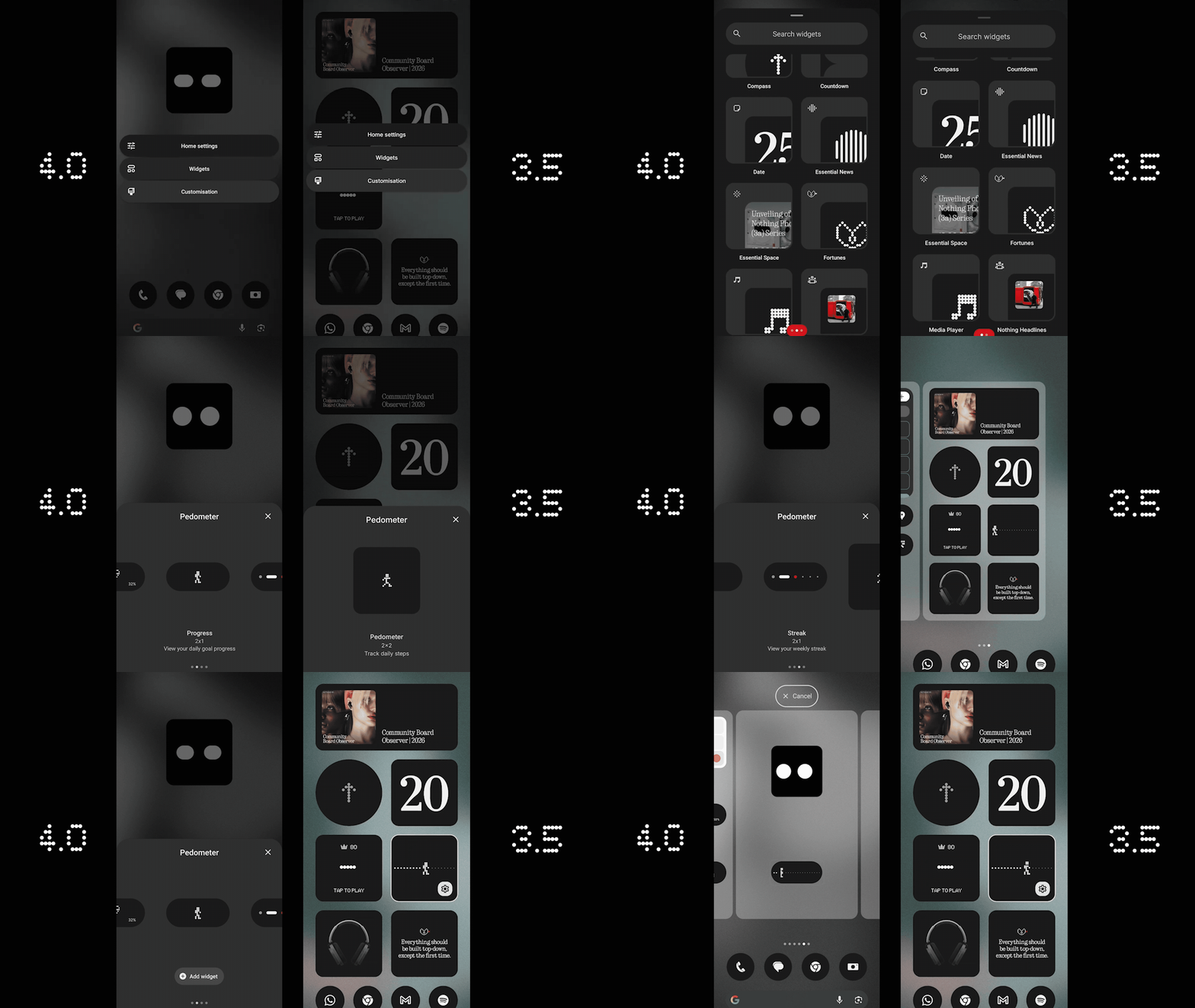
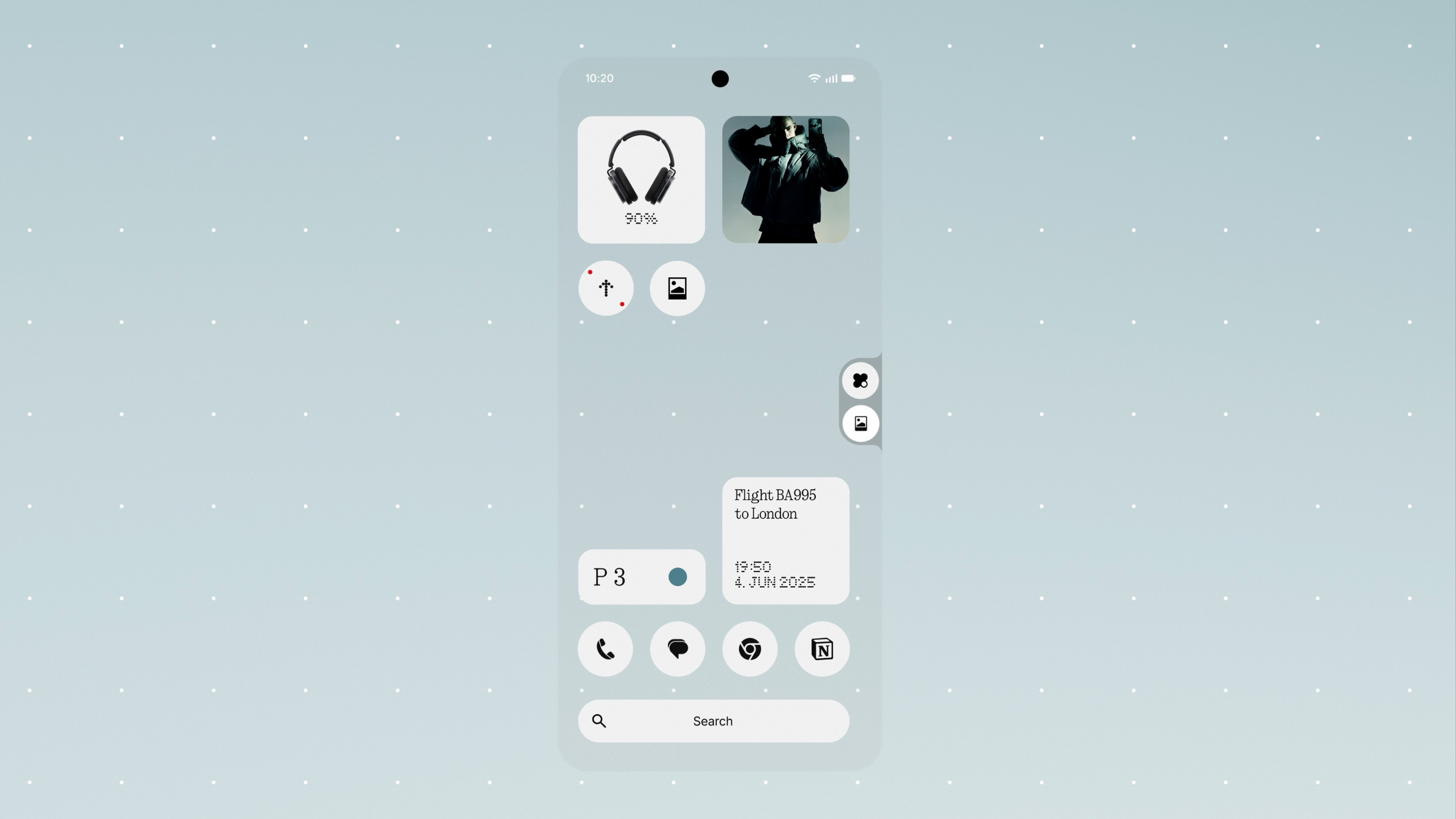
More Widget Sizes (including new 1×1 and 2×1 layouts for Weather, Pedometer, and Screen Time) let you slot at-a-glance information into tight spaces or build balanced layouts for faster scanning and a more personal home screen. Widget customization has become almost essential for Android power users, and Nothing is making it more accessible.
System and App Optimization introduces a new System and Apps Dashboard that shows which apps are running in the background and lets you optimize performance with a single tap. The system keeps itself fast, efficient, and consistent without requiring you to think about it—the way it should be.
Playground
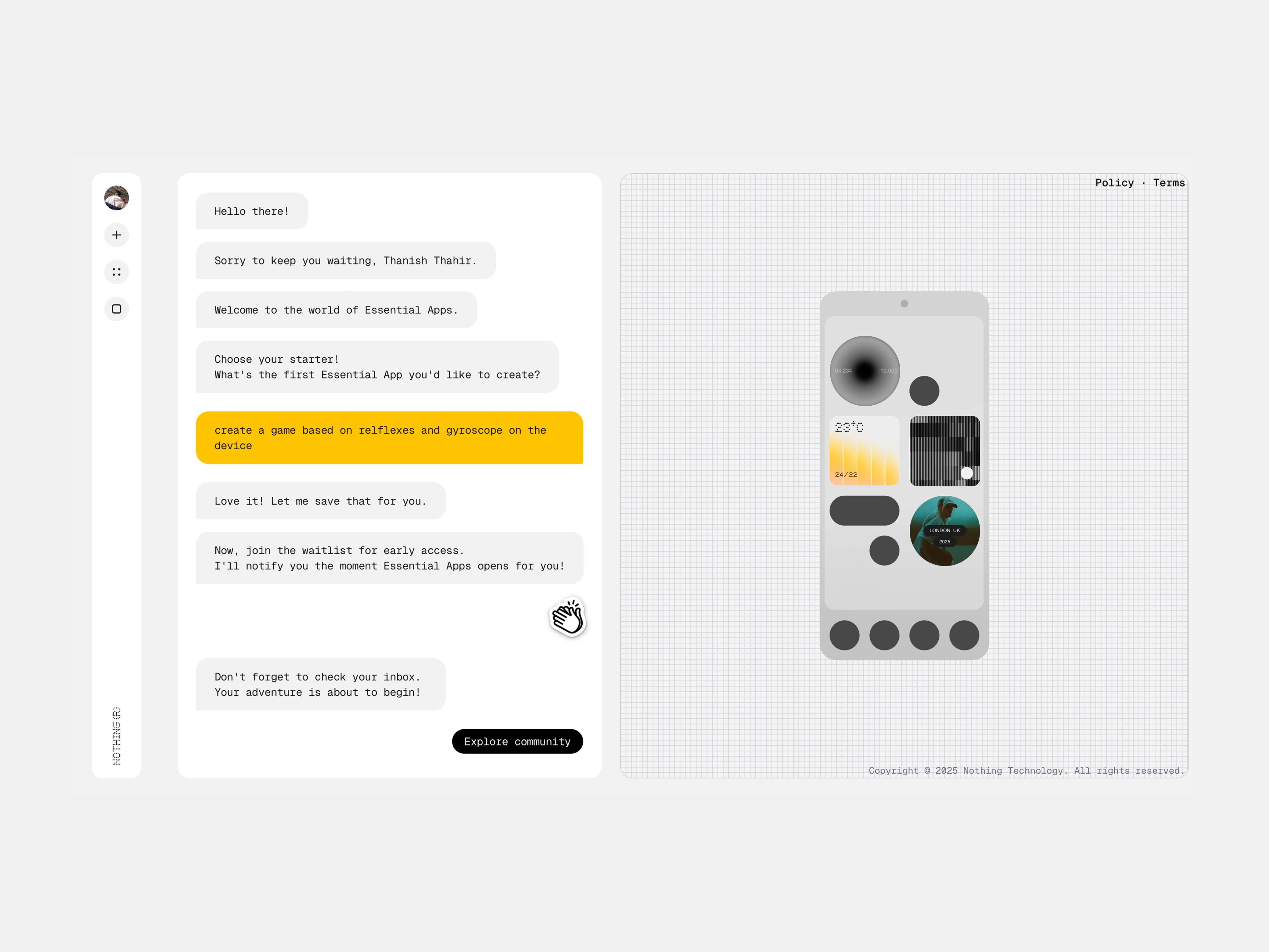
Perhaps the most exciting addition is Playground, which represents the biggest creative leap in Nothing OS history. This is where artificial intelligence steps in to serve your creative ambitions rather than replacing them.
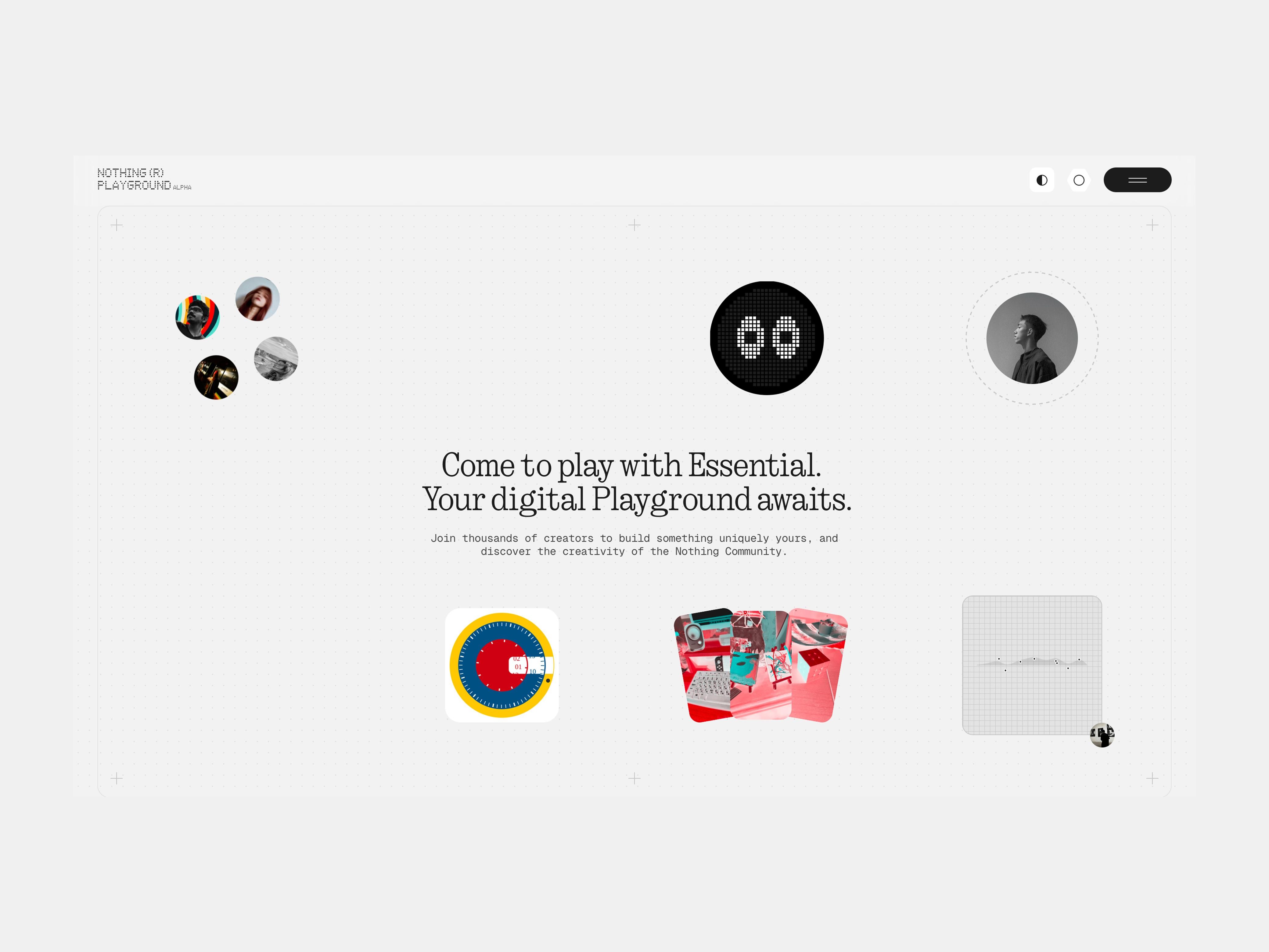
With Essential Apps, you create your own widgets by simply chatting with AI. No coding required. The AI does the hard work to bring your ideas to life instantly. A new Widget Drawer organizes all the widgets you build or collect from the community, keeping your creative tools organized so you can find, swap, and share widgets effortlessly.
This transforms your phone from a consumption device into a genuine canvas that’s personal, creative, and uniquely yours. In a market saturated with samey smartphones running samey software, this kind of differentiation matters.
Privacy and Transparency in AI World
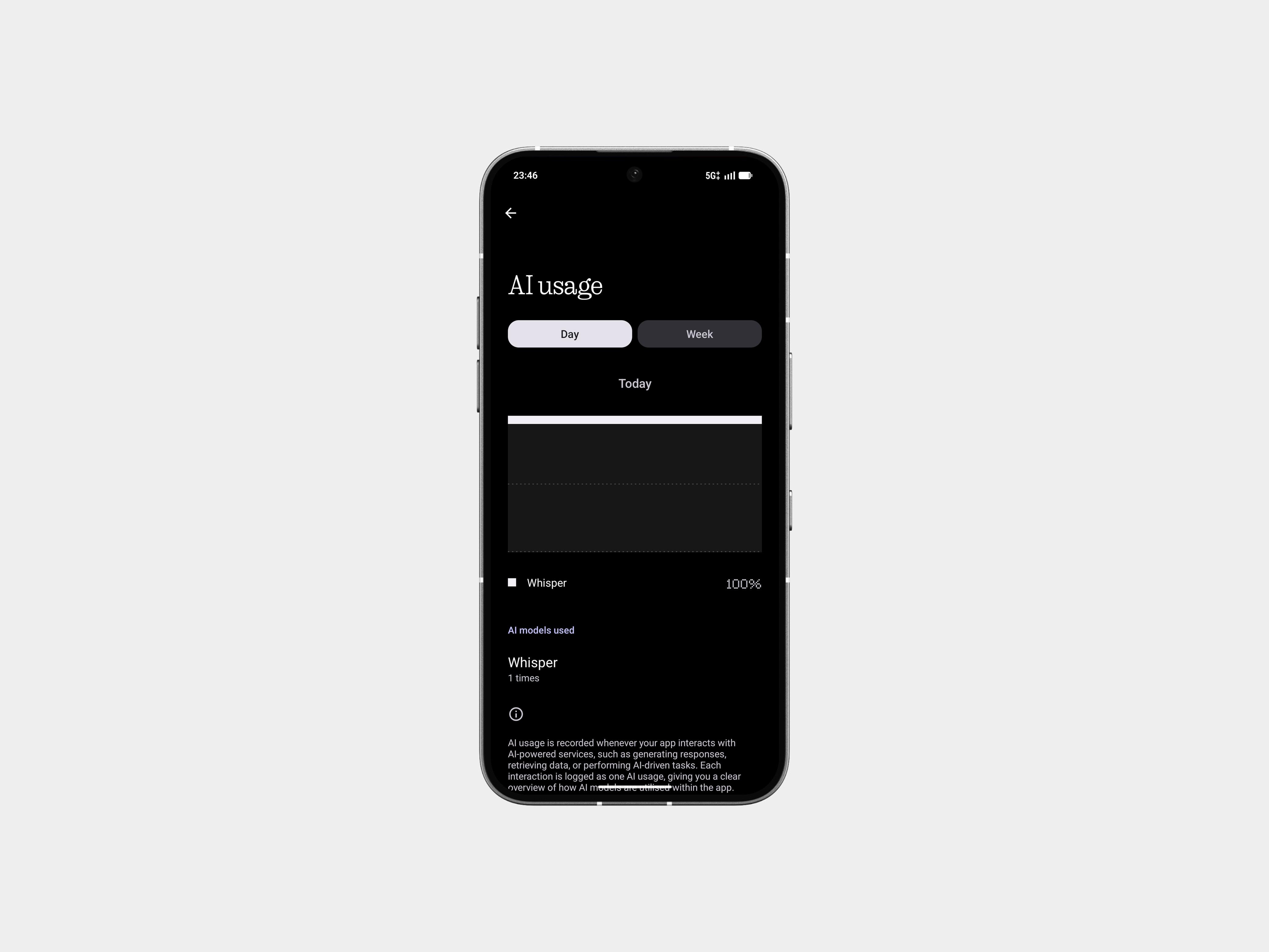
As Nothing introduces more AI capabilities, the company ensures you stay in control. AI Status Hints & Usage Dashboard gives you exactly what you need: visibility into when an LLM is active (right in your status bar) and the ability to track usage in the dashboard. This transparency is increasingly important as AI becomes more integrated into our devices, and it’s refreshing to see a company taking it seriously rather than burying AI functionality in the background.
Phone (3) Exclusives Features
For Nothing Phone (3) users, NOS 4.0 unlocks deeper hardware integration that showcases what’s possible when software and hardware teams collaborate effectively.
Glyph Mirror Selfie lets you capture Matrix-style reflections of yourself via the Glyph Interface. An extra Glyph Mirror selfie can be saved directly to the Gallery, making it easy to share cool selfies with friends or use them as social profile pictures.
Smarter Flip to Glyph lets you choose between Vibrate or Silent modes when you flip your phone face down, giving you the right level of awareness for the moment.
Pocket Mode automatically disables the Glyph Matrix when your phone is in your pocket, saving battery and preventing accidental triggers.
New Glyph Toys include time-themed additions like Hourglass (visualizing the passage of time) and Lunar Cycle (showing the real position of the moon above you)—small touches that make the phone feel more alive and personalized.
Essential Memory: Your Phone as Your Second Brain
With Nothing OS 4.0, Essential Memory becomes the next evolution in how Essential Space and Essential Search work together. Until now, Essential Space simply stored what you saved. With Memory, your phone begins to build an understanding of your captures.
Anything you save in Essential Space becomes a memory your phone can recognize and recall when you need it. Ask naturally and your phone brings back the moment you captured. This transforms your phone from a device that stores information into one that understands context and serves you intelligence.
Nothing OS 4. Full Changelog
You’re now upgrading to the official release of Nothing OS 4.0, powered by Android 16.
Before proceeding, please back up your data (photos, call logs, contacts, etc.).
Here’s everything included in this update:
New Features
- AI Usage Dashboard
Automatically tracks AI large model usage when using Essential Space for enhanced privacy transparency.
Path: Settings > Intelligence toolkit > AI usage - Hide Apps Easily
You can now hide apps directly from the home screen and App Drawer.
Find hidden apps: Home screen > App drawer > Hidden icons - Manage Search Scope
Choose specific search scopes within the App Drawer for more accurate results. - More Widget Sizes
Additional size options for:- Weather
- Pedometer
- Screen Time
- Most Quick Settings tiles now support 2×2 size.
- Improved Pop-Up View
Now supports two floating icons for faster switching. - App Optimisation Support
System upgrade now supports app optimisation to improve startup speed.
Path: Settings > Apps > App optimisation
Essential Innovations
- Introducing Playground (Alpha)
Explore unique creations from the community, including Essential Apps, Glyph Toys, Camera Presets, and EQ Profiles. - Essential Apps (Alpha)
Now available for download. These AI-powered, community-crafted apps blend creativity with efficiency.
Visual Enhancements
- Redesigned Nothing app icons with a fresh new look.
- Updated status bar icons for better intuitiveness.
- Updated lock screen password page with wallpaper blur effect.
- Added 2 new lock screen clock faces in Customisation.
- Extra Dark Mode now available for a deeper dark theme.
Path: Settings > Display > Dark theme > Extra dark mode - Smoother transition animations in select scenarios.
Glyph Interface Improvements
Phone (3) users asked for more attention to Glyph features — and Nothing delivered. Expect improved customisation, better responsiveness, and refreshed versions of popular legacy features reimagined for the new Glyph Matrix.
- Always-On Glyph Toys
Now activate with Flip to Glyph instead of timing out — more reliable and instantly accessible. - New Toggle
Choose whether Flip to Glyph switches your phone to Silent or Vibrate. - Clearer Tooltip
Calls are not affected by the “Essential Notifications only” option — no more confusion. - Quick Charging Peek
While in Flip to Glyph, give your phone a quick shake while plugged in to instantly view charging status.
Most-Requested Legacy Features Return
- Glyph Progress
Now works with Android 16’s Live Update notifications for better third-party app compatibility.
Enable: Settings > Glyph Interface > Glyph Progress - Glyph Timer
Back with refreshed animations.
Enable via: Quick Settings tile
Or: Settings > Glyph Interface > Glyph Timer
New Additions from the Nothing Team
- Moon Phase Toy
Displays exactly how the moon will look tonight. - Community Creations Shortcut
A new button on “Manage Glyph Toys” leads directly to community-made creations in Nothing Playground. - Glyph Mirror Upgrade
Now saves a matrix-styled photo — enjoy the cyberpunk moment. - Smart Pocket Mode
Glyph Interface automatically disables when your phone is in your pocket. No notification is that essential.
List of Nothing Phone Receiving Android 16
While the eligibility for Nothing Phone 1 Android 16 is unknown, the following device will surely receive Nothing OS 4.0 based on Android 16.
- Nothing Phone 2
- Nothing Phone 2a
- Nothing Phone 2a Plus
- Nothing Phone 3a
- Nothing Phone 3a Pro
- Nothing Phone 3
How to download Nothing OS 4.0 Stable version?
Nothing OS 4.0 begins rolling out today, starting with Phone (3), expanding to the rest of the Nothing smartphone lineup over the coming weeks, and reaching CMF smartphones by the end of the year. Phone (3a) Lite will follow early next year. This staggered approach, while sometimes frustrating for owners of older devices, allows Nothing to ensure stability and iron out any issues as the rollout expands.
Navigate to Settings > System > download & install Nothing OS 4.0 OTA update.
Important deadline: The Open Beta OTA terminals close on October 14, 2025. After this date, new users cannot join the beta program.
