
Download Nothing OS 4.0 Open Beta Update based on Android 16

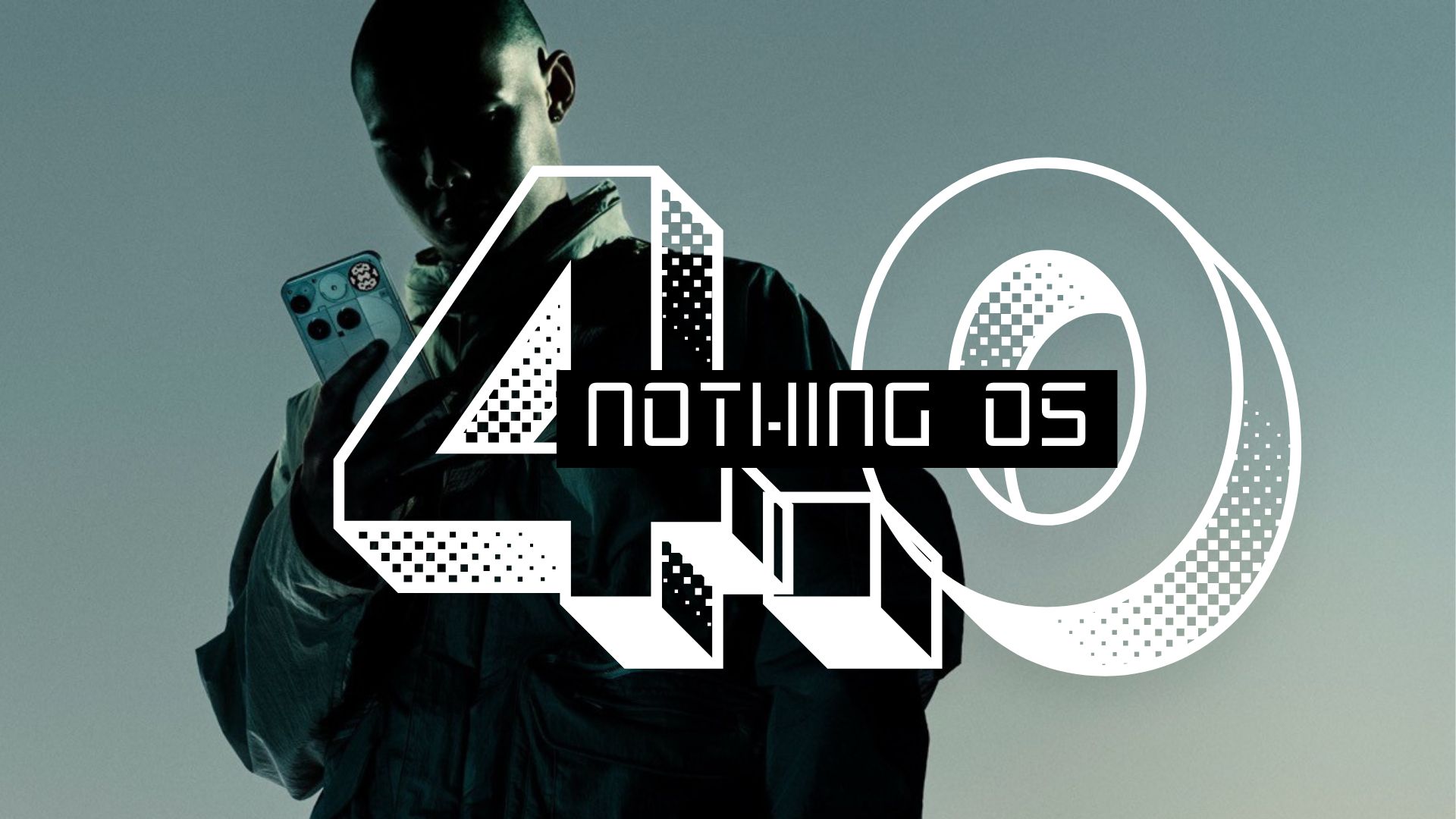
Nothing has officially launched the Nothing OS 4.0 Open Beta, giving users an early glimpse into the company’s latest software iteration built on Android 16. This update brings a host of innovative features, performance improvements, and new customization options across Nothing’s smartphone lineup. Here, see what’s new and how to download the latest Nothing OS 4.0 Open Beta on your phone
Nothing OS 4.0 Open Beta rings Android 16 and most of its features. The most anticipated Material 3 Expressive may be missing. Apart from this, Nothing has cooked up some features of their own, like AI transparency tools, creative camera features, Essential Apps functionality, and comprehensive system optimizations.
For Nothing device owners willing to accept beta software risks, this update offers an exciting preview of the company’s direction. The inclusion of AI dashboard features particularly stands out as forward-thinking, addressing growing concerns about artificial intelligence’s role in our devices. This is beta software, so bugs can be expected, and banking apps may not work. With further updates toward stable release, users can anticipate a polished, feature-rich experience.
What’s New in Nothing OS 4.0 Beta
The Nothing OS 4.0 Open Beta introduces features like artificial intelligence, creative photography tools, and system-level optimizations.
Nothing Tech teased the upcoming Nothing OS 4.0 firmware update featuring a minimalistic design, extra color palettes, improved user interface, redesigned quick settings panel, new floating shortcuts menu, integrated AI features like analyzing what’s on the screen, and much more. Check out the teaser video below:
Nothing Phone (3): AI Transparency
The flagship Phone (3) receives special attention in this update with the introduction of an AI usage dashboard in Essential Space. This groundbreaking feature provides users with unprecedented transparency regarding large model activity on their device—a crucial step toward user awareness in an AI-driven smartphone landscape.
Beyond AI tracking, Phone (3) users can expect:
- Enhanced lock screen and Always-On Display (AOD) performance
- Optimized brightness behavior for better viewing experiences
- Improved camera stability for consistent photo quality
- Better Bluetooth stability and compatibility across devices
- Stronger Wi-Fi connectivity and network stability
- Overall system stability enhancements
Nothing Phone (2), (2a) & (2a) Plus: Photography Gets Creative
These devices receive the exciting “Stretch” Camera preset, developed in collaboration with renowned photographer Jordan Hemingway. This preset enhances photos with rich shadows and extended highlights, delivering a distinctive aesthetic directly from the Camera app—no post-processing required.
Additionally, these models benefit from system-level app optimization, improving startup speeds through Settings > Apps > App optimisation. This enhancement addresses a common pain point for smartphone users: sluggish app launches.
Universal Features Across All Devices
Pop-up View Enhancement
Nothing OS 4.0 introduces Pop-up View with two floating icons, enabling faster app switching and improved multitasking capabilities. This feature streamlines workflow for users who frequently juggle multiple applications.
Lock Screen Customization
Two new lock screen clock faces join the roster, providing fresh aesthetics for personalizing your device’s first impression.
Quick Settings Expansion
The update brings 2×2 Quick Settings tile support, allowing users to access more controls without diving deeper into settings menus.
Extra Dark Mode
For OLED enthusiasts and night owls, Extra Dark Mode debuts under Settings > Display > Dark theme > Extra dark mode, offering deeper blacks and reduced eye strain in low-light environments.
Essential Apps and Playground: AI-Powered Widget Creation
Perhaps the most innovative addition to Nothing OS 4.0 is the launch of Essential Apps. This feature empowers users to create widgets using AI and share them in Playground alongside Camera Presets and EQ Profiles.
Current widget support varies by device:
- Phone (3): Up to 6 widgets
- Other models: Up to 2 widgets
Nothing has implemented these temporary limits to maintain optimal performance, with plans to potentially expand capacity in future updates.
List of Nothing Phone Receiving Android 16
While the eligibility for Nothing Phone 1 Android 16 is unknown, the following device will surely receive Nothing OS 4.0 based on Android 16.
- Nothing Phone 2
- Nothing Phone 2a
- Nothing Phone 2a Plus
- Nothing Phone 3a
- Nothing Phone 3a Pro
- Nothing Phone 3
How to Join the Nothing OS 4.0 Open Beta
Before embarking on this beta journey, users must ensure their devices are running specific stable builds:
- Phone (3): Metroid-V3.5-250911-2112
- Phone (2): Pong-V3.2-250917-1451
- Phone (2a): Pacman-V3.2-250904-1648
- Phone (2a) Plus: PacmanPro-V3.2-250904-1704
Download & Install Nothing OS 4.0
- Back up all data (photos, call logs, contacts, etc.)
- Download the Beta Updates Hub.apk from the official link
- Install it from your Downloads folder
- Navigate to Settings > System > Nothing Beta Hub
- Tap “Join Beta” to register
- Tap “Go to Update” to begin the upgrade
- If that fails, manually check Settings > System > System updates
Important deadline: The Open Beta OTA terminals close on October 14, 2025. After this date, new users cannot join the beta program.
Download Nothing OS 4.0 OTA update zips
OR Download the OTA & Factory Images and install using this method.
Rolling Back to Stable Release
Should users encounter insurmountable issues or prefer to return to Nothing OS 3.5, rollback packages are available for all supported devices.
Rollback downloads:
The process involves:
- Downloading the relevant rollback package for your device
- Going to Settings > System > Nothing Beta Hub
- Tapping Import file and selecting the package
- Following on-screen instructions
Major caveat: Rolling back triggers a factory reset, erasing all data due to Google’s rollback policies. Nothing cannot accept responsibility for issues encountered during rollback procedures.
